5-12 Calibrating the instrument
Saving a calibration
To save a calibration
In the Calibration report window, click File > Save As.
Applying the calibration
To apply the calibration
1. Close the Calibration report window.
2. Click Yes.
Result: Calibration is automatically applied to the active data file.
To apply the calibration to new data acquired using an existing experiment:
1. Select the data.
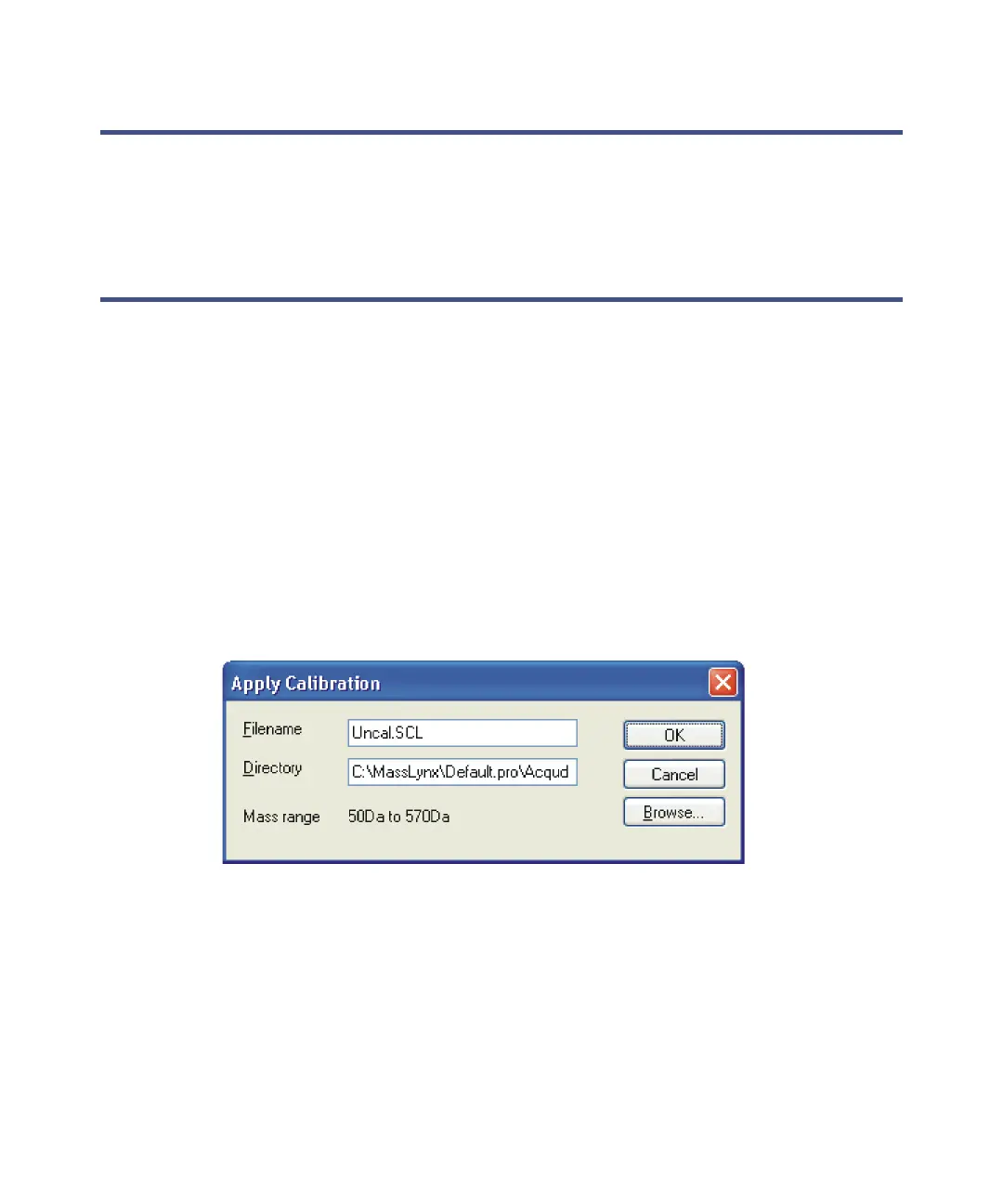
2. In the Spectrum window, click Tools > Apply Calibration.
Apply Calibration window
[
3. In the Apply Calibration window, click Browse and then select the
required calibration file (*.scl).
4. Click OK.











 To Next Page