The Tune window instrument controls D-41
The Tune window instrument controls
Use the following instrument control tabs to set the parameters used to
control the instrument:
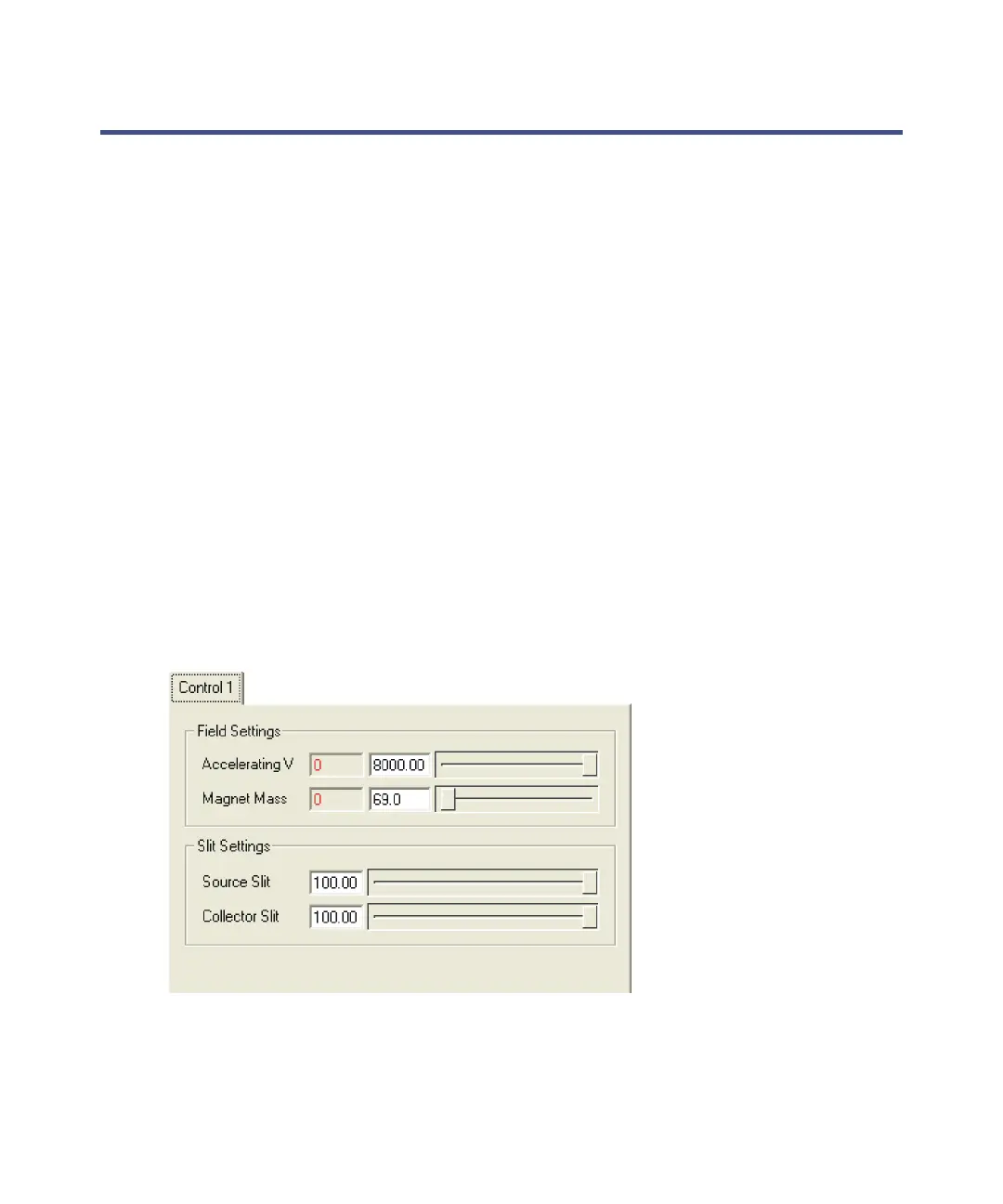
• Control 1.
• Control 2.
• Vacuum.
• Linked Scanning (only present when you select Linked Scanning on the
Control 2 tab).
• MIKES and/or NRMS (only present when the instrument is configured
for the MIKES/NRMS option).
Tip: You can hide the instrument control tabs by clicking View > Tuning
Parameters. Click this option again to display the instrument control
tabs.
The Control 1 tab parameters
See “AutoSpec functionality” on page G-2.
Control 1 tab











 To Next Page