6-18 Inlets and probes
3. In the Rate text box specify the required value and then press Enter key.
4. Repeat step 3 for the Value and Hold text boxes. When the Enter key is
pressed for the Hold text box, a new row (Ramp 2) is created.
5. Repeat steps 3 and 4 as required to create further probe ramps.
To edit probe ramping data
1. Double-click the text box to be edited.
2. Specify the new value in the box and then press Enter.
3. Repeat steps 1 to 2 as required.
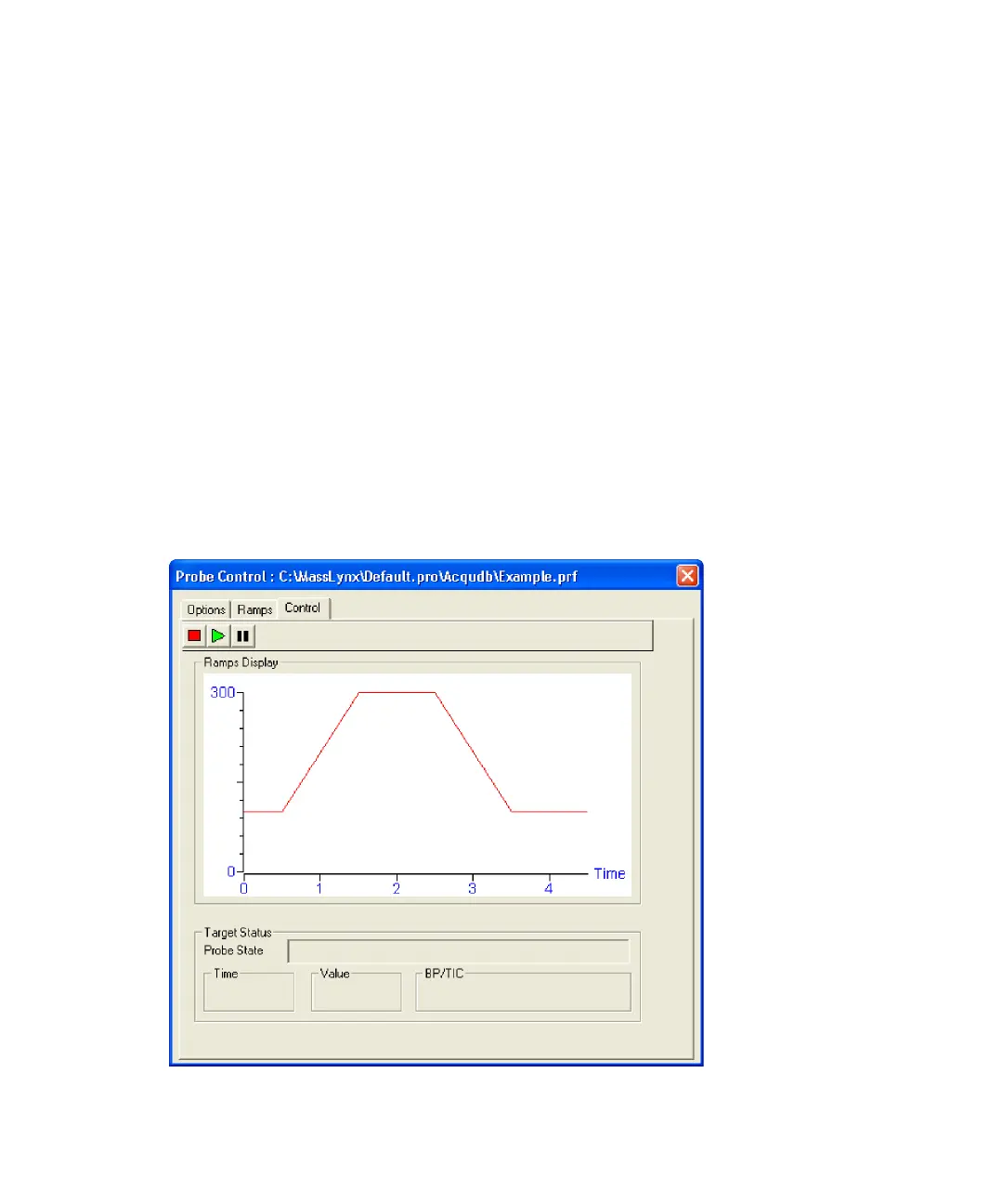
The Probe Control dialog box’s Control tab
Use this tab to manually run probe ramp methods and to view the ramping
method as it runs.
Probe Control dialog box’s Control tab











 To Next Page