The Tune window Vacuum menu D-9
To select the analyzer ion gauge to use
In the Vacuum Control dialog box, select Analyser 1 or Analyser 2, as
required. This selection updates the Tune window’s Vacuum tab, Analyser
control and the Vacuum Monitor dialog box.
Tip: Avoid using the Analyser 2 ion gauge during acquisitions, because it
increases the noise level.
Controlling flight tube baking
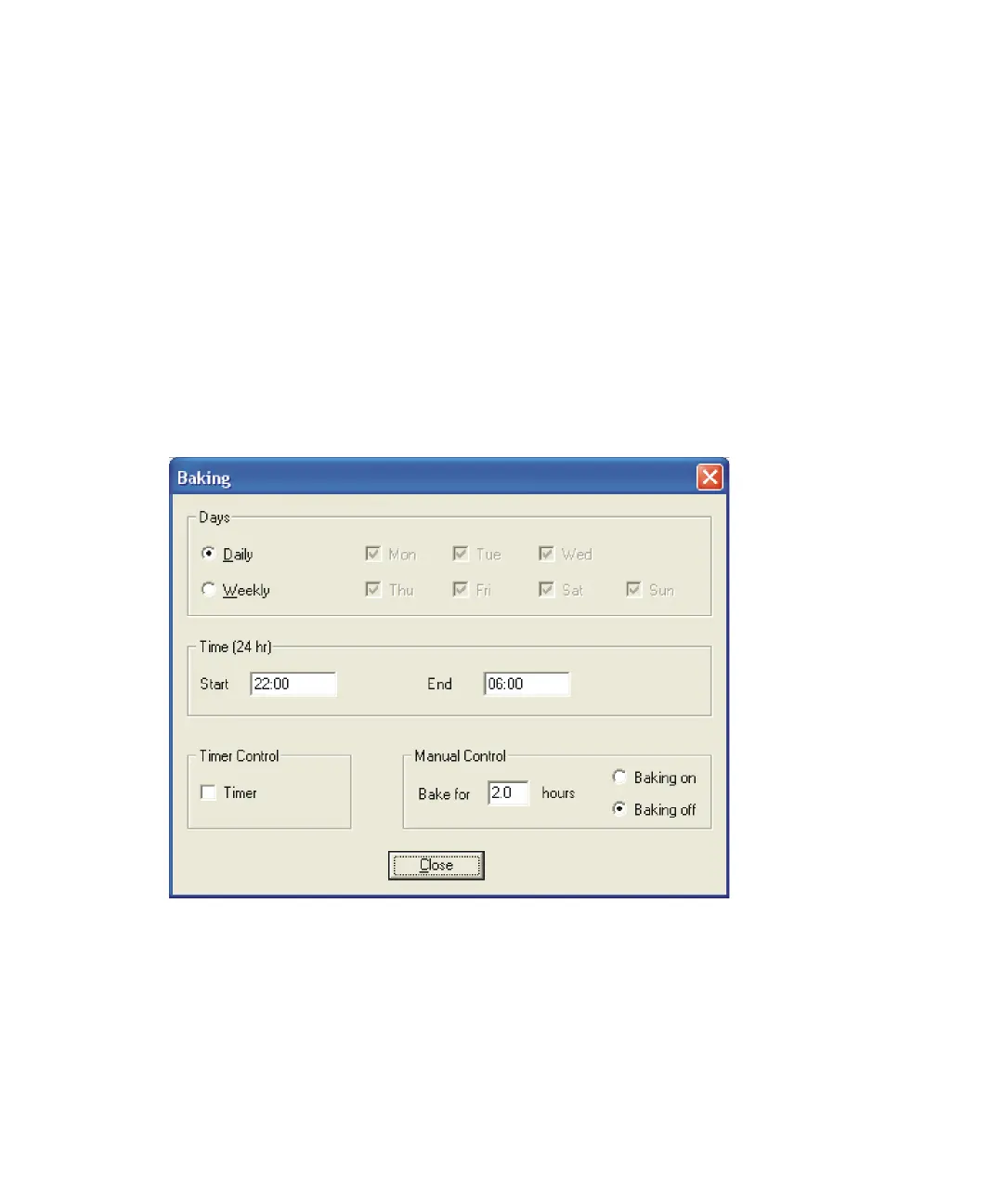
Click Vacuum > Bake to control baking of the instrument’s flight tube. Baking
conditions the tube by removing ion deposits.
Baking dialog box











 To Next Page