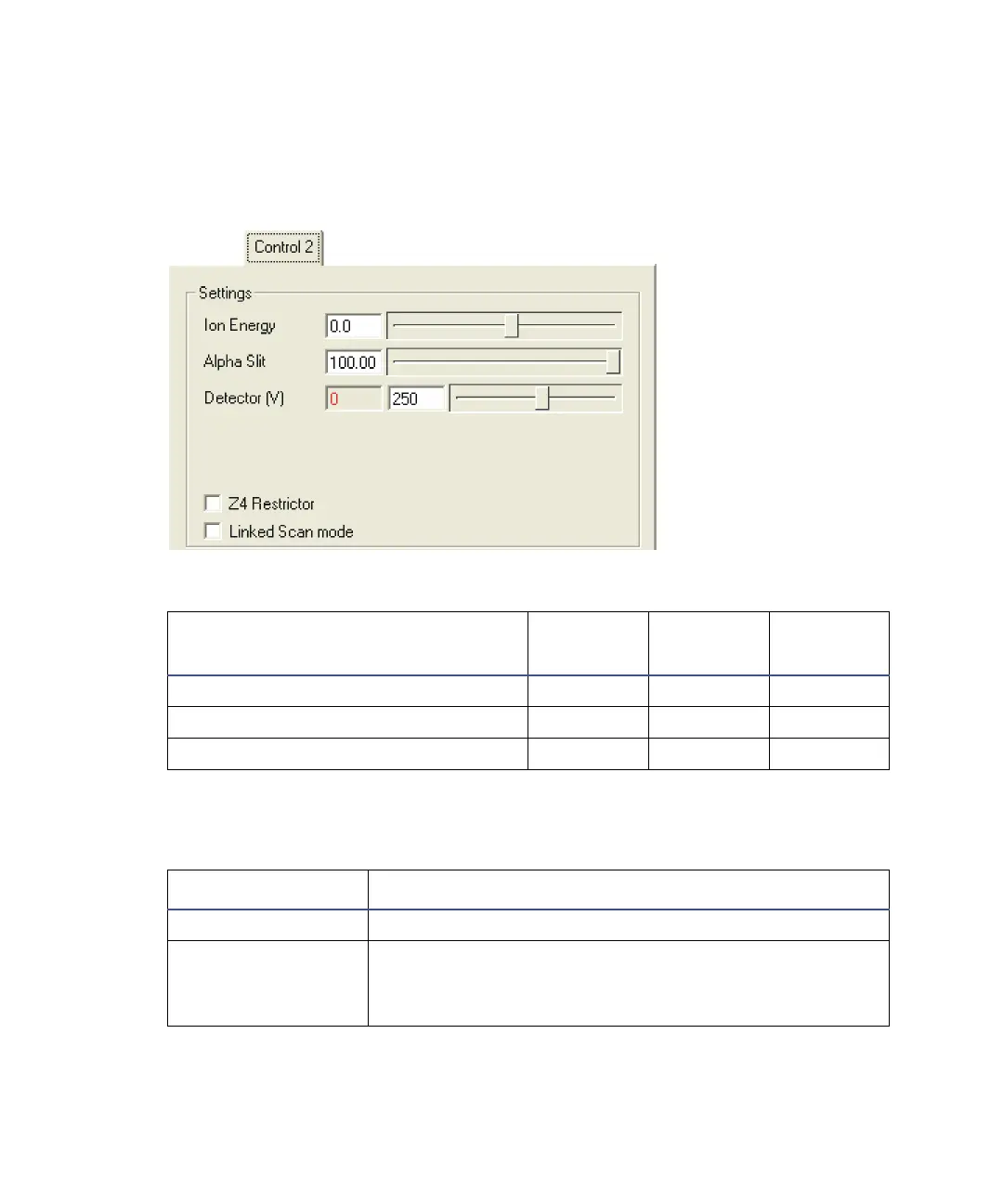
The Tune window instrument controls D-43
The Control 2 tab parameters and controls
See “AutoSpec functionality” on page G-2.
Control 2 tab
Control 2 tab parameters
Parameter
Minimum
Value
Maximum
Value
Default
Value
Ion Energy -100.0 100.0 0.0
Alpha Slit 0.00 100.00 100.00
Detector (V) 0 500 250
Control 2 tab controls
Parameter Description
Z4 Restrictor When selected, the Z4 Restrictor is switches on.
Linked Scan mode Selects the Linked Scan mode; the Linked Scanning
tab appears.
See “The Linked Scanning tab” on page D-45.











 To Next Page