D-16 The MassLynx Tune window
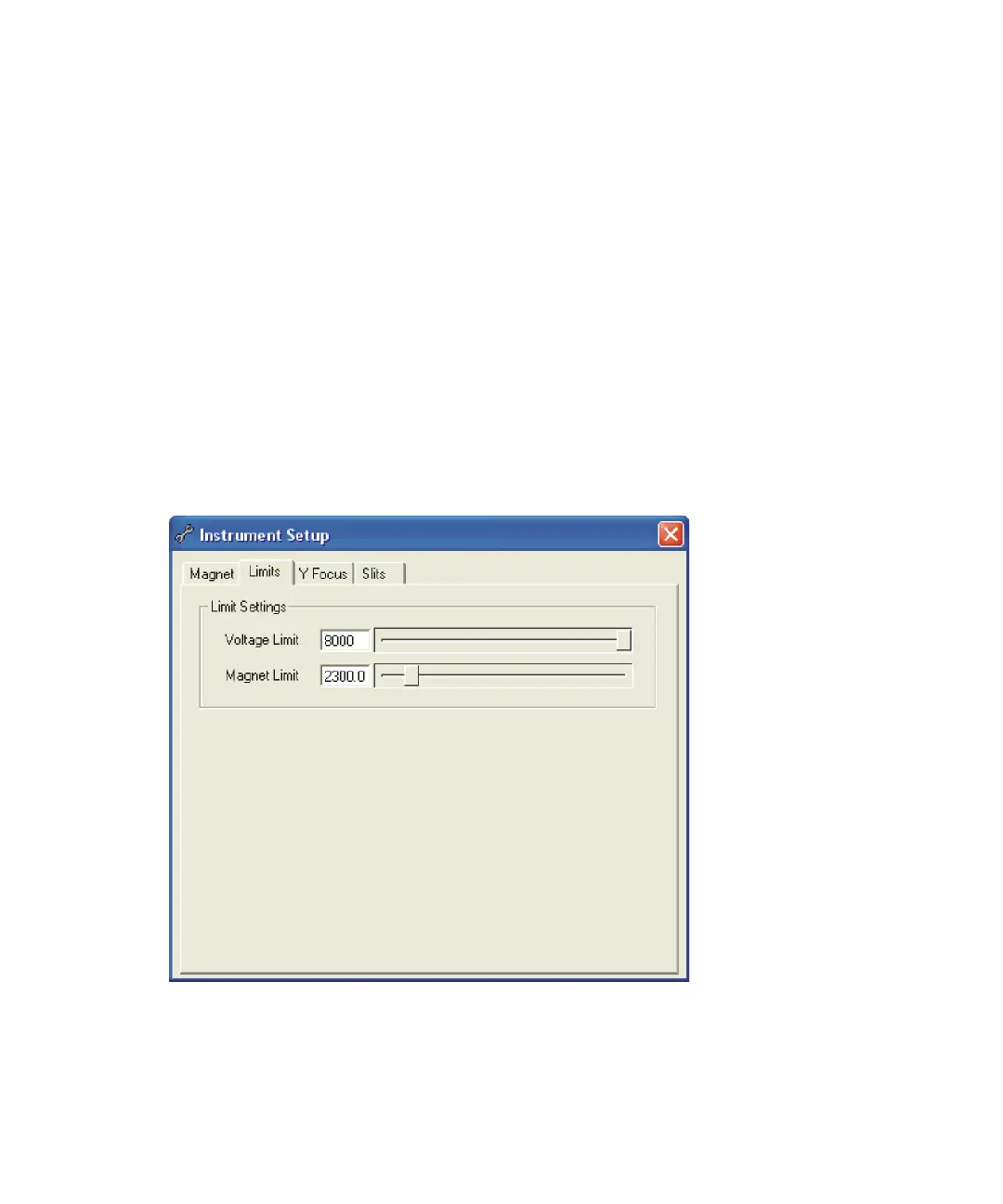
The Instrument Setup dialog box’s Limits tab
Use the Limits tab to set limits for the Field Settings on the Tune window’s
Control 1 and Linked Scanning pages.
Adjusting these values also adjusts the corresponding settings on the Tune
Window’s Control 1 tabs.
These setting are stored for each ion mode in the instrument parameter (.ipr)
file.
The Magnet Limit sets the largest mass achievable by the magnet at full
accelerating voltage. The limit is used to calculate the required magnet
current for a specified mass, and so can be used to set the nominal mass scale
of the instrument.
See “The Control 1 tab parameters” on page D-41.
Instrument Setup dialog box Limits tab











 To Next Page