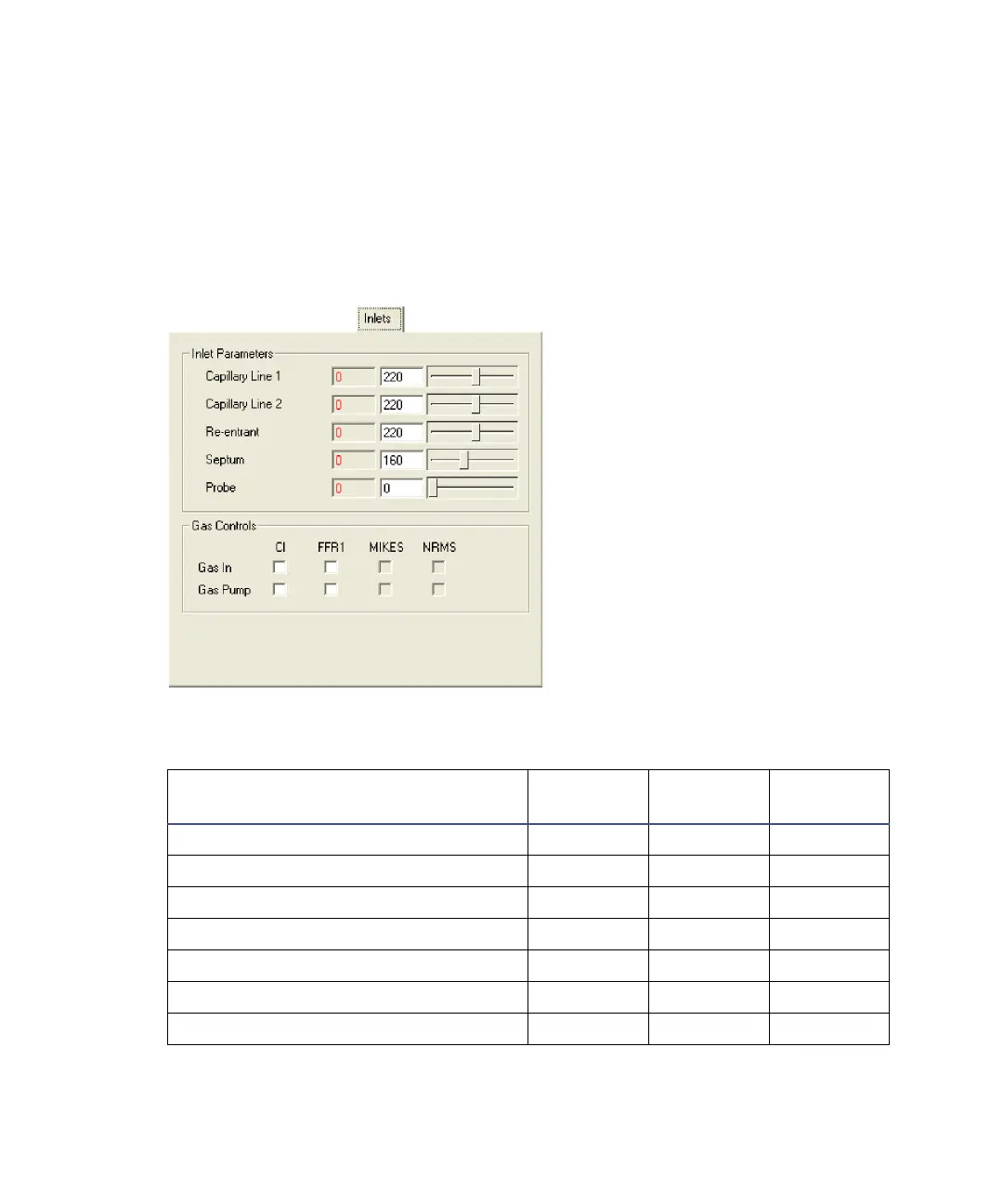
D-38 The MassLynx Tune window
The Inlets tab
Note: The Inlets tab’s Probe parameter configuration varies, depending on the
probe selected from the Inlet menu on the Tune window. The Probe parameter
can relate to a cooled probe, DCI probe, or solids probe; the displayed
parameter changes to reflect this. See “The Tune window Inlet menu” on
page D-11.
Inlets page
* The displayed parameter depends on the probe selected in the Tune window
Inlet menu.
Inlet Parameters
Parameter
Minimum
Value
Maximum
Value
Default
Value
Capillary Line 1 0 450 220
Capillary Line 2 0 450 220
Re-entrant 0 450 220
Septum 0 450 160
Probe* 0 650 0
DCI Probe* 0.00 1.60 0.00
Cooled Probe* 0 450 0











 To Next Page