Controls and connections on the rear of the instrument 1-17
To operate a regulator valve:
1. Pull the handle toward you.
2. Turn the handle clockwise to increase the air pressure, or
counterclockwise to decrease the air pressure until you reach the desired
setting.
3. Push the handle away from you, to lock it.
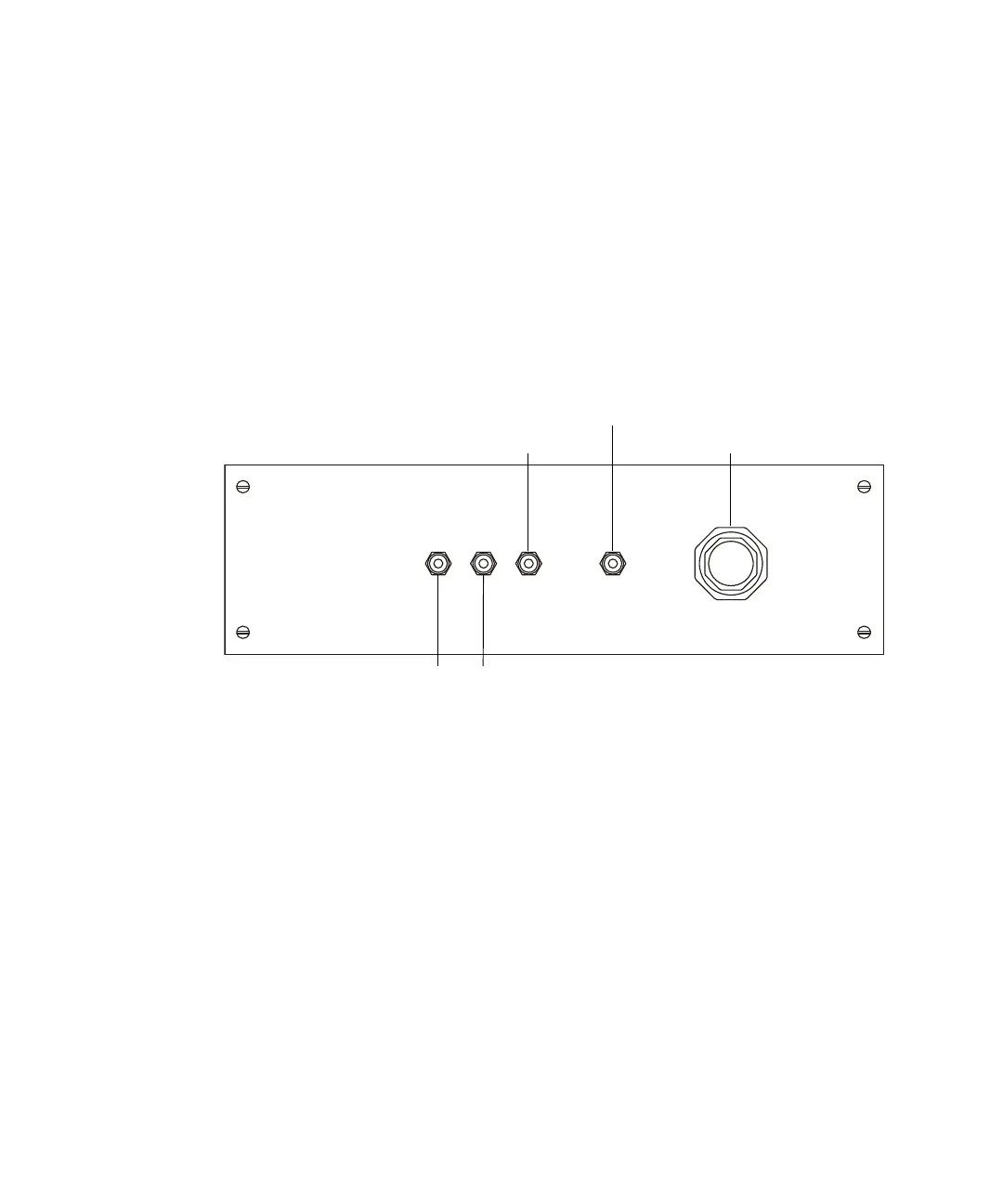
Soft-vent control panel
Soft-vent control panel
The soft-vent control panel has these gas connections:
• The third field-free region (FFR.3) gas cell [mass-analyzed ion kinetic
energy spectrometry (MIKES)] (optional).
• The fourth field-free region (FFR.4) gas cell (optional).
The gas supply for the field-free regions must be dry with a purity of at
least 95%. Regulate the supply to <1 bar (15 psi/100 kPa).
• The NRMS (neutralization-re-ionization mass spectrometry) gas cell
(optional).
• The soft-vent facility.
Also located on the gas inlet panel is a manually operated regulator valve for
the soft-vent facility. The soft-vent facility protects the instrument’s analyzer
region in the event of a power failure or a failure of the analyzer fore pump. It
monitors the current being drawn by the analyzer fore pump as well as the
Third Field-Free Region gas connection Fourth field-free region gas connection
NRMS gas connection
Soft-vent regulator
Soft-vent gas connection











 To Next Page