6-2 Inlets and probes
The GC interface
The GC interface
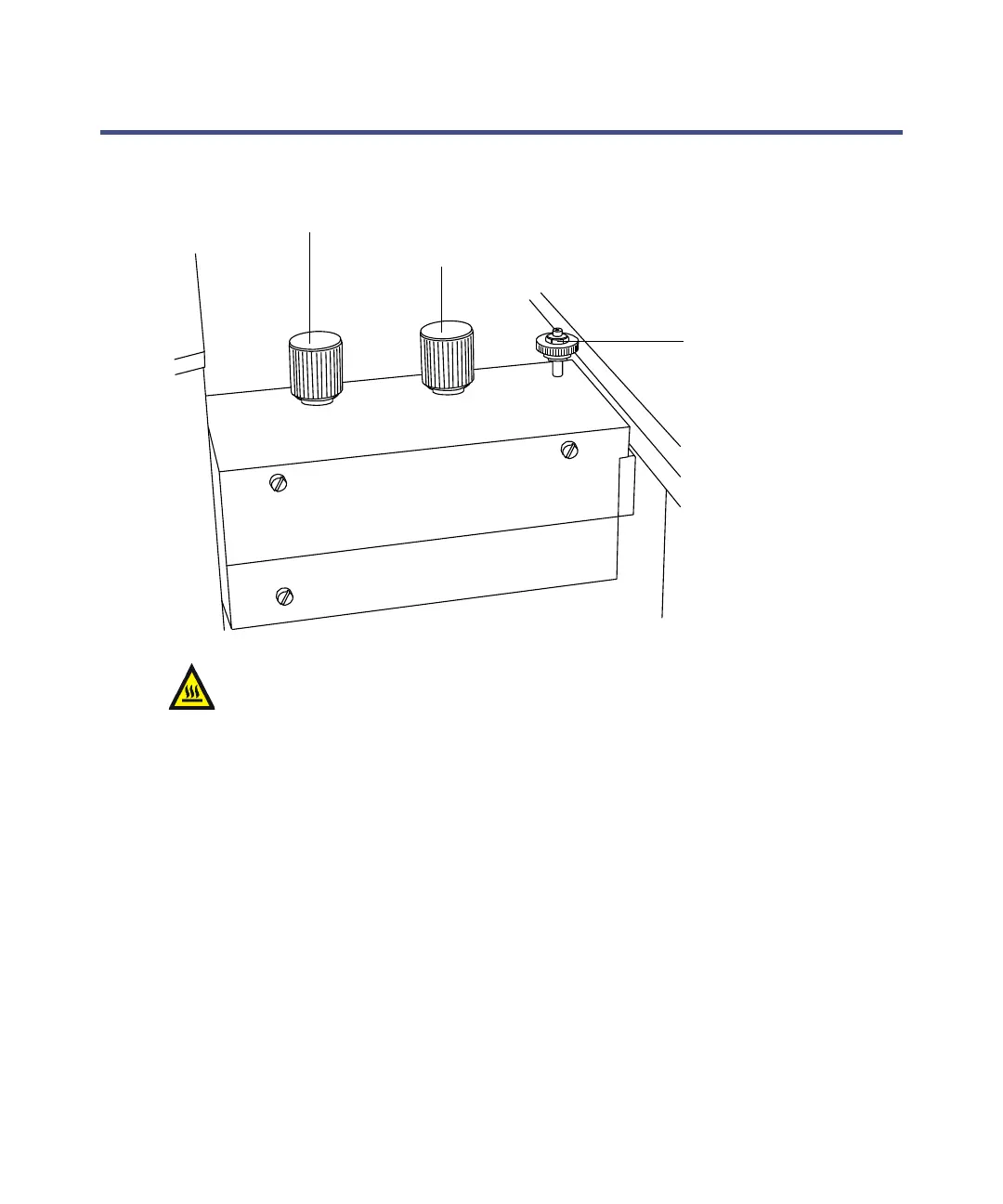
To inject a reference sample
1. Open the reference inlet and pump valves.
2. Wait for 10 minutes, to allow any previous sample to clear from the
injection port.
3. Close the reference inlet and pump valves.
4. Use a syringe to inject the sample into the injection port, through the
port’s septum.
5. Open the reference inlet valve.
To stop the flow of reference sample
1. Close the reference inlet valve.
Warning: To avoid burns, take care when working with the GC
interface.
Pump valve
Injection port
Reference inlet valve











 To Next Page