D-12 The MassLynx Tune window
Controlling the display of readback windows
To control the display of readback windows
1. Click Options > Readbacks.
2. In the Feedbacks dialog box, select Always Off or Always On, as
required.
Note: A number of the readbacks are for indication purposes only and
are not true (calibrated) records of the actual voltages on the
instrument. The acceptable variation between the set value and the
readback value varies depending on the particular tune parameter. If
you are concerned about any reading, contact Waters.
See “Waters contact information” on page i-iv.
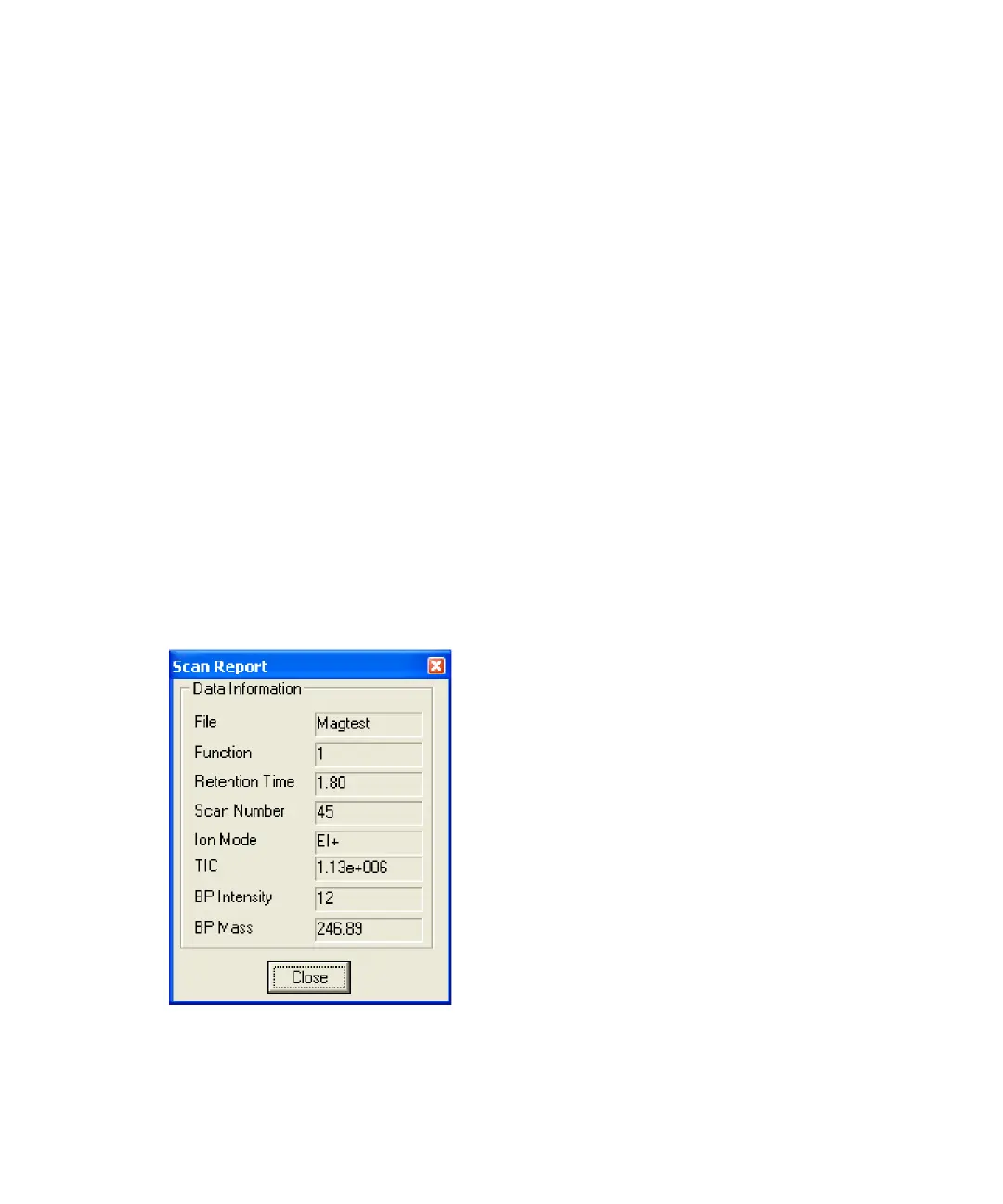
Viewing the status of the current scan
To view the status of the current scan
Click Options > Scan Status.
Scan Report window











 To Next Page