Editing the calibration parameters 5-9
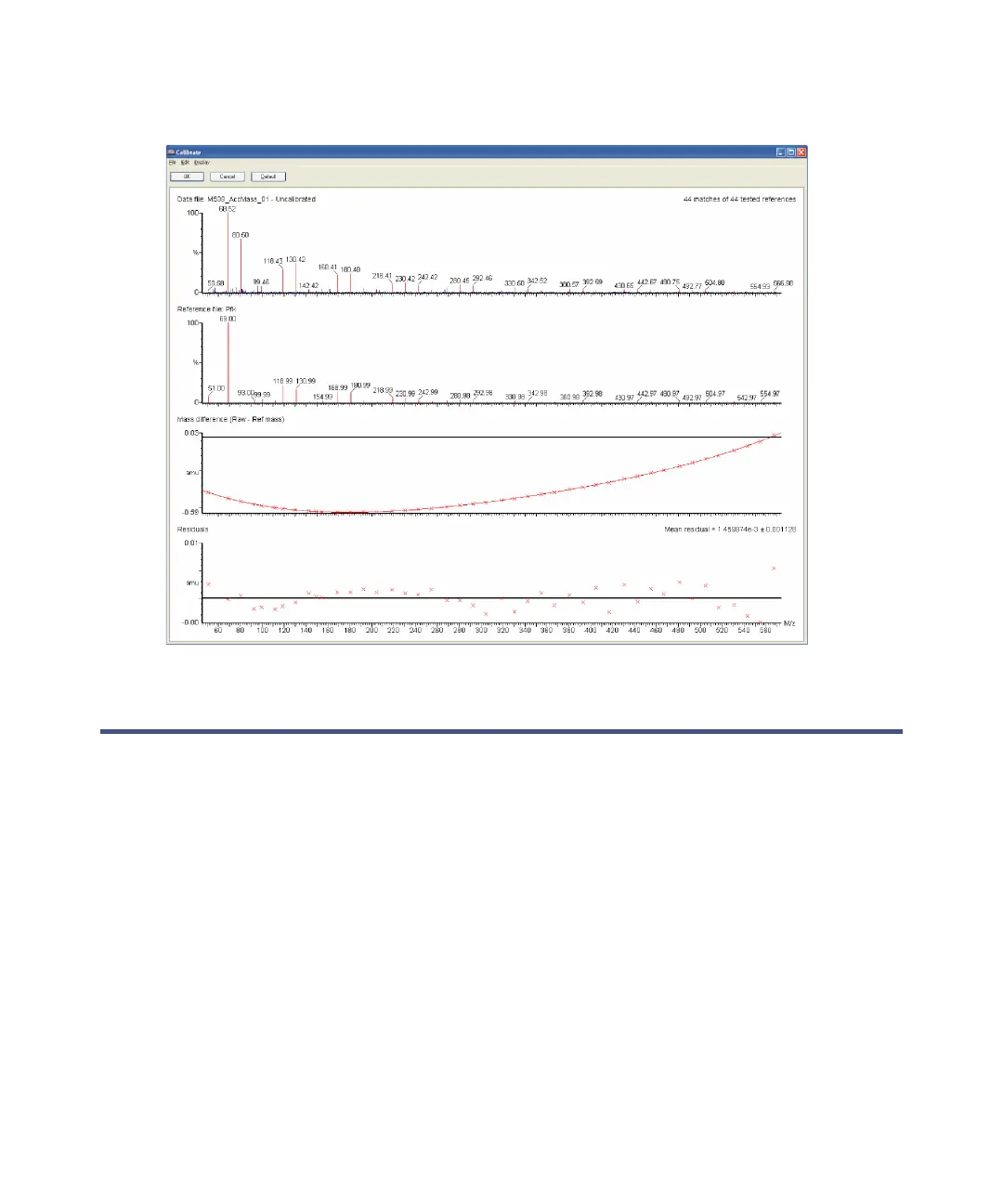
Calibration report window with residual errors corrected
Editing the calibration parameters
For any type of experiment, you can edit the calibration parameters in the
Calibration Parameters dialog box. To do so, in the calibration report window,
Edit > Calibration Parameters.











 To Next Page