5-8 Calibrating the instrument
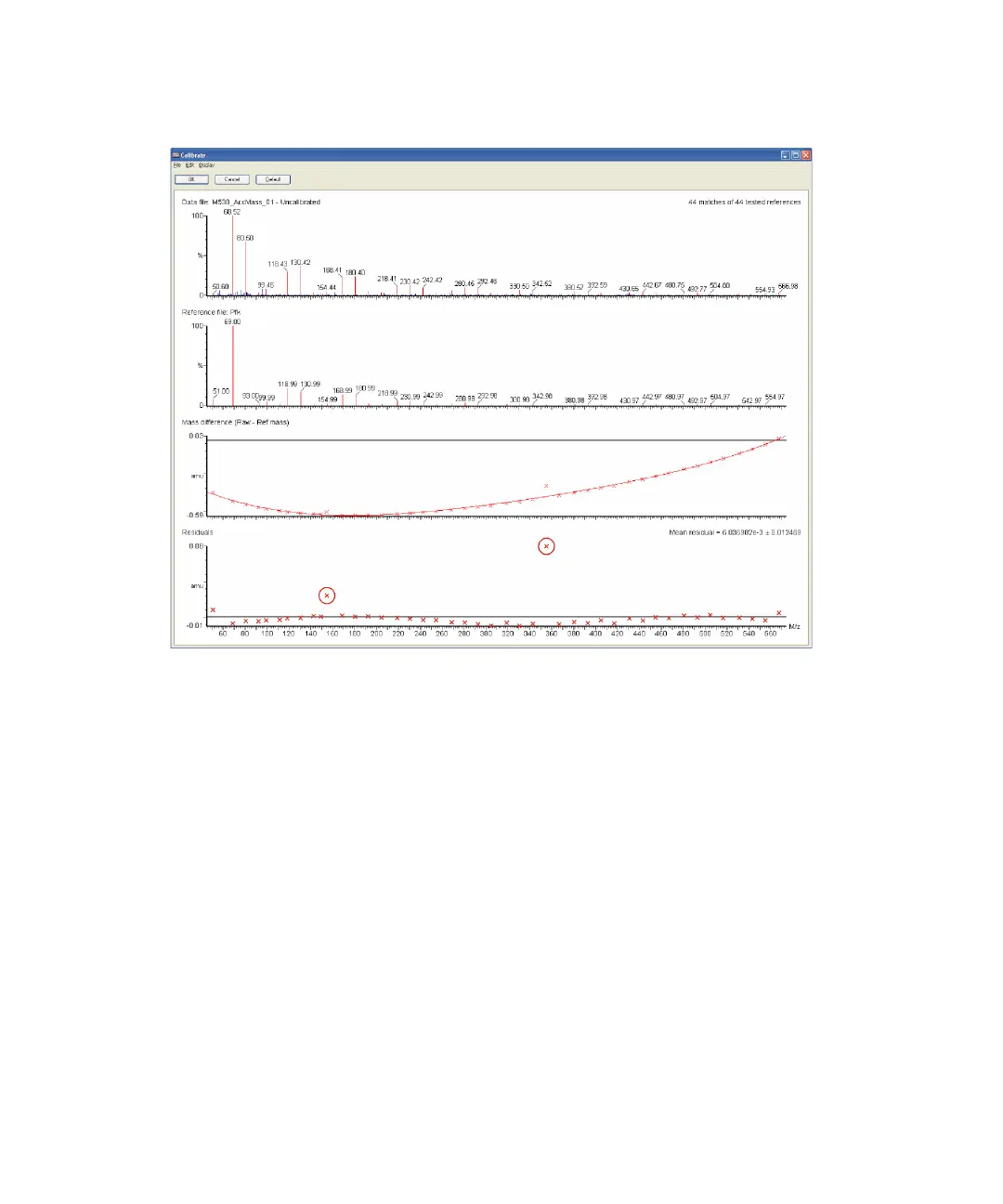
Calibration report window with large residual errors
To manually adjust the large residual error peaks
1. Zoom in on the mass region of a mismatched peak by clicking and
dragging over the region.
Tip: Click Default to zoom out.
2. Right-click just to the right of, and just below, the top of the mismatched
reference peak in the reference spectrum pane.
3. Right-click on the required peak in the spectrum pane.
Result: The calibration is updated with the new point.
4. Repeat steps 1 to 3 for any other mismatched peaks.
Once the correct peaks have been selected, the residuals must all be
reasonably consistent and have no obvious outlying points.











 To Next Page