Associating a calibration file with an experiment 5-13
Associating a calibration file with an experiment
To associate a calibration file with an experiment
1. In the MS method editor, click Options > Calibration. See “Function lists
and the MS method editor” on page 3-1.
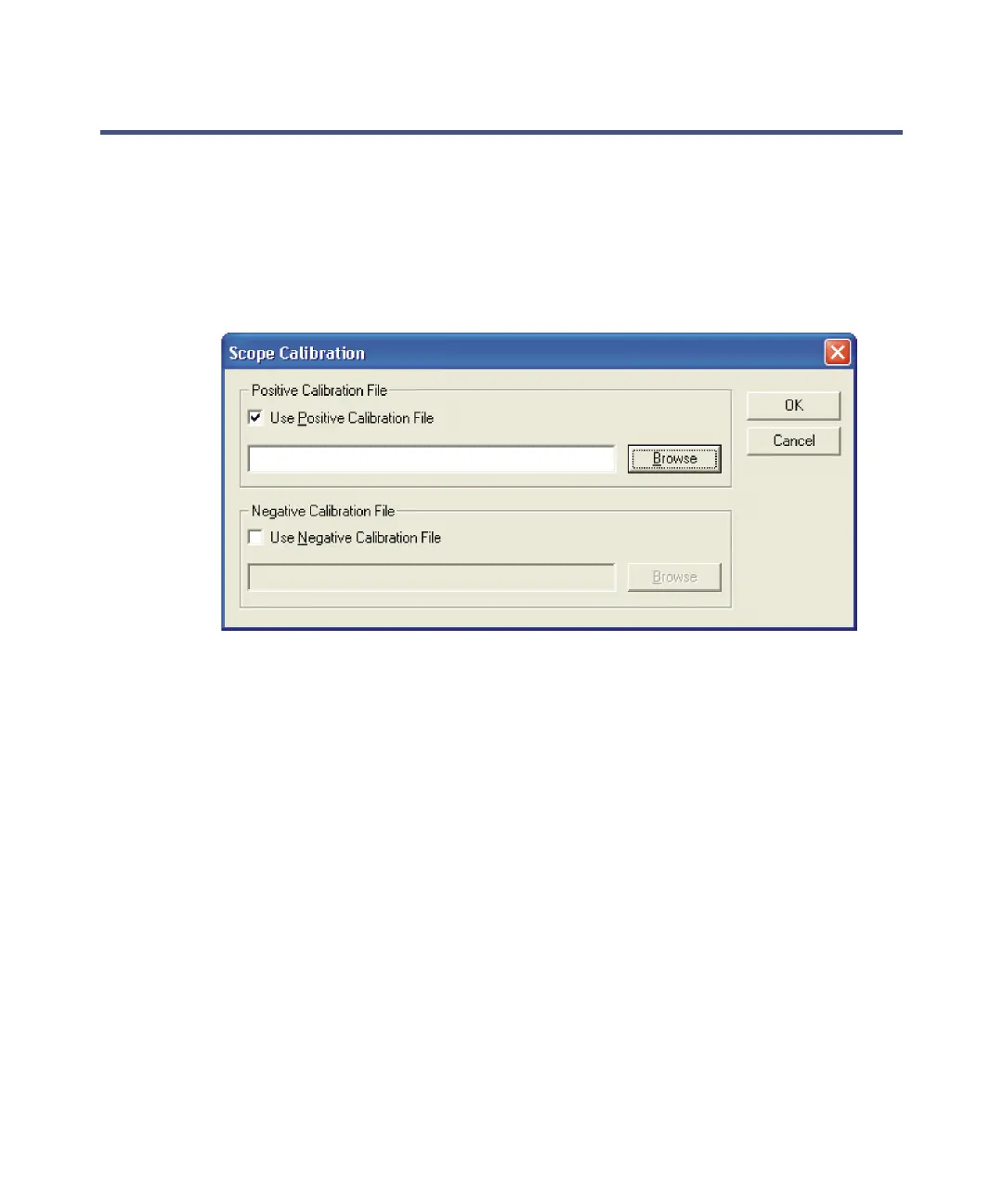
Scope Calibration dialog box
2. In the Scope Calibration dialog box, select Use Positive Calibration File.
Tip: Negative calibration files are intended for use in negative ion mode.
3. Enter the required calibration file name and path in the text box, or click
Browse.
4. Click OK.
5. In the MS method editor, click File > Save.











 To Next Page