Applying an inter-scan current in FI ionization mode 3-43
To save the experiment file
1. In the MS method editor, click File > Save As.
2. In the Save As dialog box, save the file as MRM Experiment.exp
Applying an inter-scan current in FI ionization mode
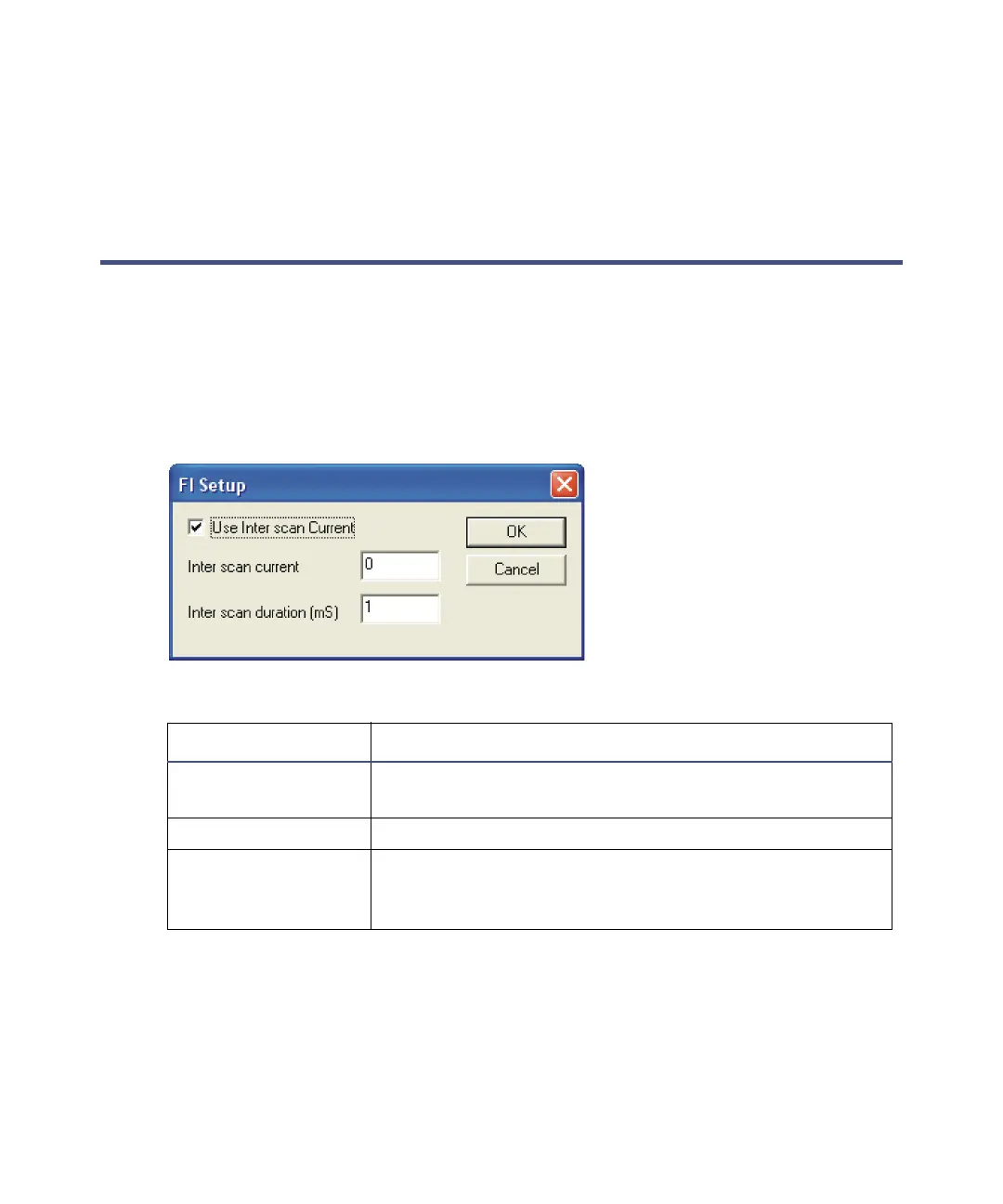
All the scan function editors have an FI Set up button, that opens the FI Set
up dialog box, so you can apply a specified inter-scan current to the FI emitter.
Note: This option is enabled only when you select FI+ or FI- as the ionization
mode in the scan function editor.
FI Set up dialog box:
To apply an inter-scan current
1. In the scan function editor, click FI Set up.
2. In the FI Set up dialog box, enter the required parameters.
3. Click OK.
FI Set up dialog box parameters :
Parameter Description
Use Inter scan
Current
Select to use the inter-scan current.
Inter scan Current The required inter-scan current, in mA.
Inter scan duration
(mS)
The required inter-scan duration, in milliseconds.
This is the time for which the inter-scan current is
held.











 To Next Page