3-42 Scanning techniques
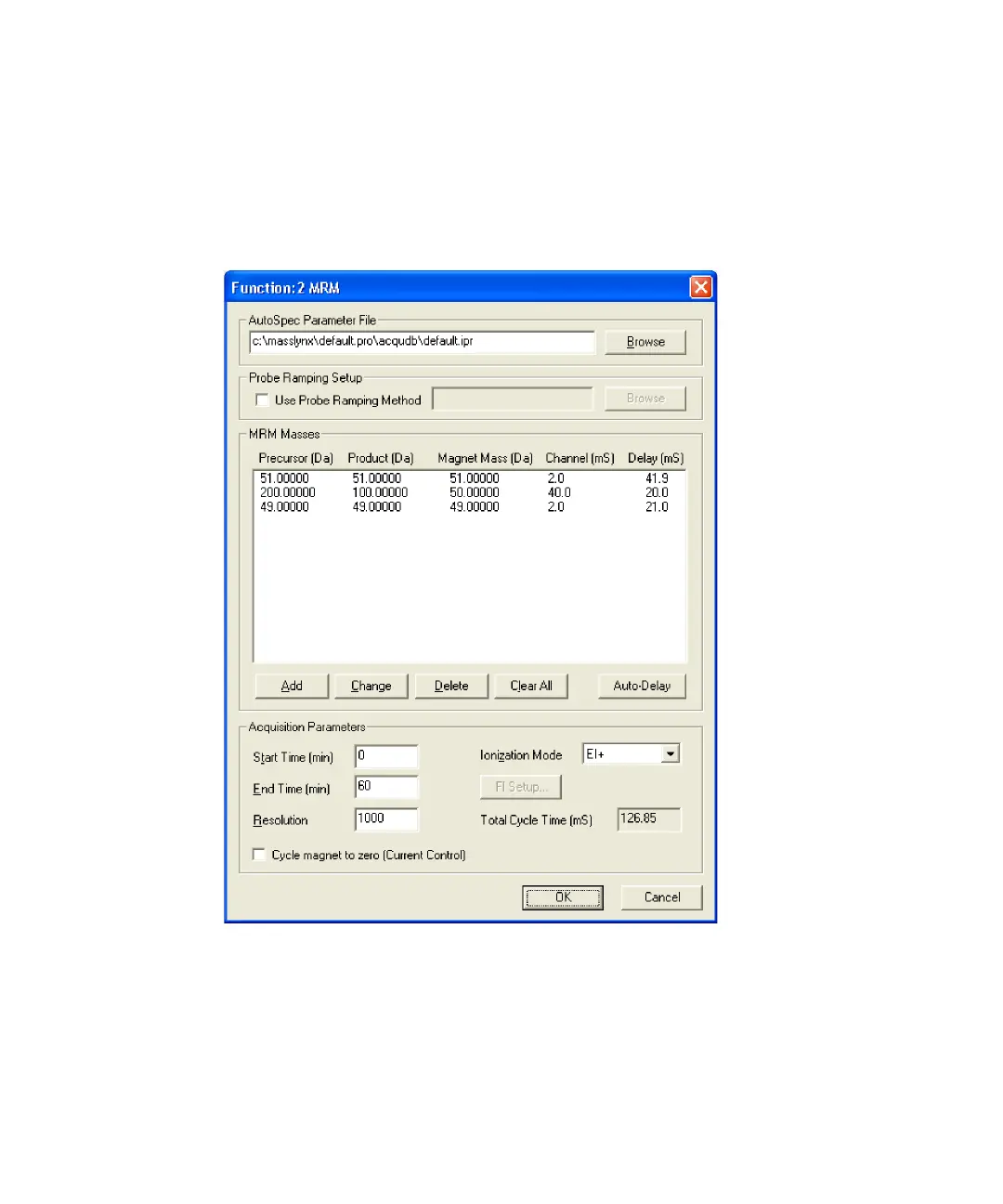
11. Type an appropriate value, for example 20 minutes, in the End Time
(min) text box.
12. Type an appropriate value, for example 10000, in the Resolution text
box.
Example of MRM function editor
13. Select the required Ionization Mode.
Rule: You must select the same mode as in the selected AutoSpec
parameter file.
14. Click OK.











 To Next Page