D-4 The MassLynx Tune window
To select the ionization mode
1. In the MassLynx Tune window, click Press for Standby and confirm that
the adjacent instrument status indicator shows red.
2. In the Ion Mode menu, click the required ionization mode.
The Tune window Vacuum menu
Use the Vacuum menu to perform the following tasks:
• Monitor the instrument vacuum.
• Control and monitor the vacuum pumps.
• Control flight tube baking.
Monitoring the instrument vacuum
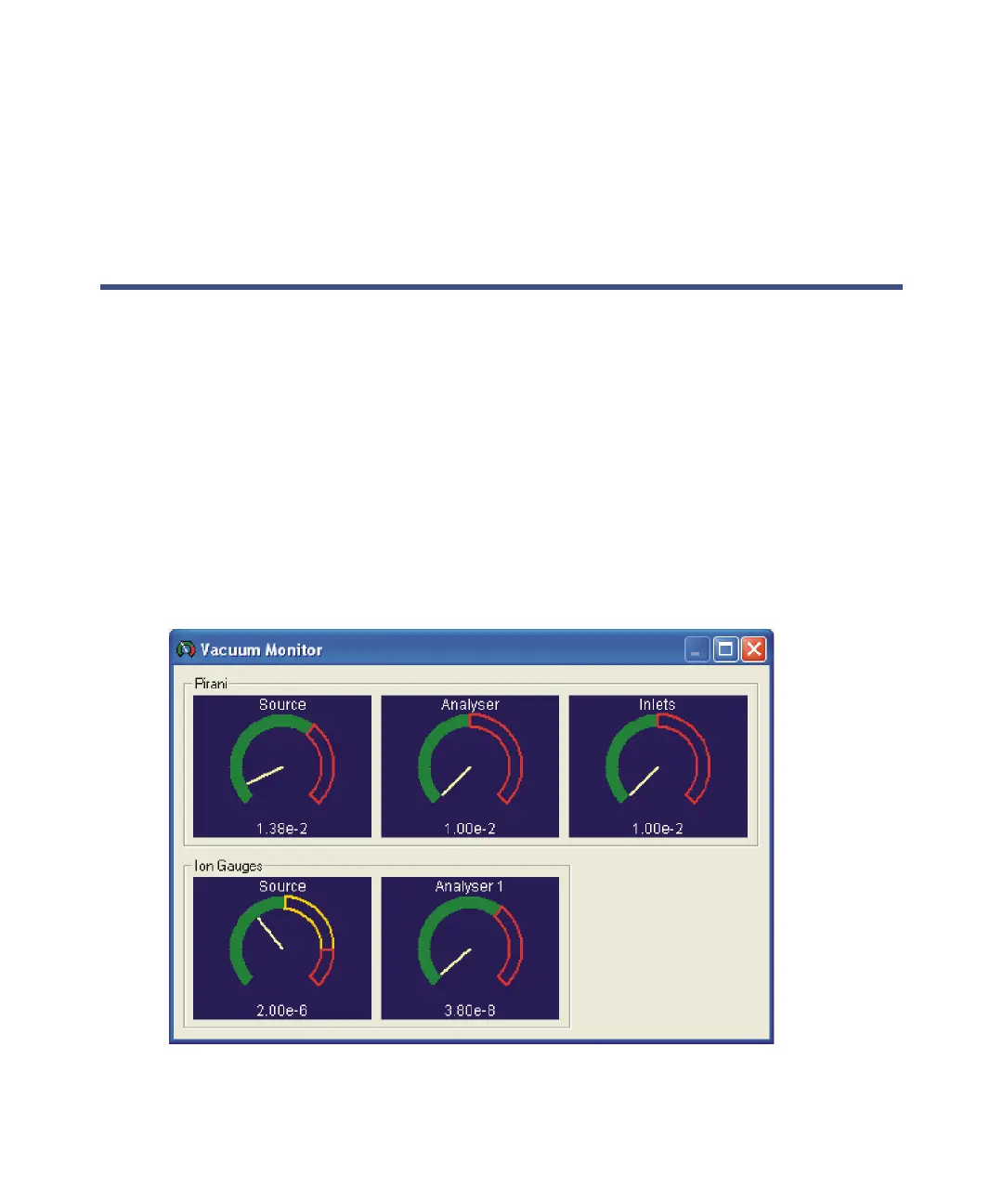
The Vacuum Monitor window displays readbacks (in mbar) from the
instrument’s Pirani and ion gauges.
Vacuum Monitor window











 To Next Page