The Tune window Options menu D-23
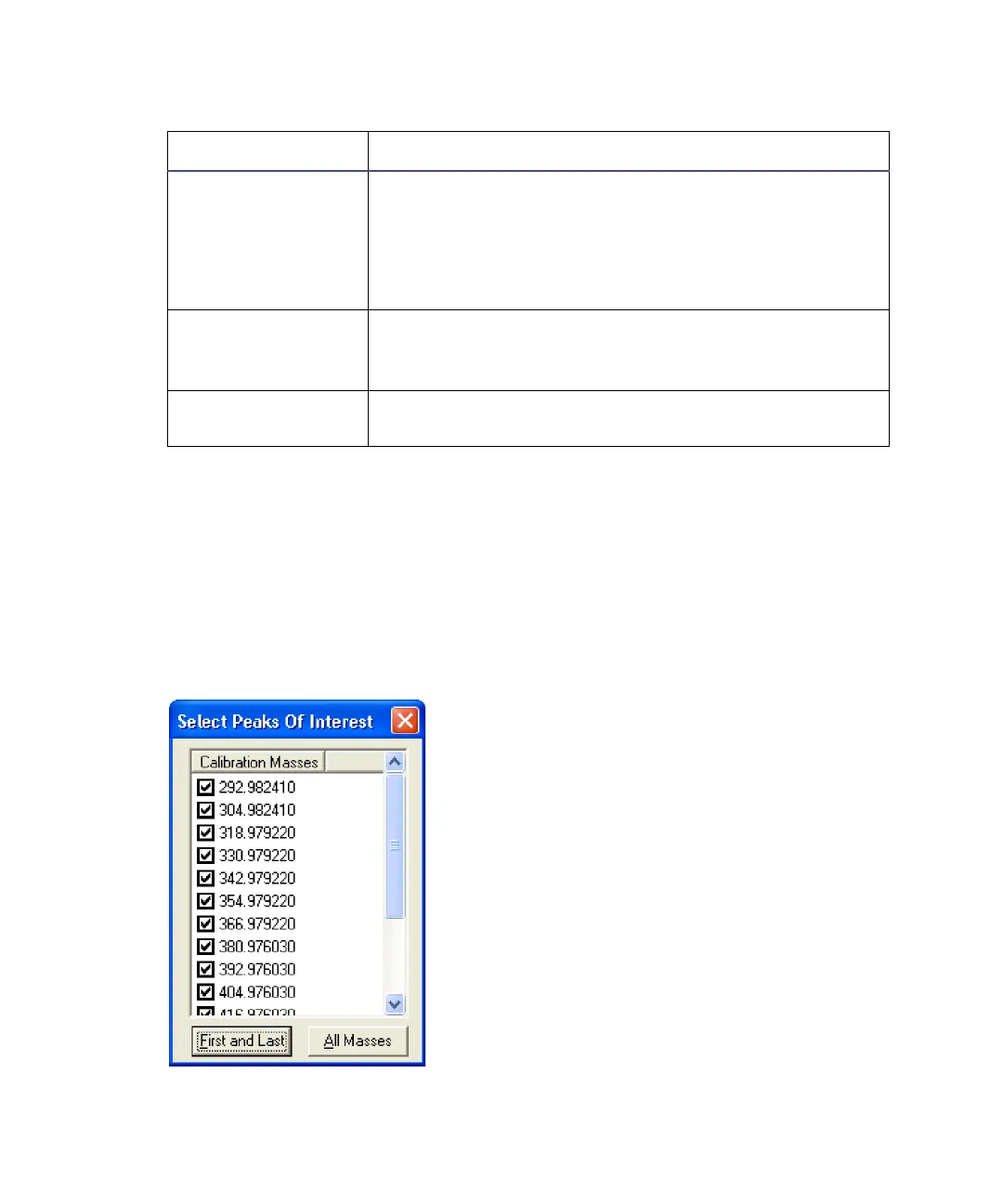
The Select Peaks Of Interest dialog box
Use the Select Peaks Of Interest dialog box to select which peaks appear in
the peak display window and are used in the calibration. You can select
individual masses by selecting and clearing the corresponding mass check
boxes. First and Last selects only the first and last masses in the list. All
Masses selects every mass in the list.
Select Peaks Of Interest dialog box
Select Opens the Select Peaks Of Interest dialog box.
Tip: This button is not available if the experiment to
be calibrated is an MRM experiment.
See “The Select Peaks Of Interest dialog box” on
page D-23.
Print Prints a hardcopy showing all the peaks currently in
the Tune window peak display, each with a mass and
resolution.
Abort Aborts the current experiment calibration, no
experiment calibration file is saved.
Experiment Calibration dialog box parameters (Continued)
Parameter Description











 To Next Page