The solids sample introduction probe 6-9
To adjust the grip of the sample cup holder
Use tweezers to squeeze the sample cup holder prongs together, or use a
jeweler’s screwdriver to gently pry the prongs apart.
Removing the sample cup from the probe tip
To remove the sample cup from the probe tip
Use tweezers to remove the sample cup from the sample cup holder
Tip: If it is difficult to remove the sample cup from the sample cup holder, use
a jeweler’s screwdriver to gently pry the prongs apart.
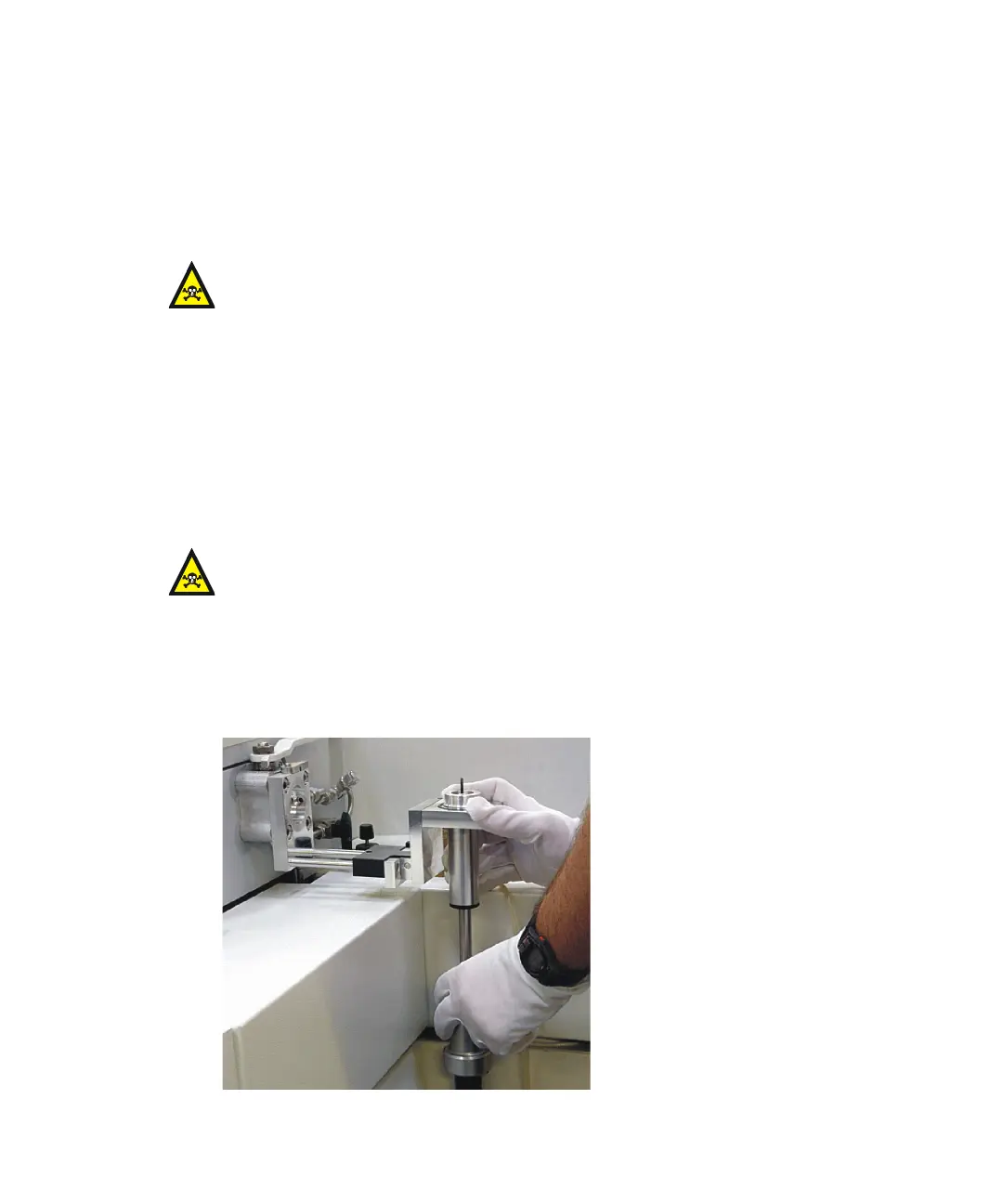
Inserting the solids sample introduction probe in the ion source
To insert the solids sample introduction probe in the ion source
1. Ensure that the probe handle is fully retracted.
Warning: The probe components can be contaminated with toxic
materials. Always wear nitrile gloves while handling the components.
Warning: The source and probe components can be contaminated with
toxic materials. Wear nitrile gloves at all times while handling the
components.











 To Next Page