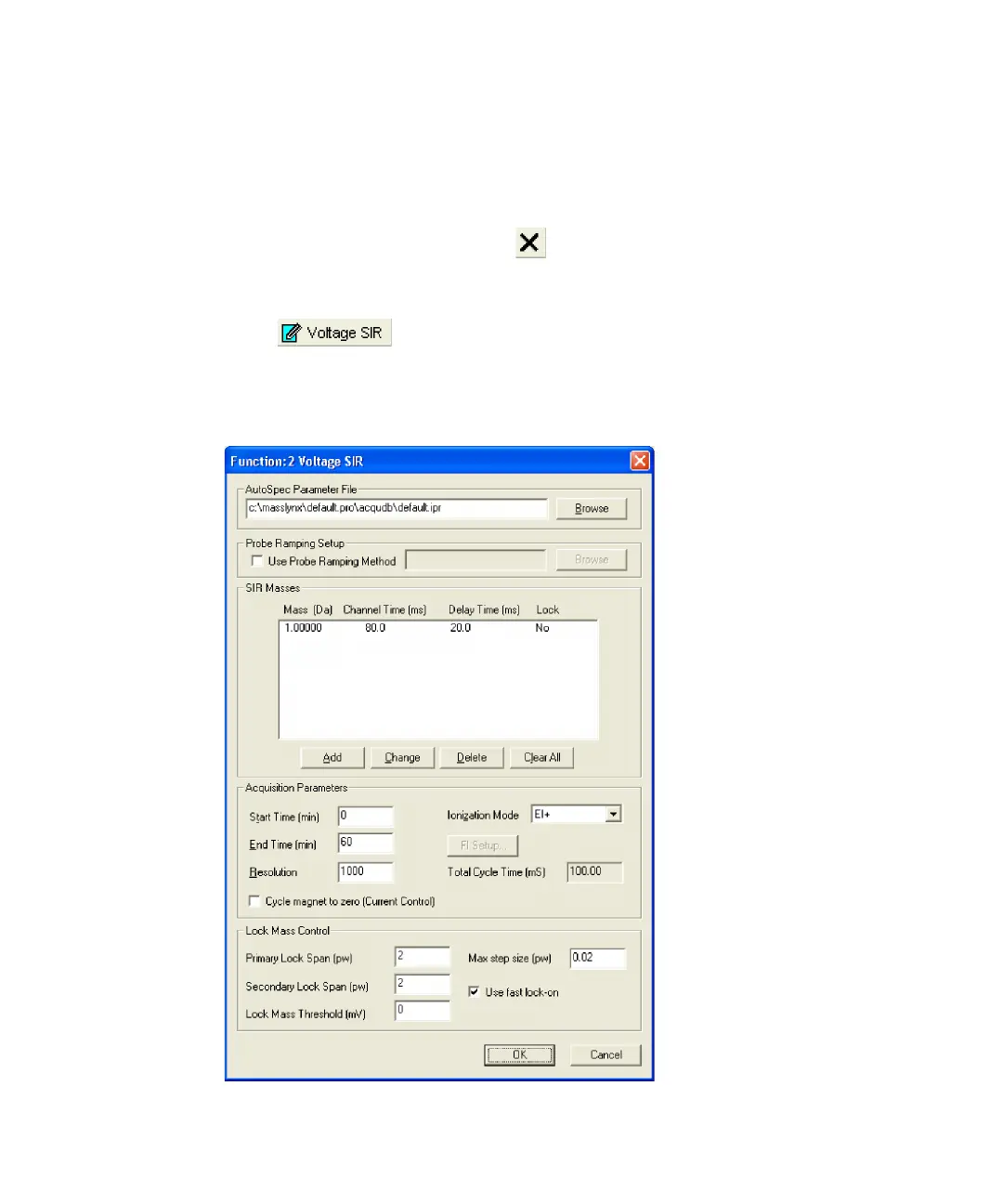
Example of VSIR experiment set up 3-35
Creating the VSIR function
To open the VSIR function editor
1. In the MassLynx window, click the MS Method icon.
2. In the MS method editor, click .
Result: The default function is deleted from the function list.
3. Click .
Alternative: Click Functions > Voltage SIR.
Voltage SIR function editor











 To Next Page