Monitoring data acquisition 4-13
Viewing a chromatogram in real-time
To view a chromatogram in real-time
1. In the MassLynx window’s Sample List menu bar, click Chromatogram.
2. In the Chromatogram window, click .
Alternative: Click Display > Real-Time Update.
The chromatogram display updates as the acquisition proceeds.
Viewing a spectrum in real-time
To view a spectrum in real-time
1. In the MassLynx window’s Sample List menu bar, click Spectrum.
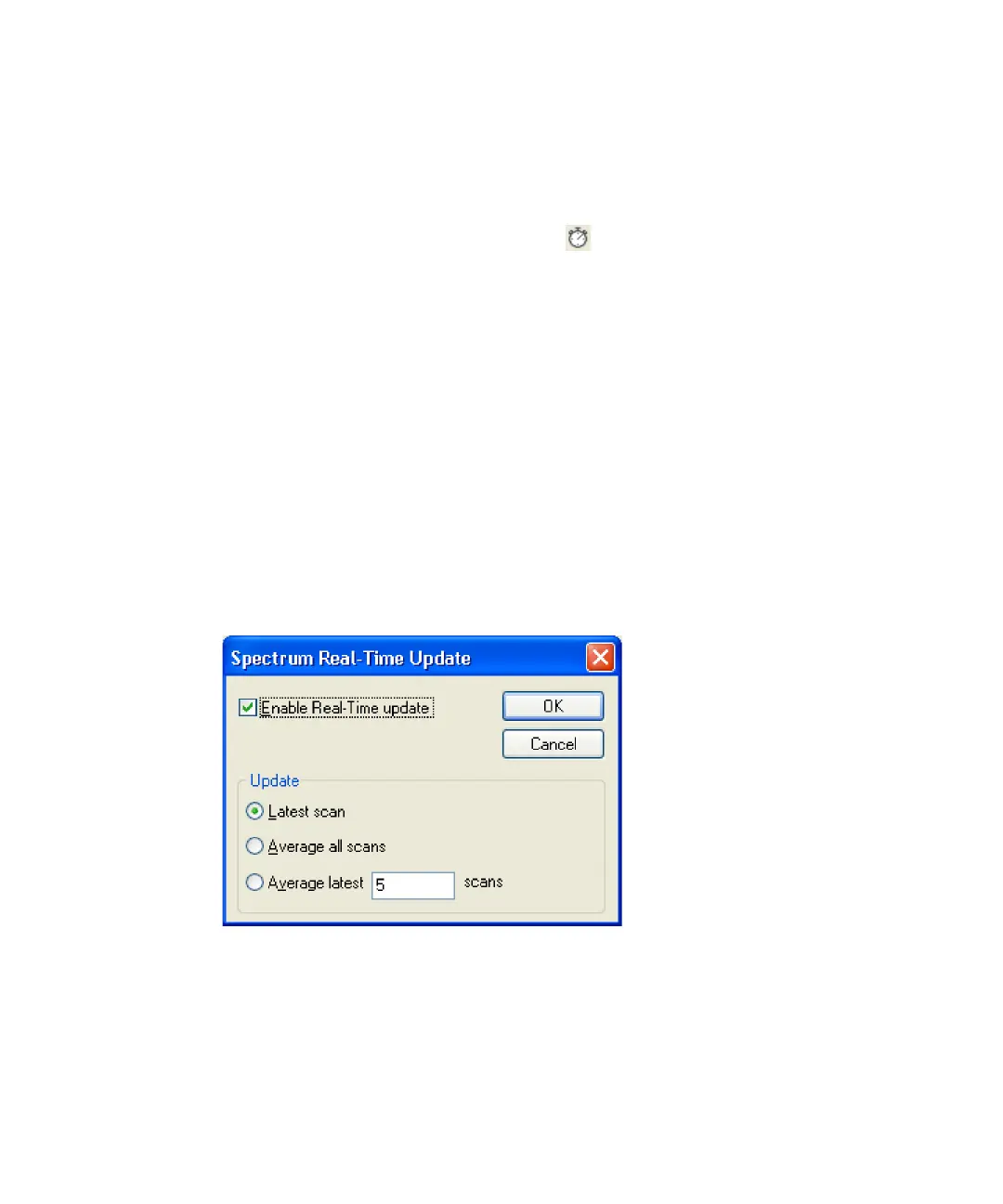
2. In the Spectrum window, click Display > Real-Time Update.
3. In the Spectrum Real-Time Update dialog box, select Enable Real-Time
update.
Spectrum Real-Time Update dialog box
4. Select the required option:
• Latest scan – Displays the last acquired scan (the default option).
• Average all scans – Updates the display with spectra formed by
averaging all the spectra acquired so far.











 To Next Page