6-4 Inlets and probes
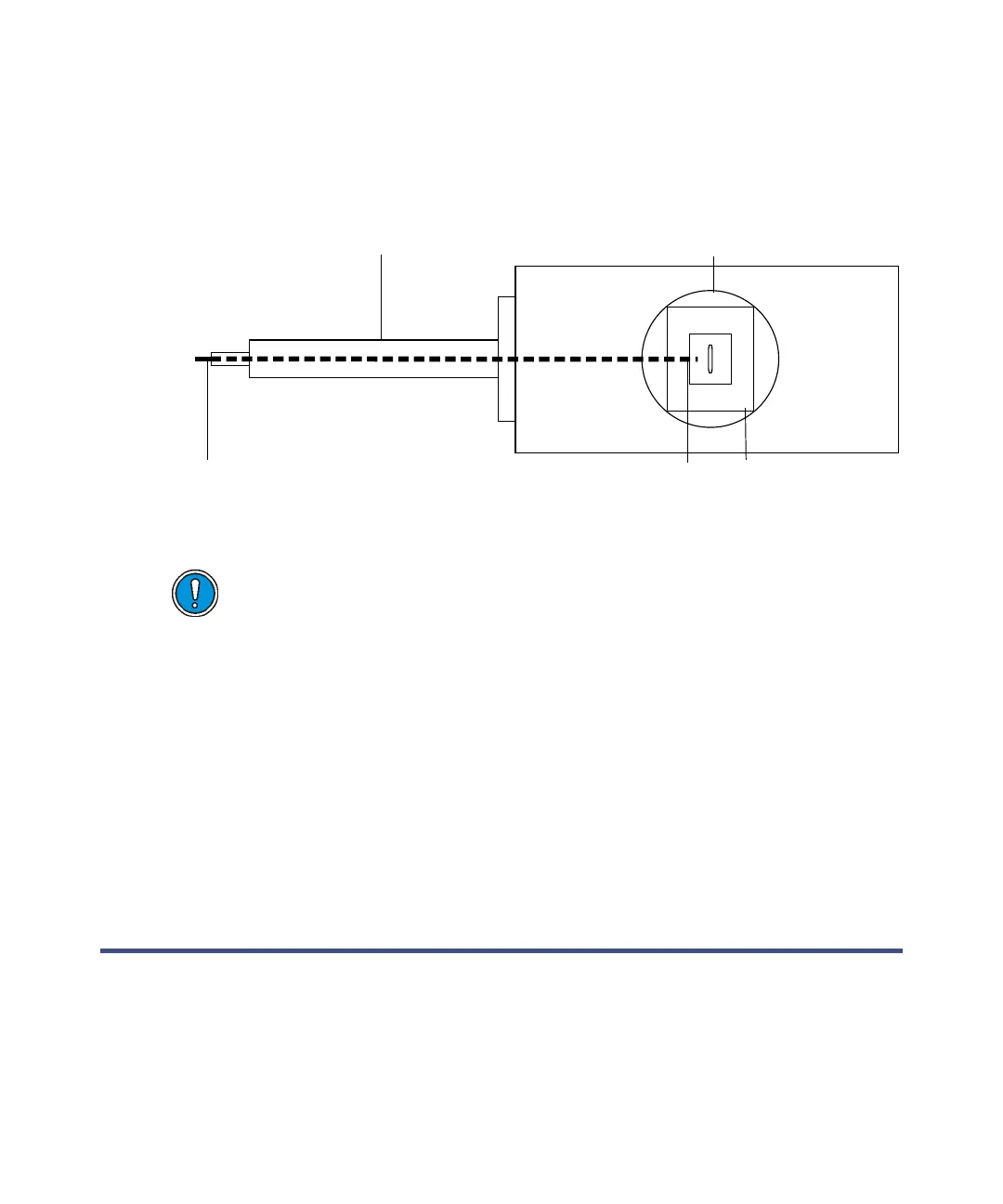
Tip: To determine this position, look into the outer source from above; the end
of the GC column will be visible as it enters the outer source housing, as
shown in the following figure.
Positioning the end of the GC column
7. Use correction fluid or a permanent marker to mark the position of the
column within the GC oven.
8. Retract the GC column until its end is just within the brass outer source
housing.
9. Fit the inner source. See “Inserting the inner source chamber assembly
into the outer source” on page 7-33.
10. Push the column back to the position marked in step 6 such that it is
now within the inner source.
11. Tighten the 5/16-inch retaining nut.
The solids sample introduction probe
Use the solids sample introduction probe to admit solid samples into the ion
source. The probe can withstand heat to 650 °C and has a water-cooled shaft.
Place the sample in a sample cup made of quartz to allow flame cleaning. Fit
the sample cup in the sample cup holder on the probe tip.
Caution: To avoid damaging the GC column and the inner source
chamber assembly, retract the GC column so that its end is within the
outer source housing before fitting the inner source.
GC interface
GC transfer line
Outer source
End of GC column
Source probe port











 To Next Page