5-10 Calibrating the instrument
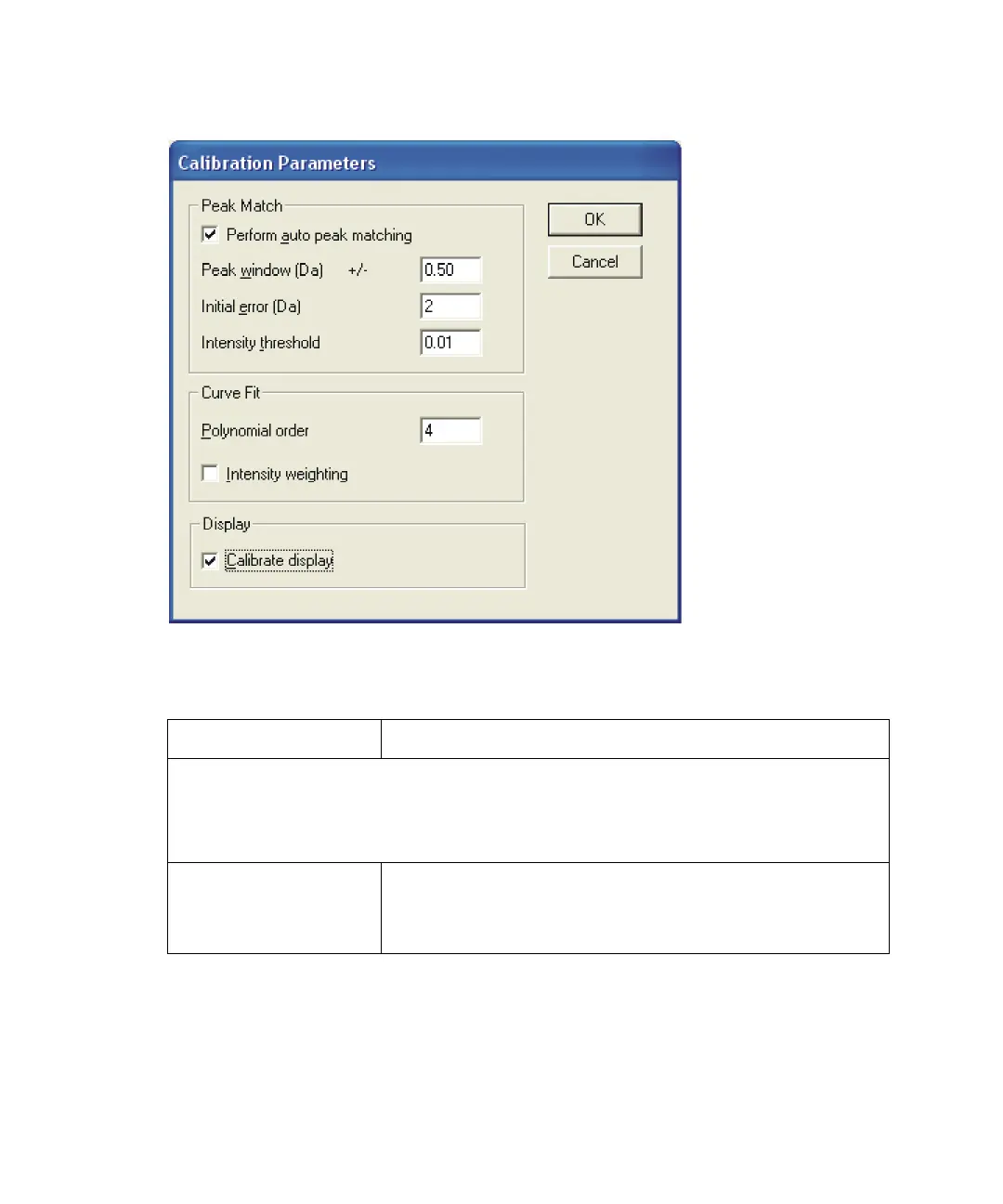
Calibration Parameters dialog box
Calibration Parameters dialog box parameters
Parameter Description
If performing an automatic calibration, the Peak Match parameters
determine the limits within which the acquired data must lie for the
software to recognize the calibration masses and result in a successful
calibration.
Perform auto peak
matching
Select to automatically calibrate the spectrum.
Note: Any manual corrections you made will be lost.
See “Saving a calibration” on page 5-12.











 To Next Page