Ramping the probe temperature 6-17
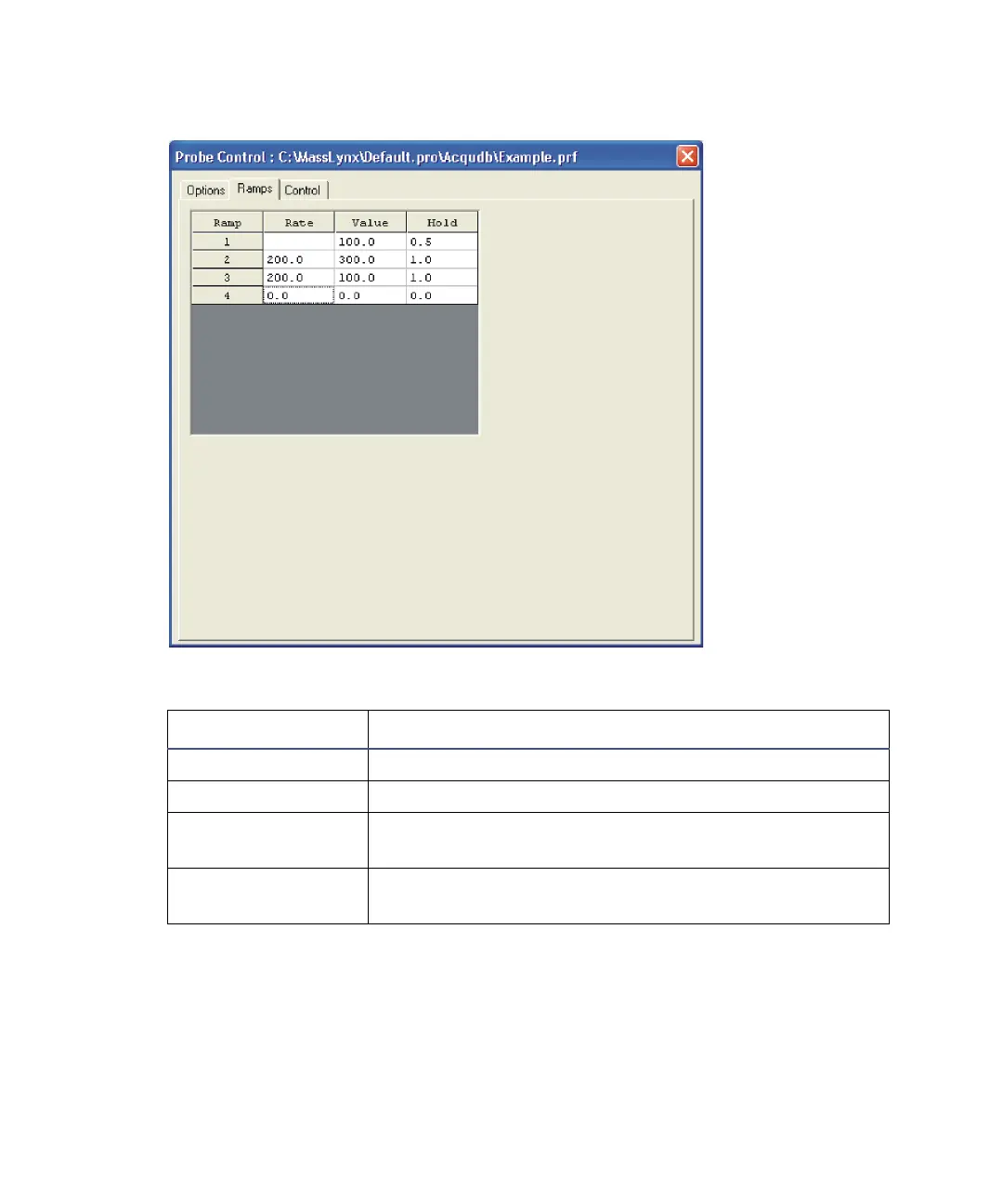
Probe control dialog box’s Ramps tab
To create probe ramping data
1. In the Value text box specify the required initial ramp value and then
press Enter.
2. In the Hold text box specify the required start time for the ramp and
then press Enter.
Probe Control dialog box’s Ramps tab parameters
Parameter Description
Ramp The ramp identifying number.
Rate The rate of the ramp, in units of Value/minute.
Value Displays the ramp’s final target value, in units
appropriate to the probe type.
Hold The time (in minutes) for which to hold the Value,
once it is reached.











 To Next Page