4-10 Acquiring data
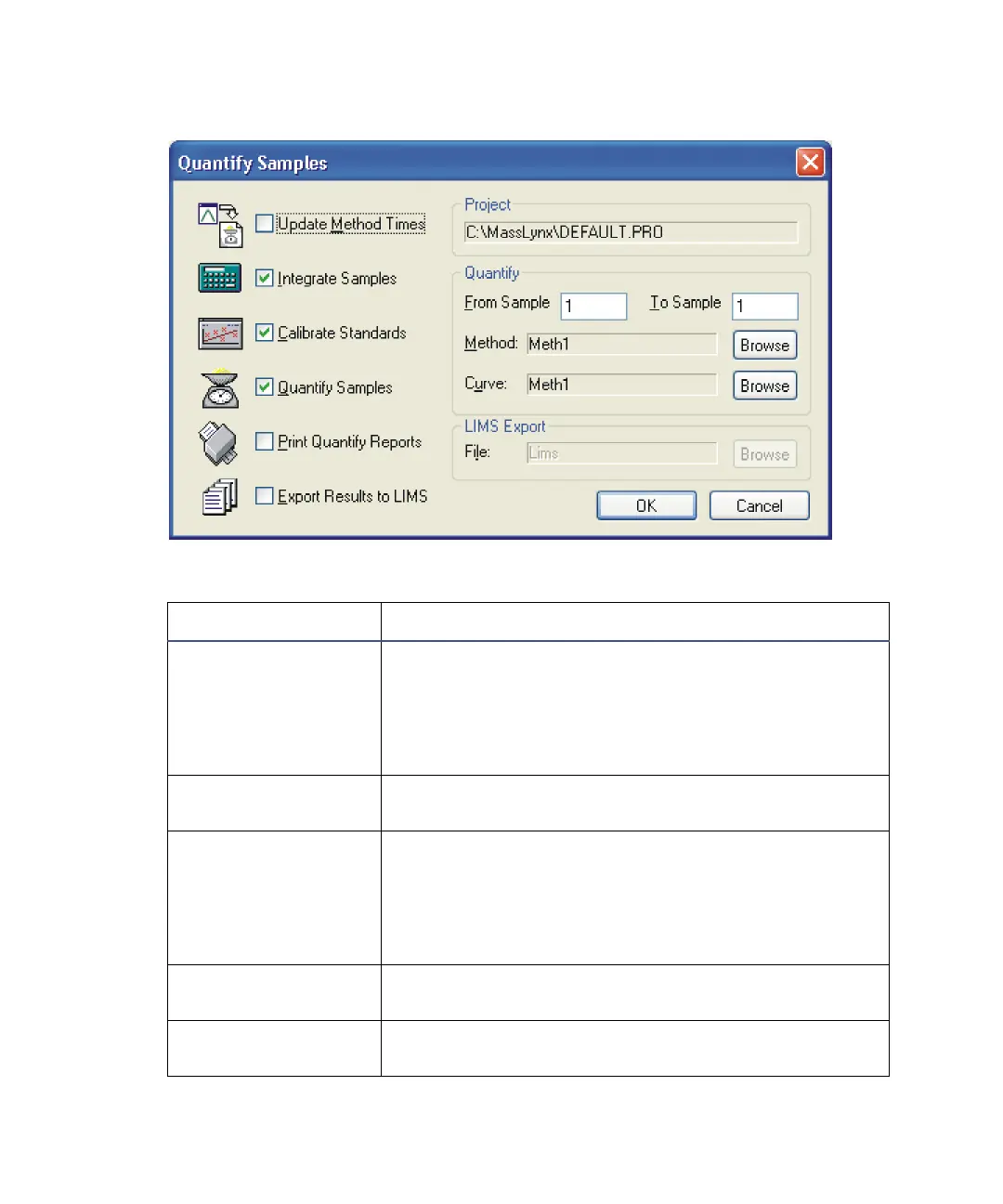
Quantify Samples dialog box
Quantify Samples dialog box parameters
Parameter Description
Update Method
Times
Updates the retention times specified in the
TargetLynx method, using a specified sample.
Available during a run or during reprocessing.
See the QuanLynx User’s Guide and TargetLynx
Software User’s Guide.
Integrate Samples Integrates all the sample data files named in the
sample list.
Calibrate Standards Uses integration results to create and quantify
calibration curves.
Tip: Do not select this option if you are using an
existing calibration; instead, click Curve Browse to
select the required calibration file.
Quantify Samples Uses integration results and quantify calibration
curves to calculate compound concentrations.
Print Quantify
Reports
Prints the results of integration and quantitation.











 To Next Page