Acquiring analog data 4-15
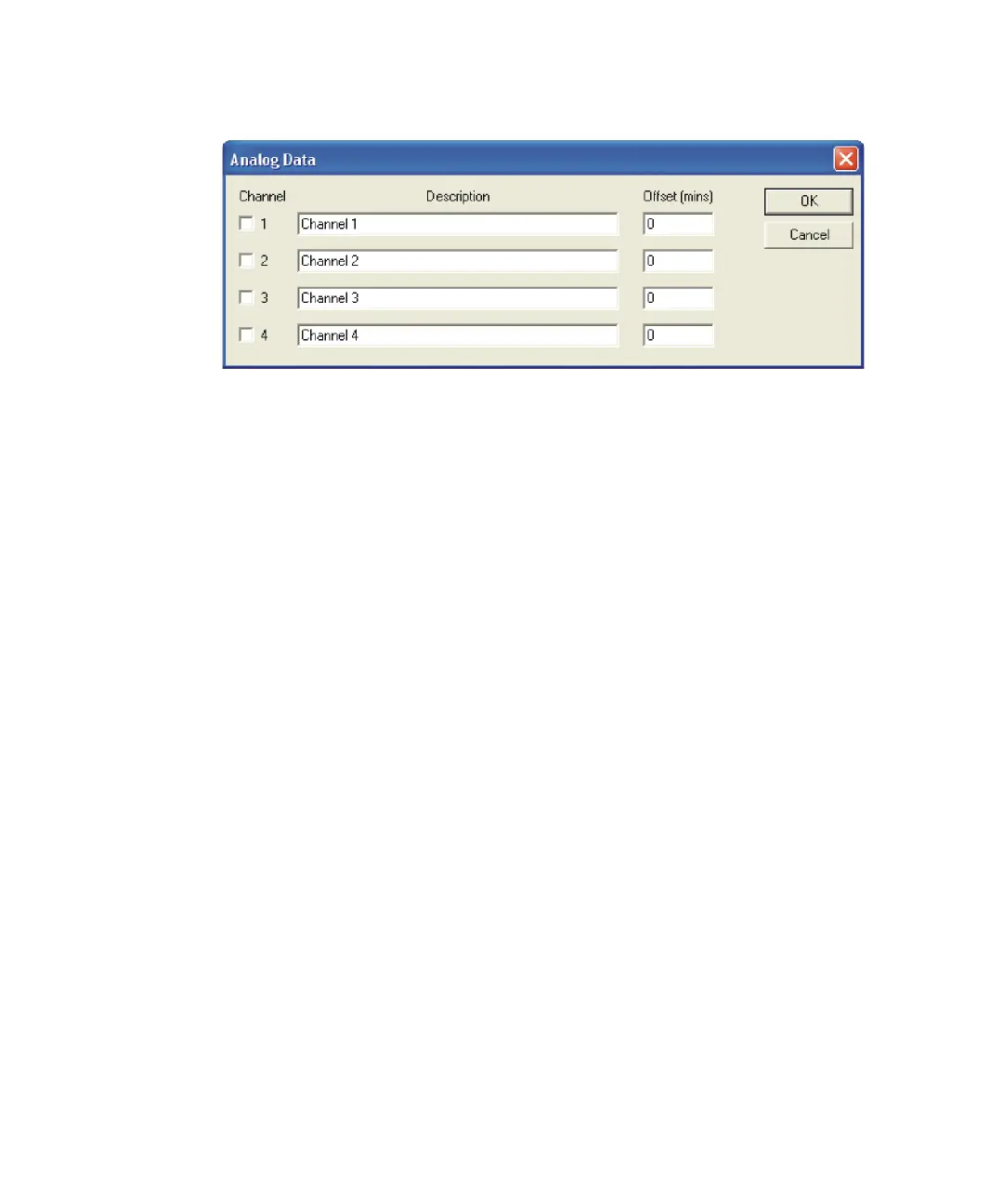
Analog Data dialog box
3. Provide a textual description for each selected channel.
Tip: This description appears on the analog Chromatogram dialog box as
the channel description (see the MassLynx User’s Guide).
4. If required, specify an Offset (mins) to align the external unit with the
mass spectrometer.
Tip: The offset is the time delay, in minutes, from the start of
acquisition, prior to acquiring through that channel.
5. Click OK.











 To Next Page