The Tune window Options menu D-27
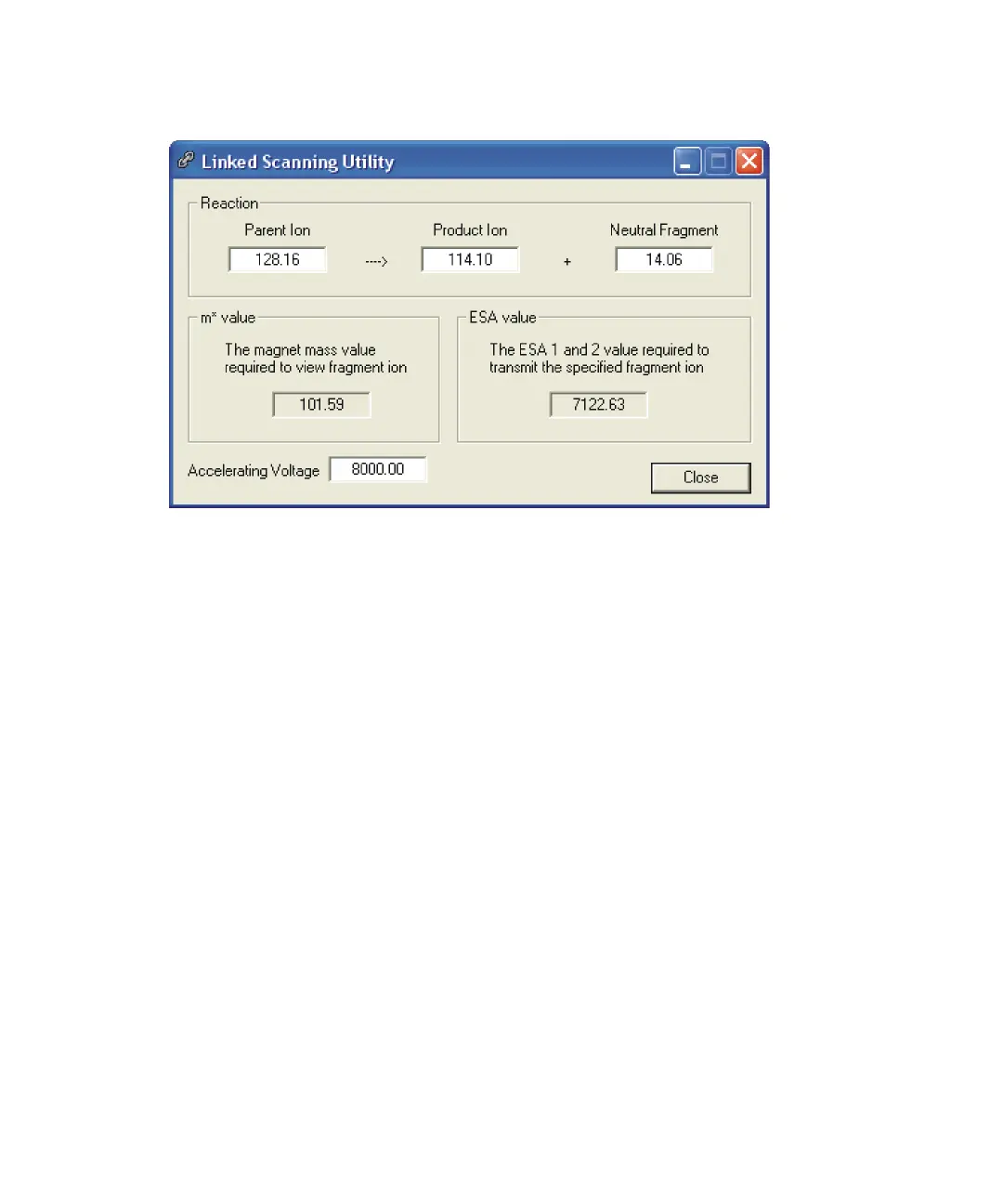
Linked Scanning Utility dialog box
To use the Linked Scanning Utility dialog box
1. Click Options > Linked Scanning Utility.
2. In the Accelerating Voltage text box, specify the current accelerating
voltage value.
3. Specify for the Parent Ion, Product Ion and Neutral Fragment.
Tip: Adjusting one of these values will update another value in the
reaction, in order to maintain validity.
Result: The m* value (magnet mass) and ESA value are recalculated.
4. In the Tune window Linked Scanning page Magnet Mass text box, type
the recalculated m* value.
Tip: To access the Tune window Linked Scanning page, select Linked
Scan Mode on the Control 2 page, then click the Linked Scanning tab.
5. In the Tune window’s Linked Scanning enter the recalculated ESA
value. The recalculated ESA value is also automatically entered in the
ESA 2 Energy text box.
Tip: You can close the Linked Scanning Utility dialog box at any time by
clicking Close. The current settings are retained and appear in dialog
box when it is next opened.











 To Next Page