Low resolution tuning 2-3
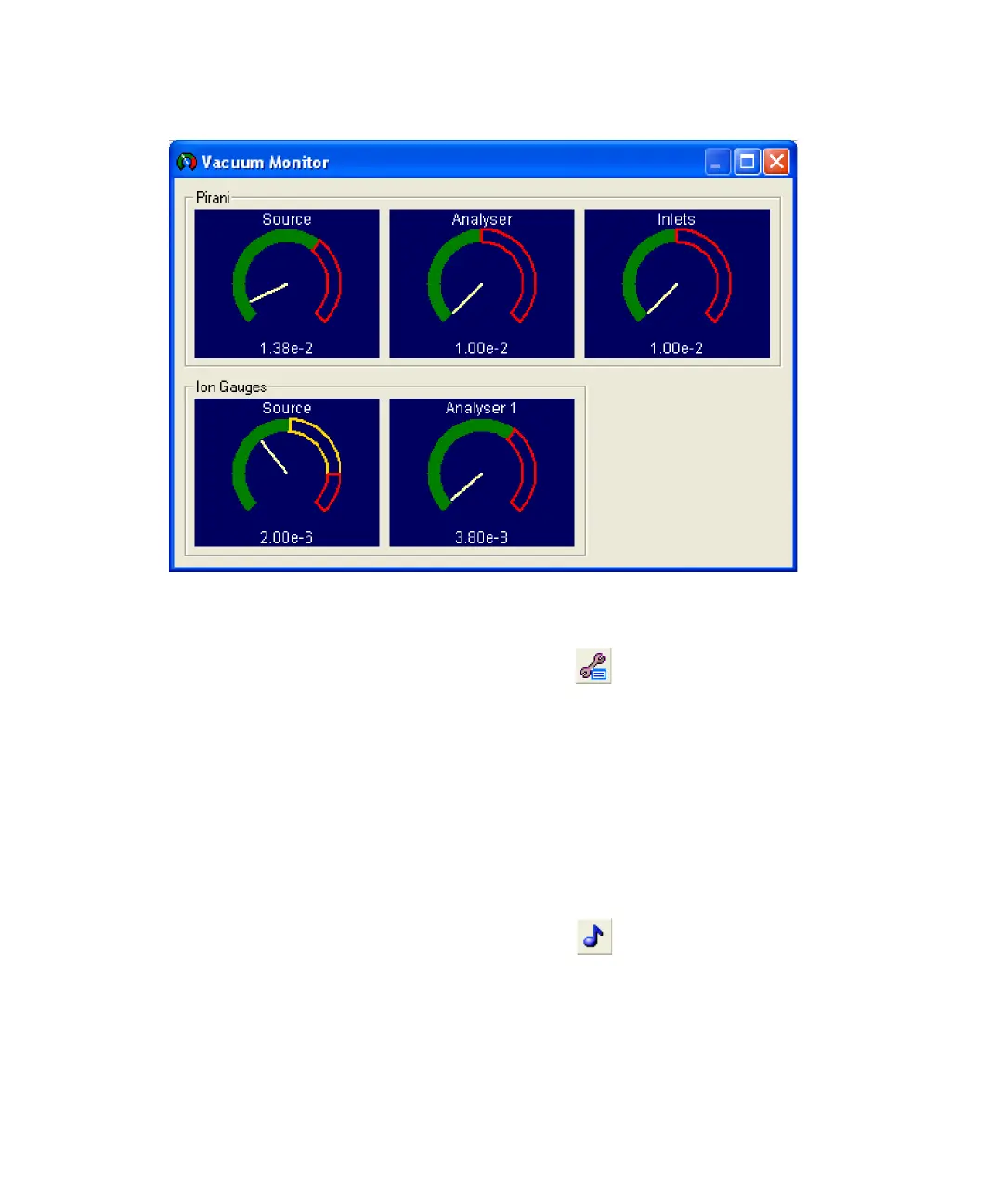
Vacuum Monitor window
To switch on the magnet
1. In the MassLynx Tune window, click .
Alternative: Click Options > Instrument Setup.
2. In the Instrument Setup dialog box, select Magnet.
To open the analyzer isolation valve
On the MassLynx Tune window Vacuum tab, select Analyser.
To look for an ion beam
1. In the MassLynx Tune window, click .
2. Set the status switch (on the front of the instrument) to the Operate
position.
3. Click Press for Operate and confirm that the adjacent instrument status
indicator shows green.











 To Next Page