2-10 Tuning the instrument
To complete low resolution tuning of the instrument
1. Use a syringe to inject approximately 0.5 µL of PFK into the injection
port on the GC interface. See “The GC interface” on page 6-2.
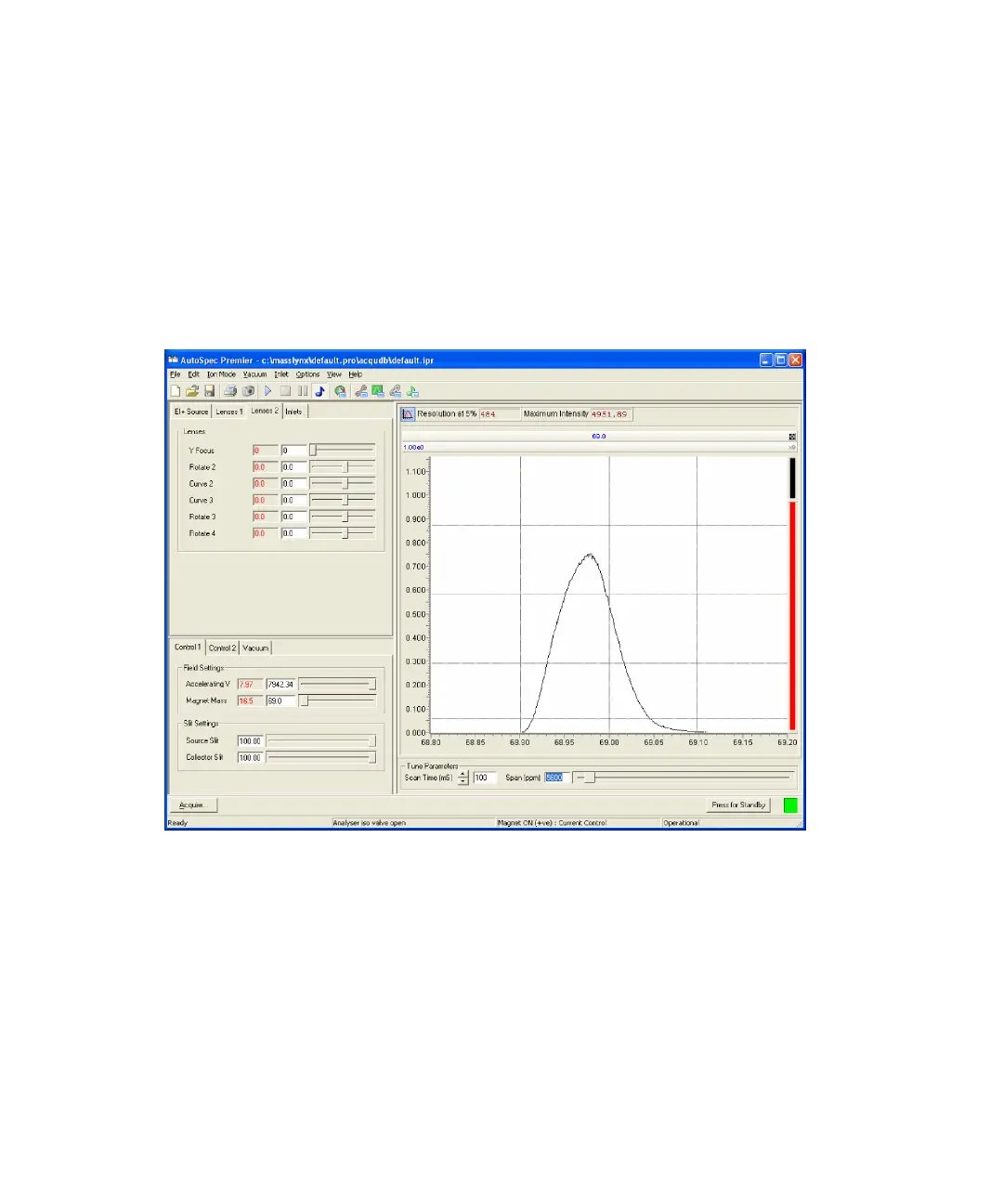
2. In the MassLynx Tune window, on the Control 1 tab, set Magnet Mass to
69.
Result: A PFK peak appears in the Tune window peak display.
PFK peak
3. On the Lenses 2 tab, set Y focus to a value between 2500 and 4500.
4. Tune the instrument to obtain the best peak shape (with minimum
tailing) and intensity using the controls described in the following table.
As these controls interact with each other, this is an iterative process,
that takes a little time to complete.











 To Next Page