2-14 Tuning the instrument
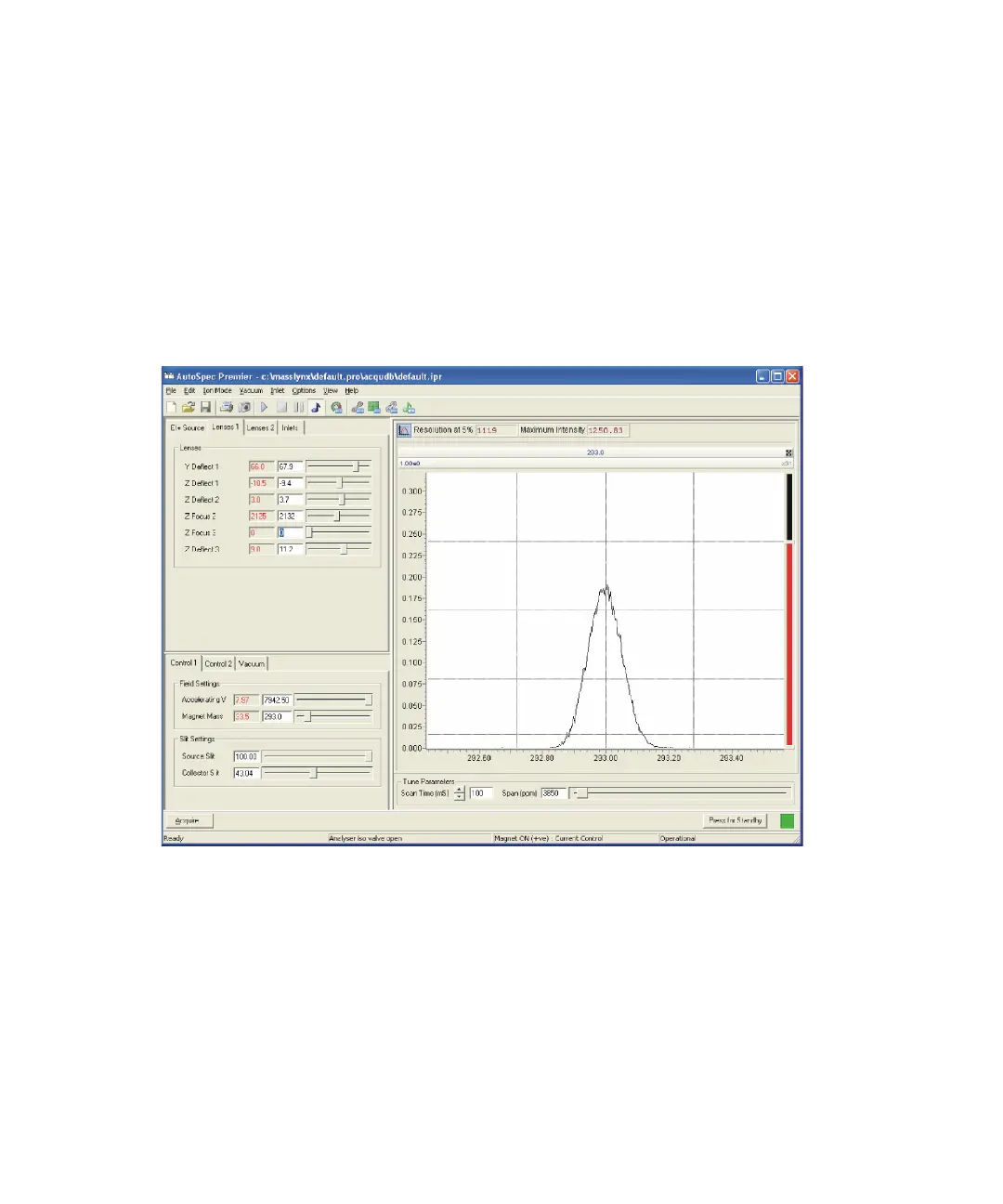
The peak appears in the Tune window’s peak display near to, but not at, its
correct value of 293. Calibrate the mass scale in order to correct this.
To calibrate the mass scale
1. In the Tune window, click Options > Instrument Setup.
2. On the Limits tab, drag the Magnet Limit slider until the peak is
centered at mass 293.
PFK peak at mass 293











 To Next Page