2-22 Tuning the instrument
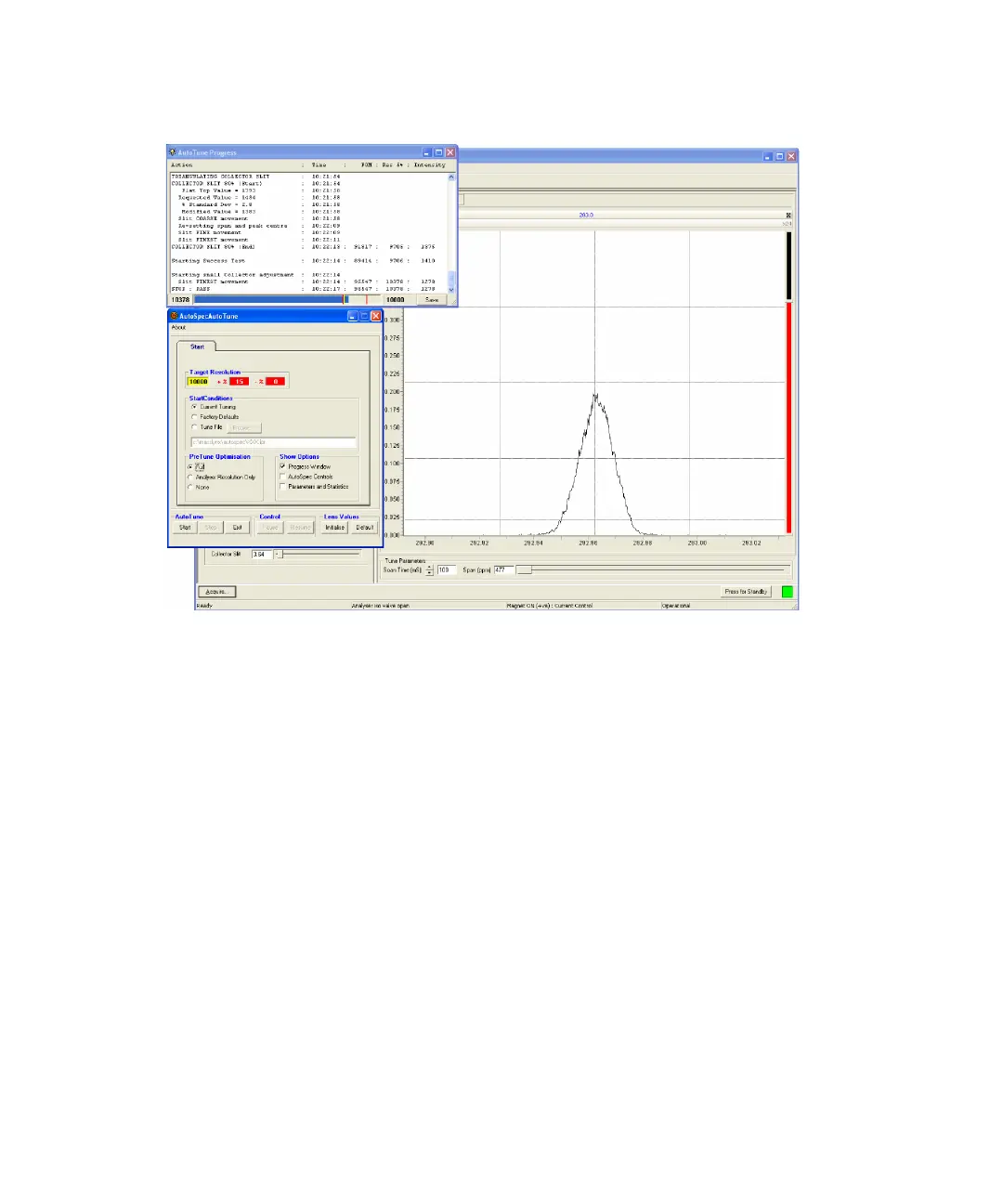
Successful autotune procedure
To stop an autotune procedure
In the AutoSpecAutoTune dialog box, click Stop.
Result: The program stops after the current lens is tuned.
For a more detailed description of the AutoTune program, see the help
document “AutoTuneHelp.doc” found in the directory MassLynx\AutoSpec.











 To Next Page