114
The Now Time and How to Use It
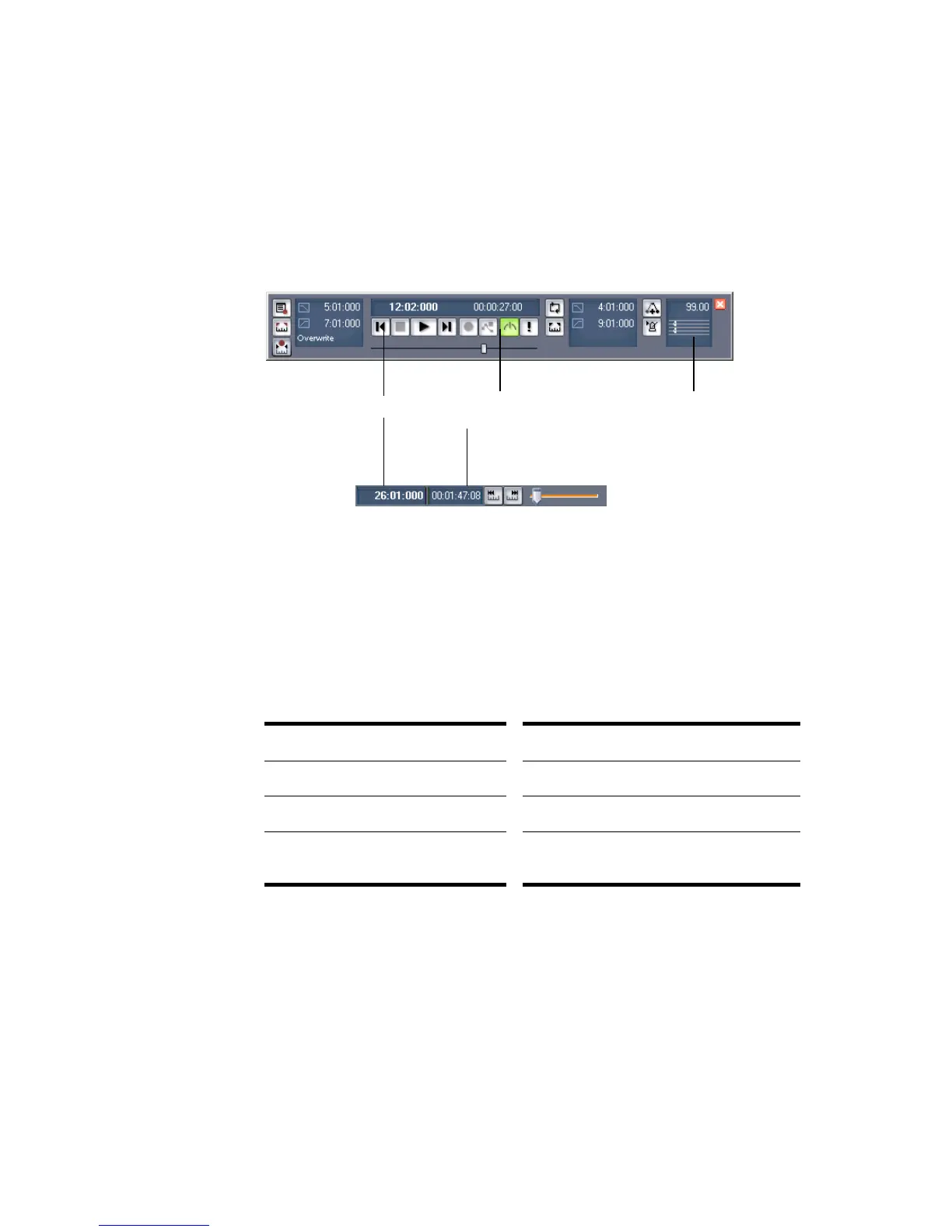
Every project has a current time, known as the Now time, which keeps track of
where you are in a project. The Now time appears as a vertical line in the Track
view and is displayed in both the Large Transport toolbar and the Position toolbar,
in two formats:
The measure, beat, and tick number (MBT) identifies the Now time in musical
time units. Ticks are subdivisions of quarter notes and indicate the timebase of the
project. For more information about the timebase, see “Setting the MIDI Timing
Resolution” on page 169. The other time format is the SMPTE format, expressed in
hours, minutes, seconds, and frames.
Here are some examples of times expressed in measure, beat, and tick (MBT)
format:
The hours-minutes-seconds-frames format is commonly referred to as the SMPTE
time. SMPTE is the acronym for the Society of Motion Picture and Television
Engineers. In this format, time is measured in hours, minutes, seconds, and
frames. It’s not necessary for a project to begin at time zero in this format—any
time can be used to represent the start of a project. If you are synchronizing
SONAR with an external device whose start time is not 0, you must offset SONAR
to match the external device’s start time. For more information, see Chapter 18,
Synchronizing Your Gear.
Time... What it means...
1:01:000 First beat of the first measure
9:04:000 Fourth beat of the ninth measure
4:02:060 The 60
th
tick of the second beat of the
fourth measure
The current time in hours, minutes,
seconds, and frames
The current measure, beat, and tick
Meter, Key Signature
display



 To Next Page