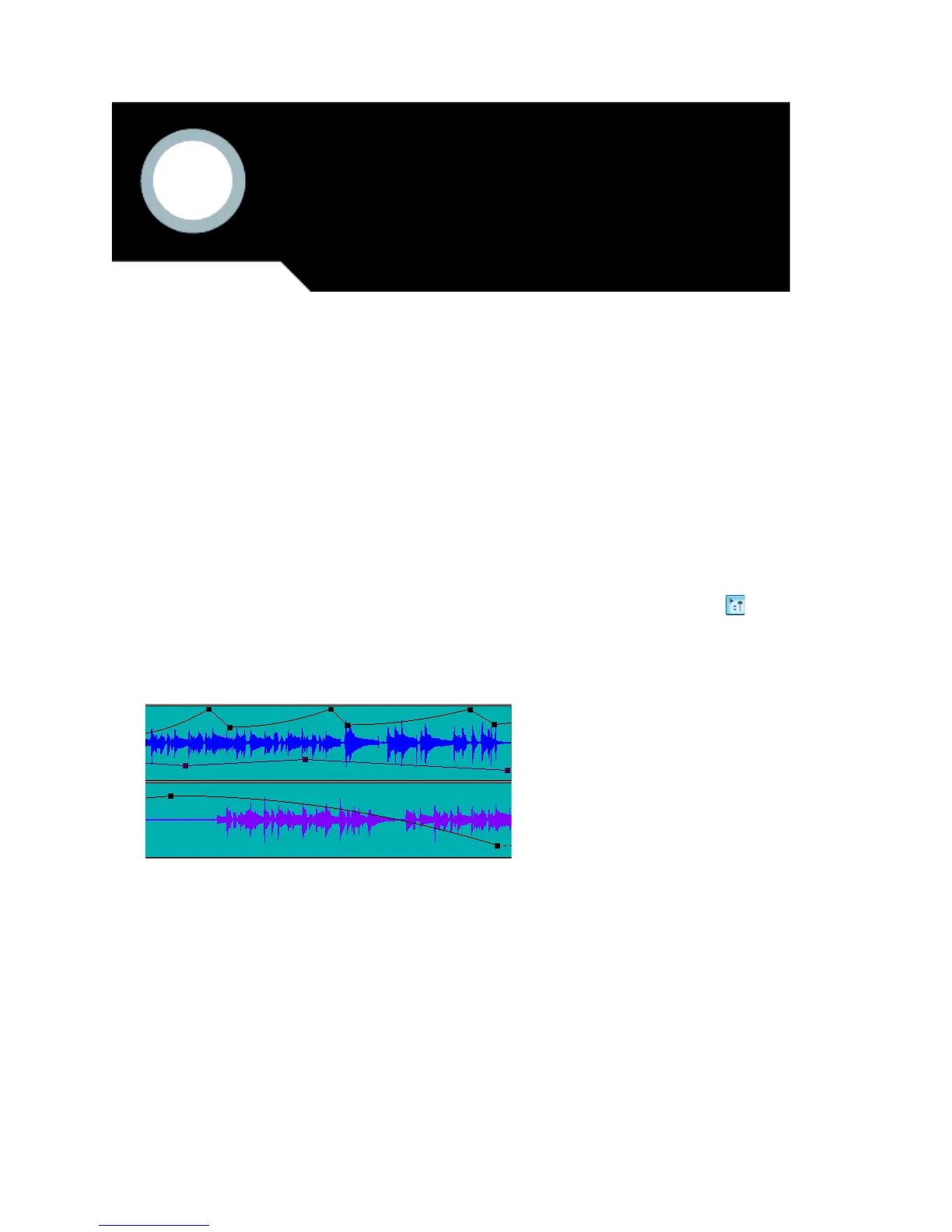
Automation means to record the movement of a fader, knob, or other control so
that the next time you play your project, that control moves automatically. SONAR
allows you to graphically automate much more than just volume and pan
controls—you can automate individual controls, faders, and knobs that control the
main outs, individual tracks, buses, individual effects’ parameters (including some
plug-in synths), and even individual clips. You can also group several controls
together and automate them all by recording only a single control’s movements. All
automatable controls are in the Console view and the Track view (including the
Clips pane), however, you can also graphically automate MIDI controllers from the
Piano Roll view in addition to the Console and Track views. You can enable or
disable all automation by clicking the Enable Automation Playback button
in the Automation toolbar. Display the Automation toolbar by using the View-
Toolbars command and making sure that the Automation checkbox is checked in
the Toolbars dialog box.
In This Chapter
Quick Automation Guide . . . . . . . . . . . . . . . . . . . . . . . . . . . . . . . . . . . . . . . . . . . . . . . . . 494
The Automation Toolbar. . . . . . . . . . . . . . . . . . . . . . . . . . . . . . . . . . . . . . . . . . . . . . . . . . 495
Automation Methods . . . . . . . . . . . . . . . . . . . . . . . . . . . . . . . . . . . . . . . . . . . . . . . . . . . . 495
Automating Effects. . . . . . . . . . . . . . . . . . . . . . . . . . . . . . . . . . . . . . . . . . . . . . . . . . . . . . 507
Reassigning Envelopes . . . . . . . . . . . . . . . . . . . . . . . . . . . . . . . . . . . . . . . . . . . . . . . . . . 510
The Envelope Editing and Node Editing Menus . . . . . . . . . . . . . . . . . . . . . . . . . . . . . . . . 511
13
Using Automation



 To Next Page