116
When entering a time in SMPTE format, you can enter a single number (hour),
two numbers (hour and minutes), three numbers (hour, minutes, and seconds), or
all four numbers.
If you click in the Time Ruler while the snap grid is enabled, the Now time will be
snapped to the nearest point in the grid. By setting the grid size to a whole note or
quarter note, you can easily set the Now time to a measure or beat boundary.
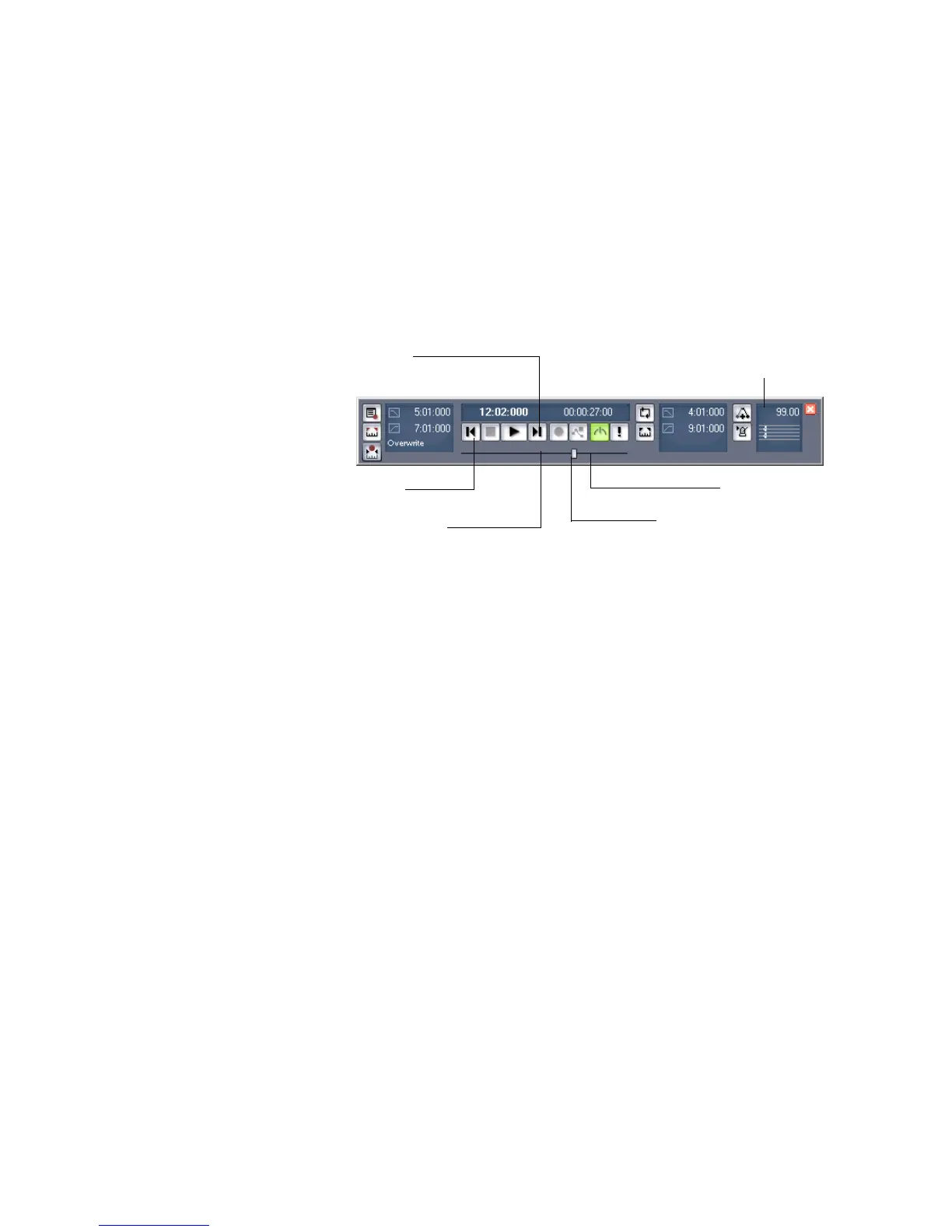
You can also use the buttons and the scroll bar in either the Transport toolbar or
Large Transport toolbar (shown below) to adjust the time.
The Large Transport toolbar differs from the Transport toolbar because it displays
the Now time (which you can set by entering numbers into the display fields in
either MBT or SMPTE time) and the Meter/Key Signature display. The Meter/Key
Signature display shows the current meter, key signature, and tempo. You can edit
the meter and key signature by clicking the display to open the Meter/Key
Signature dialog box. You can display the Large Transport toolbar by selecting the
View-Toolbars command to open the Toolbars dialog box, and checking Transport
(Large).
When playback or recording is stopped, the Now Time either remains at the point
where the project stopped or snaps back to the Now Time Marker. This behavior is
controlled in the General tab of the Global Options dialog.
The Now Time Marker
In the Track view, the Now time appears as a black vertical line. When you set the
Now time in the Track view a white triangle called the Now time marker appears
in the Time Ruler. This marker represents the point at which the Now time will
snap back to after you stop playback or recording. You can change the Now time
marker behavior so that the marker moves to the current Now time when playback
or recording is topped.
Drag to any desired position
Click to move ahead one measu
Click to back up one measure
Click to jump to the end
Click to jump to the beginning
Meter/Key
Signature display



 To Next Page