284
Transposing
The Process-Transpose command transposes the pitches of selected note events
up or down by a fixed number of steps. It does so by changing the MIDI key
numbers of note events. Simply enter the number of half-steps—a negative
number to transpose down, a positive number to transpose up.
SONAR can also perform diatonic transposition, which shifts all the notes up and
down the major scale of the current signature by the designated number of steps.
For instance, if you specify an amount of +1 and the key signature is C-major, a C
becomes a D (up a whole step), an E becomes an F (up a half step), and so on.
Diatonic transposition assures you that the transposed notes fit with the original
key signature.
As an option, you can choose to transpose selected audio clips along with any
selected MIDI clips. SONAR uses pitch-shifting (a plug in for changing audio
pitch) to perform the transposition. You can transpose audio only a single octave in
either direction (-12 to +12), and you cannot transpose audio when you are using
diatonic transposition.
To Transpose Selected Events
1. Select the tracks, clips, or events you want to transpose.
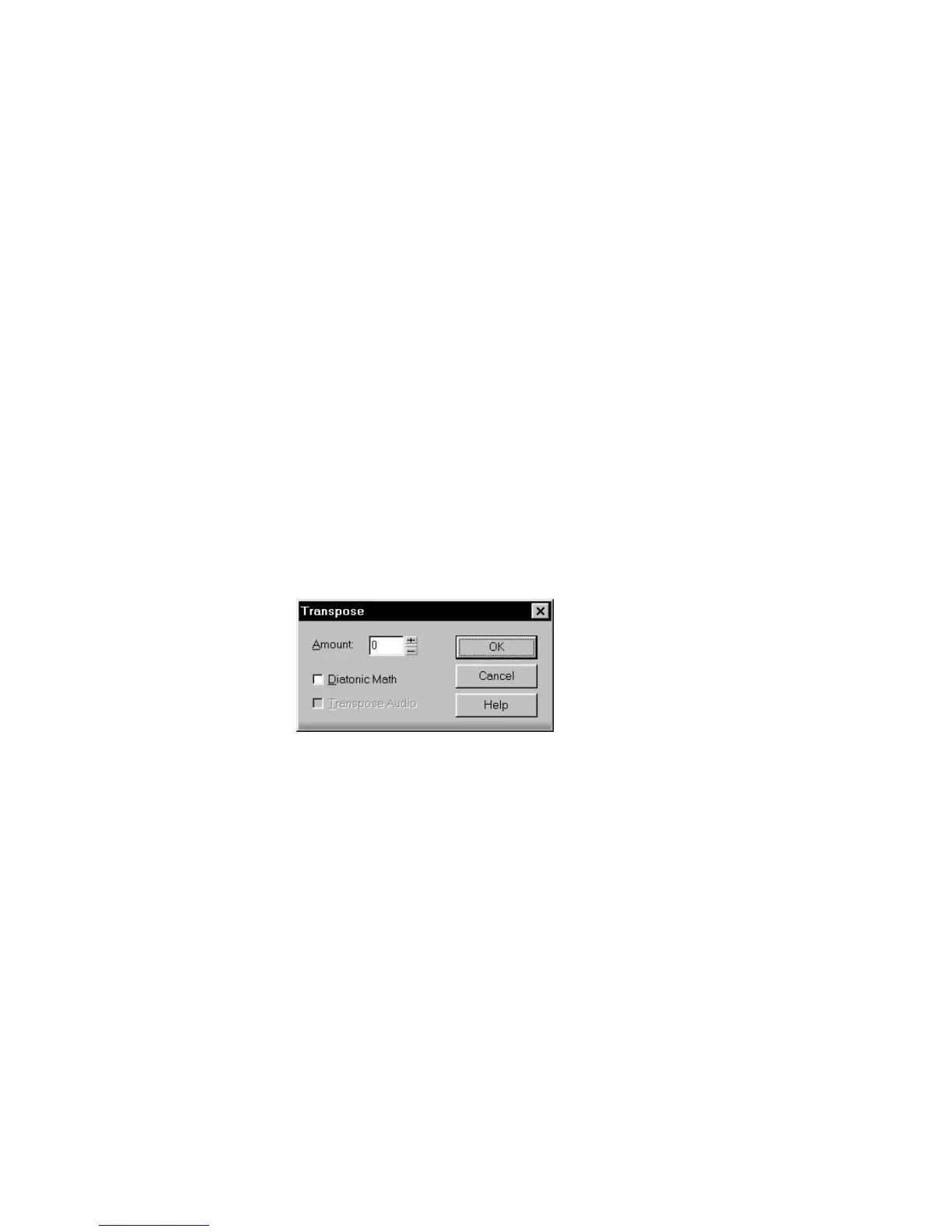
2. Choose Process-Transpose to display the Transpose dialog box.
3. Use the spinners or enter the number of semi-tones to transpose.
Or
Use the + and - keys on your keypad to go up or down by one or [ and ] to go up
or down by octaves.
4. Check Diatonic Math if you want to transpose along the major scale of the
current key.
5. Choose Transpose Audio if you want to pitch-shift selected audio clips.
6. Click OK when you are done.
SONAR transposes the selected events.



 To Next Page