665
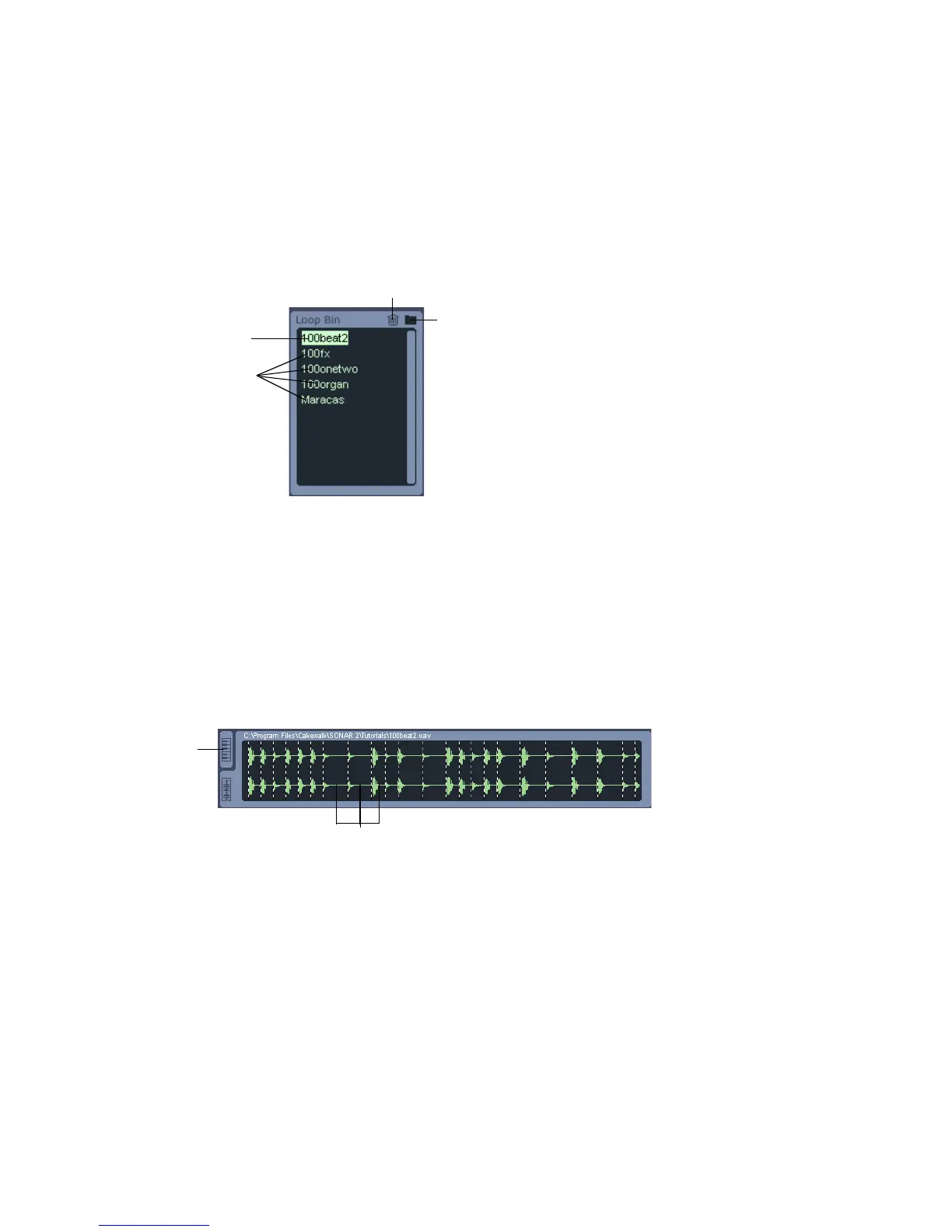
Loop Bin
The Loop bin, located right below the Cyclone DXi toolbar, is where you can place
loops you want to use in Cyclone DXi. From the Loop bin you can drag and drop
loops onto a Pad or into the Pad Editor.
Loop View and Key Map View
The Loop view displays the content of the loop you have selected in the Loop bin. If
the loop is an ACIDized loop, the loops transient markers separate the file’s slices.
From the Loop view, you can drag a slice onto an event in the Pad Editor.
The Key Map view shares the same space in Cyclone DXi as the Loop view. You
toggle between the two views by clicking on one of the tabs to the left of whichever
view is displayed. The keyboard in the Key Map view shows the Unity note (in
orange) and the range of notes that trigger the pad group (in blue). Drag the Unity
Current Loop
Loops
Click to delete selected loop
Click to load a loop
Slices
Click to
open the
Key Map
view
Loop View



 To Next Page