384
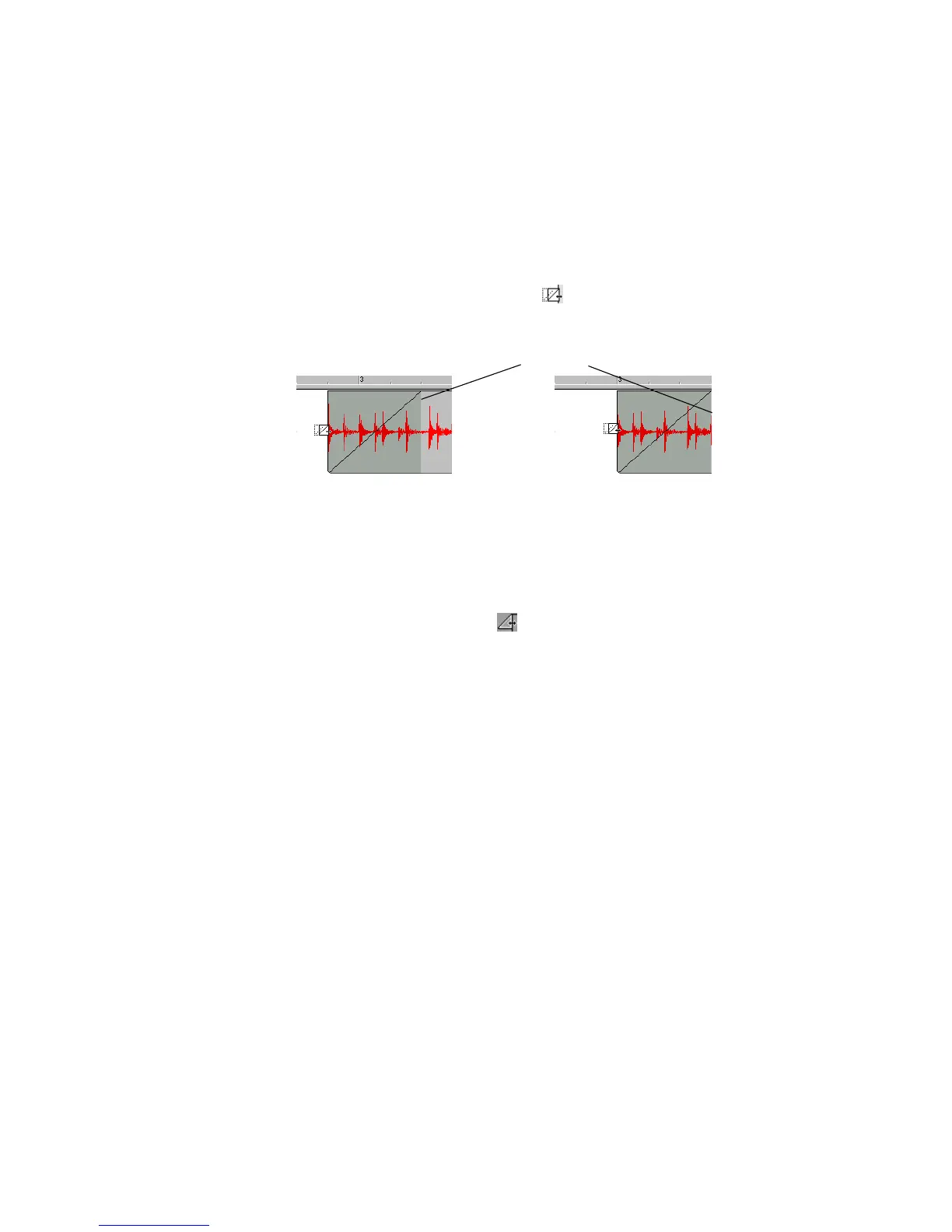
To Edit the Start Time of a Fade While Maintaining the Length
of the Fade
Use this procedure to change the start time of the fade-in while maintaining the
current end time of the fade:
1. In the Clips pane, move your cursor over the middle part of the beginning of a
clip which has a fade-in.
2. When your cursor looks like this , click and drag the beginning of the fade-
in (and the clip) to the desired location and release.
To Change an Existing Fade
Use the following procedure to change an existing fade on a clip:
1. Move your cursor over the beginning of a fade-out or the end of a fade-in, until
your cursor looks like this: .
2. Right-click to and select the desired fade type from the menu that appears.
To Change an Existing Crossfade
Use the following procedure to change an existing crossfade:
1. Move your cursor over the region where the crossfade is.
2. Right-click and select the desired crossfade from the menu that appears.
Applying Fades and Crossfades Offline
SONAR provides several commands for applying gradual volume changes to audio
data. The first command, Fade/Envelope, lets you fade in or fade-out, and lets you
choose an envelope, a curve that governs the rate of the fade. The starting
envelope can be linear (straight line), exponential, or inverse exponential. You can
change the shape of the envelope before applying the fade.
The envelope in the Fade/Envelope dialog box is made of one or more connected
line segments (the linear curves are a single segment, the exponential curves
consist of nine segments each). Although the endpoints of the curve are fixed, you
Fade in before being edited
Fade in after being edited
Fade in end time changed



 To Next Page