50
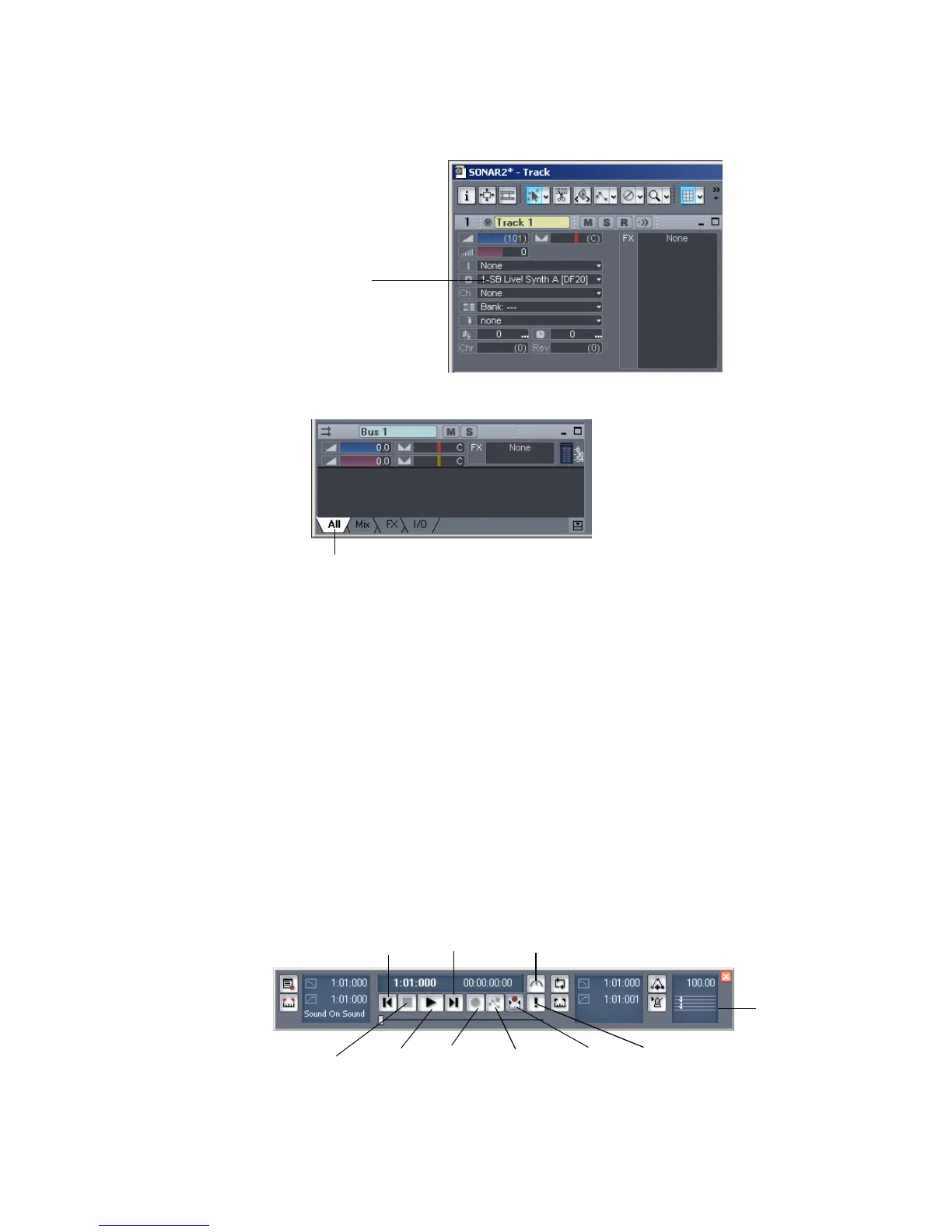
A popup menu appears, containing a list of enabled MIDI outputs.
2. Select the output you want to use for that track.
3. Press the down arrow on your computer keyboard to move to the Output field
for the next track and choose an output.
4. Repeat step 3 for each track.
Let's play the project!
Playing the Project
Buttons in the Large Transport toolbar, shown in the following picture, can control
most of SONAR’s basic playback functions.
If you don’t see the Large Transport toolbar, then choose View-Toolbars and
check Transport (Large).
Output menu
All tab control—click this to display all the track controls. Click
the other tabs to display smaller groups of controls.
Rewind
Stop
Play
Go to End
Record
Reset
Meter/Key
Run/Stop Audio Engine
Record Automation
Auto-punch



 To Next Page