380
Fades and Crossfades
Fades are a gradual increase or decrease in volume at the beginning (fade-in) or
end (fade-out) of a clip. A crossfade is when one clip fades out while another fades
in. There are two ways to create fades and crossfades in SONAR: offline
(destructive) and real-time (non-destructive).
Using Fades and Crossfades in Real Time
You can create real-time fades and crossfades in the Track view’s Clips pane. Real-
time fades and crossfades do not change the data in the clip. SONAR reads the
fade-in, fade-out or crossfade in the clip and adjusts the gain accordingly. You can
edit he crossfade’s start time and end times.
You can set the type of fade-in or fade-out you want to use as a default:
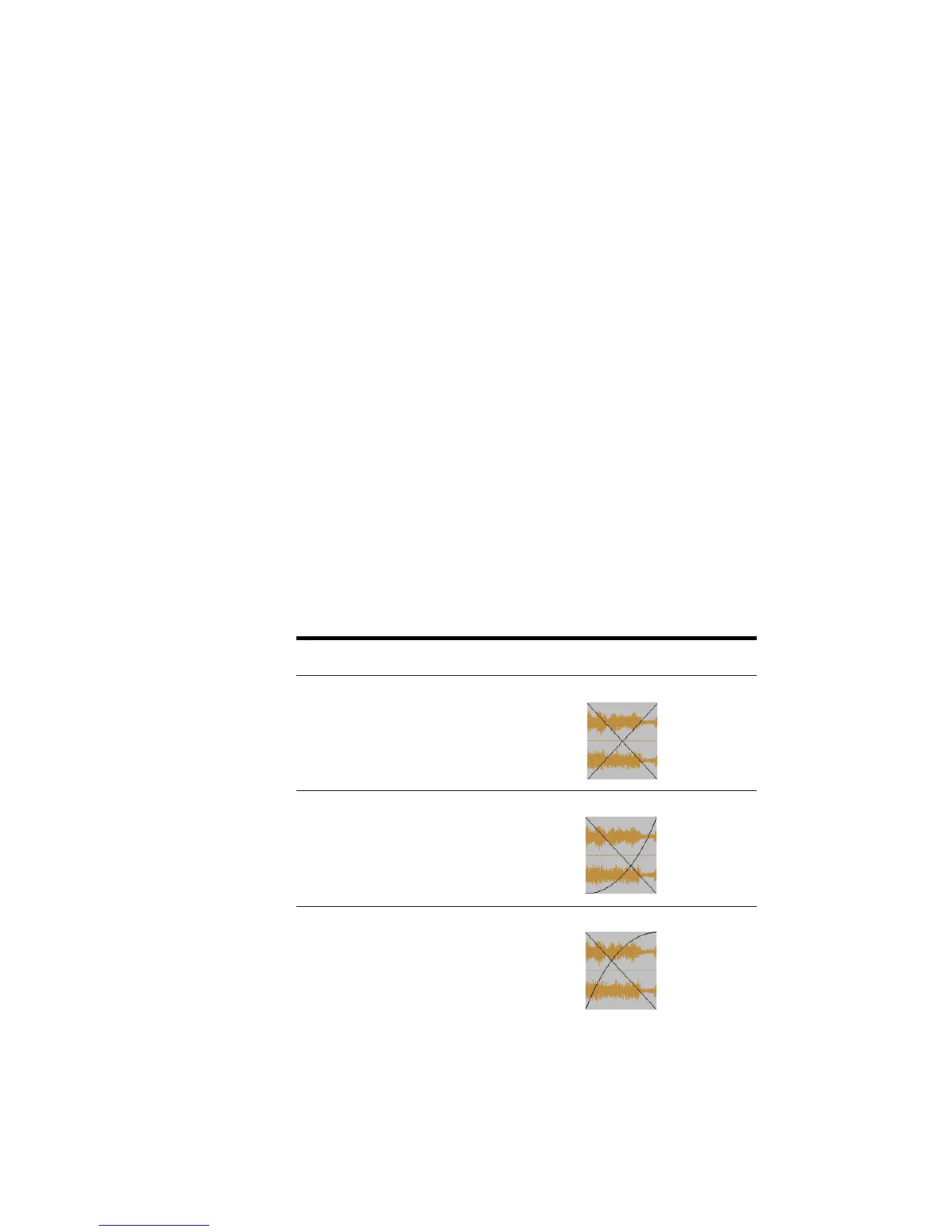
• Linear—A straight line, raising or lowering the volume at a steady rate.
• Slow Curve—A curved fade which starts to change the volume slowly at first
and then rapidly increasing (fade-in) or decreasing (fade-out) the volume.
• Fast Curve—A curved fade which starts to change the volume quickly at first
and then rapidly decreasing (fade-out) or increasing (fade-in) the volume.
The following crossfade combinations are possible:
Crossfade combination... Looks like this...
Linear out/Linear in
Linear out/Slow Curve in
Linear out/Fast Curve in



 To Next Page