548
SONAR inserts the new expression mark below the staff.
To Edit an Expression Mark
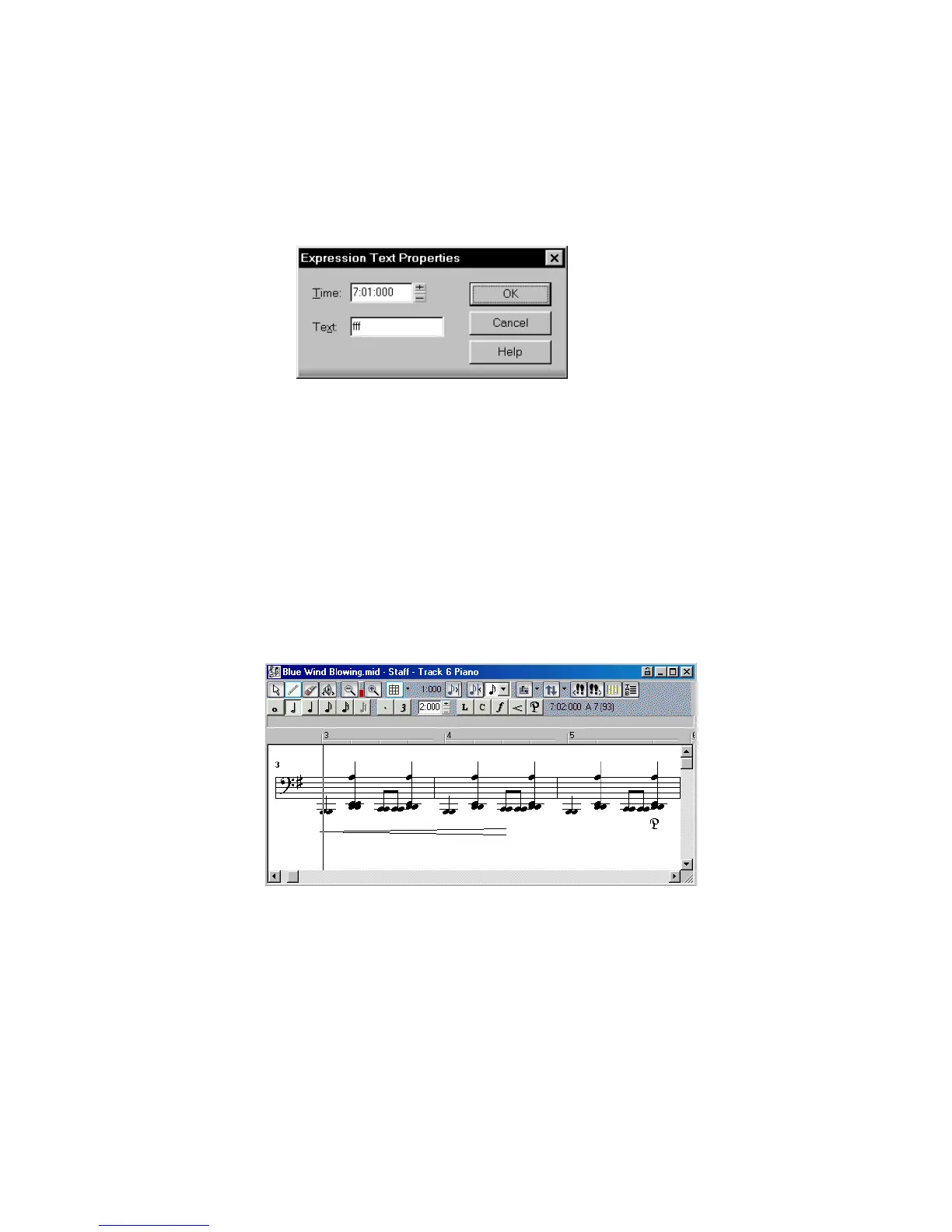
1. Right-click the expression mark to open the Expression Text Properties dialog
box.
2. Edit the time and text of the expression mark as desired.
3. Click OK.
The Staff view displays the expression mark with the new text, including moving
it to a new time if necessary. You can also use the Draw tool and click on an
expression mark directly to change its text.
Adding Hairpin Symbols
Some musical phrases vary dynamically, increasing or decreasing in loudness for
dramatic effect. SONAR lets you insert traditional crescendo and diminuendo
hairpin symbols that convey this information to a performer, as shown here:
If the track is split into treble/bass staves, hairpin symbols are allowed only below
the treble staff.



 To Next Page