618
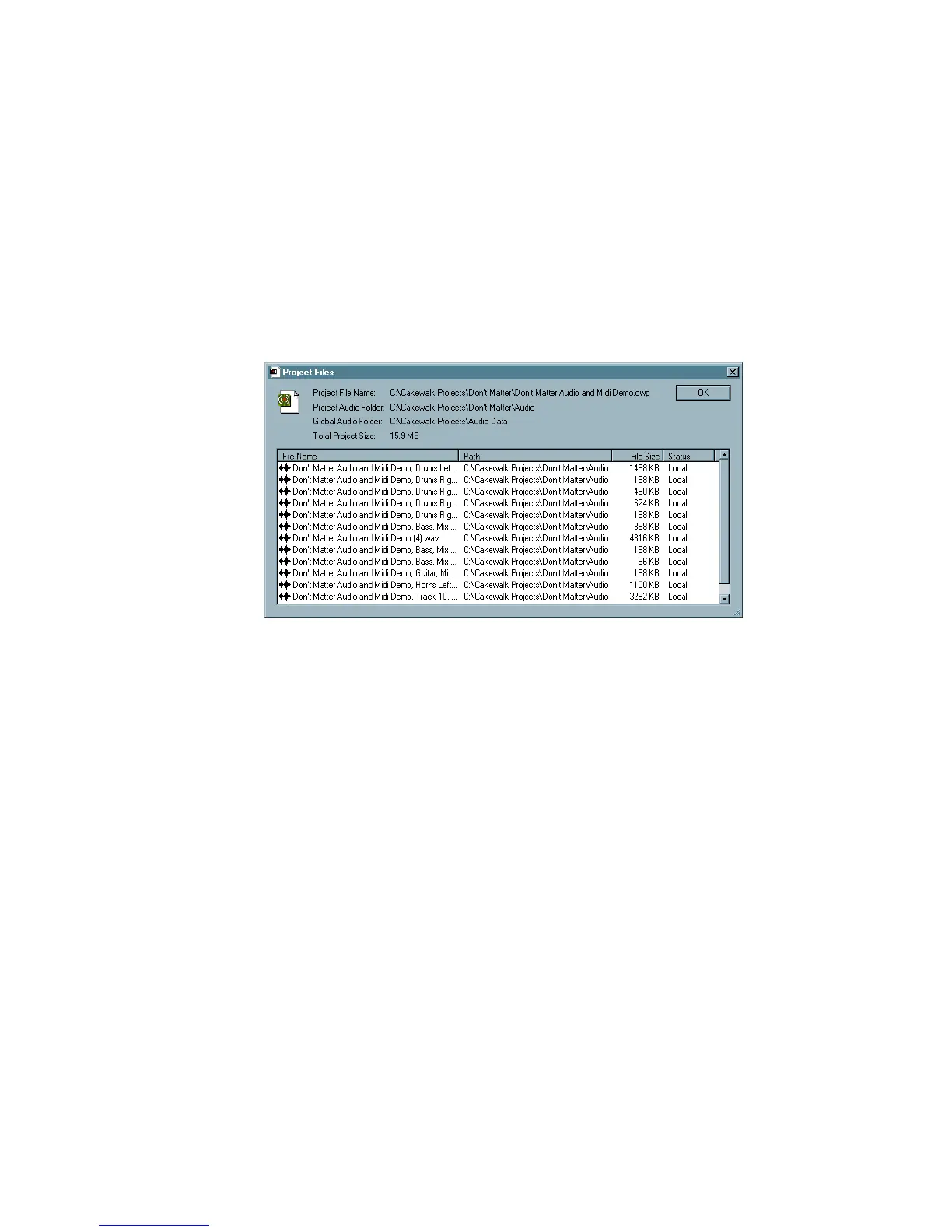
The Project Files Dialog
SONAR projects, extension .CWP, contain all your project information with the
exception of your digital audio data. This data is stored in a separate folder or
folders. You can opt to save the data for all of your projects in a single audio folder,
or create multiple folders.
The Project Files dialog lists all of your project’s audio files and their location. This
dialog is a valuable tool for managing your audio files.
How to use the Project Files Dialog
The Project Files dialog has important information, including:
• Exactly which folders all of your audio files are saved in—know at a glance if
you can backup your project by copying the audio folder and the .
CWP file or if
you need to do a Save As to round up files not in your project’s audio folder.
• The filenames for each audio file your project is referencing
• The size of your project—important if you are going to backup your project



 To Next Page