358
Editing Clip Properties
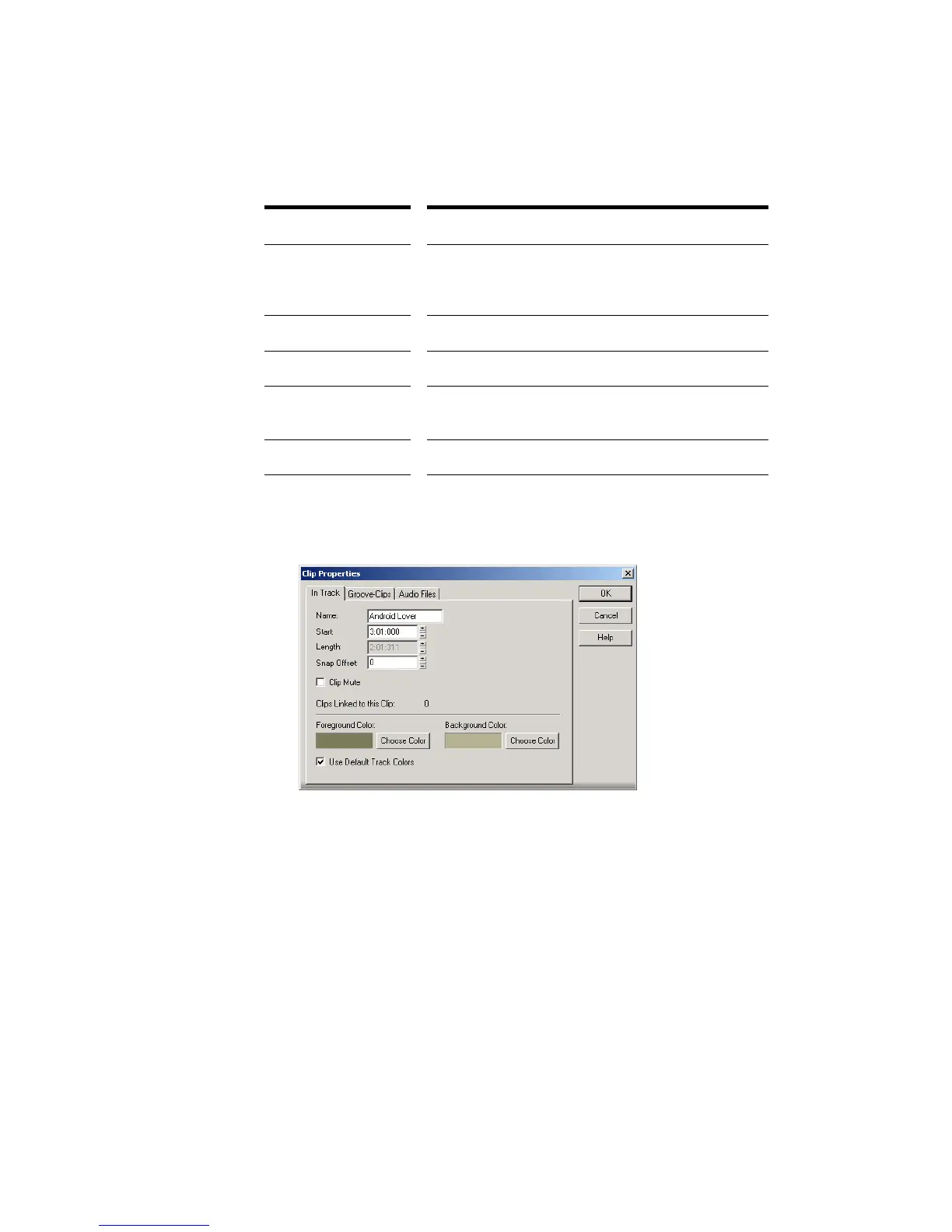
Audio clips have several properties that you can change:
To Change an Audio Clip’s Name
1. Right-click the audio clip and choose Clip Properties.
2. Type a new name in the Name box.
3. Click OK.
The new clip name appears in the upper left corner of the clip.
To Change a Clip’s Start
1. Right-click an audio clip and choose Clip Properties.
2. Enter a new starting time in the Start field.
3. Click OK.
The Track view displays the clip at the new starting time.
Property... Description...
Name The name of a clip is used in the Track view and Event
List view. You can assign any name to help you
remember the contents of the clip.
Start The start determines when the sample is played.
Length The length indicates the size of the clip.
Snap Offset A value that represents the number of samples into
the clip at which the clip snaps to.
Display Color The clips color in the Track view.



 To Next Page