341
Velocity Tails
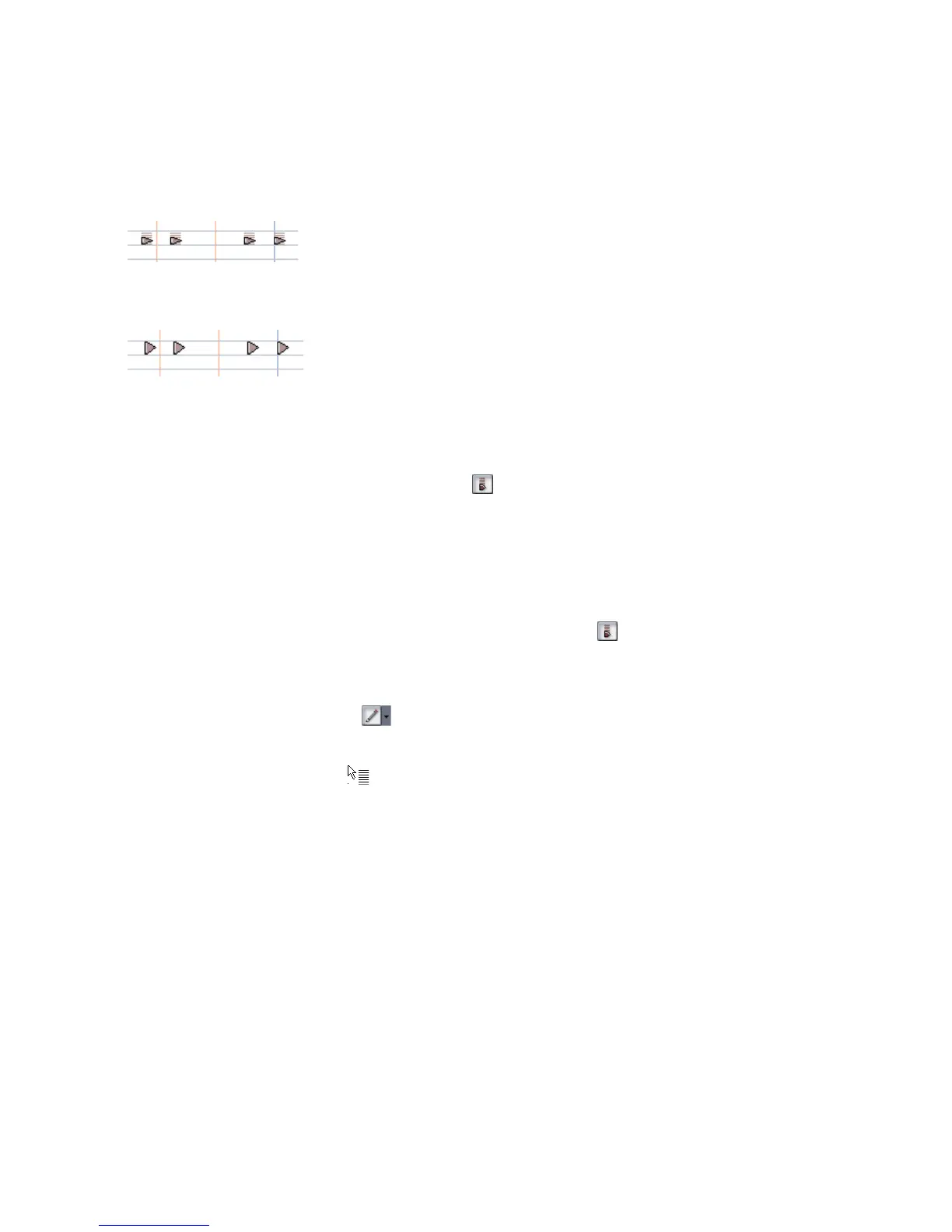
In the Drum Grid pane, you have the option of showing the velocity of each note as
a series of bars. The higher the bars, the higher the velocity value.
To Display Velocity Tails in the Drum Grid Pane
• Click the Show/Hide Velocity Tails button in the Piano Roll view toolbar.
Or
• Press the Y key.
Editing Note Velocities
In the Drum Map Editor you can display note velocities as a series of horizontal
bars behind the note. Click the Show/Hide Velocity Tails button to display note
velocities.
To Edit a Note Velocity in the Drum Grid Pane
1. Click the Draw tool button .
2. Move your cursor over the velocity tail you want to edit until the cursor
changes to look like this:
3. Click and drag the velocity tail. Drag it up to increase the velocity. Drag it
down to decrease the velocity.
Notes with velocity showing
Notes without velocity showing



 To Next Page