514
Layouts
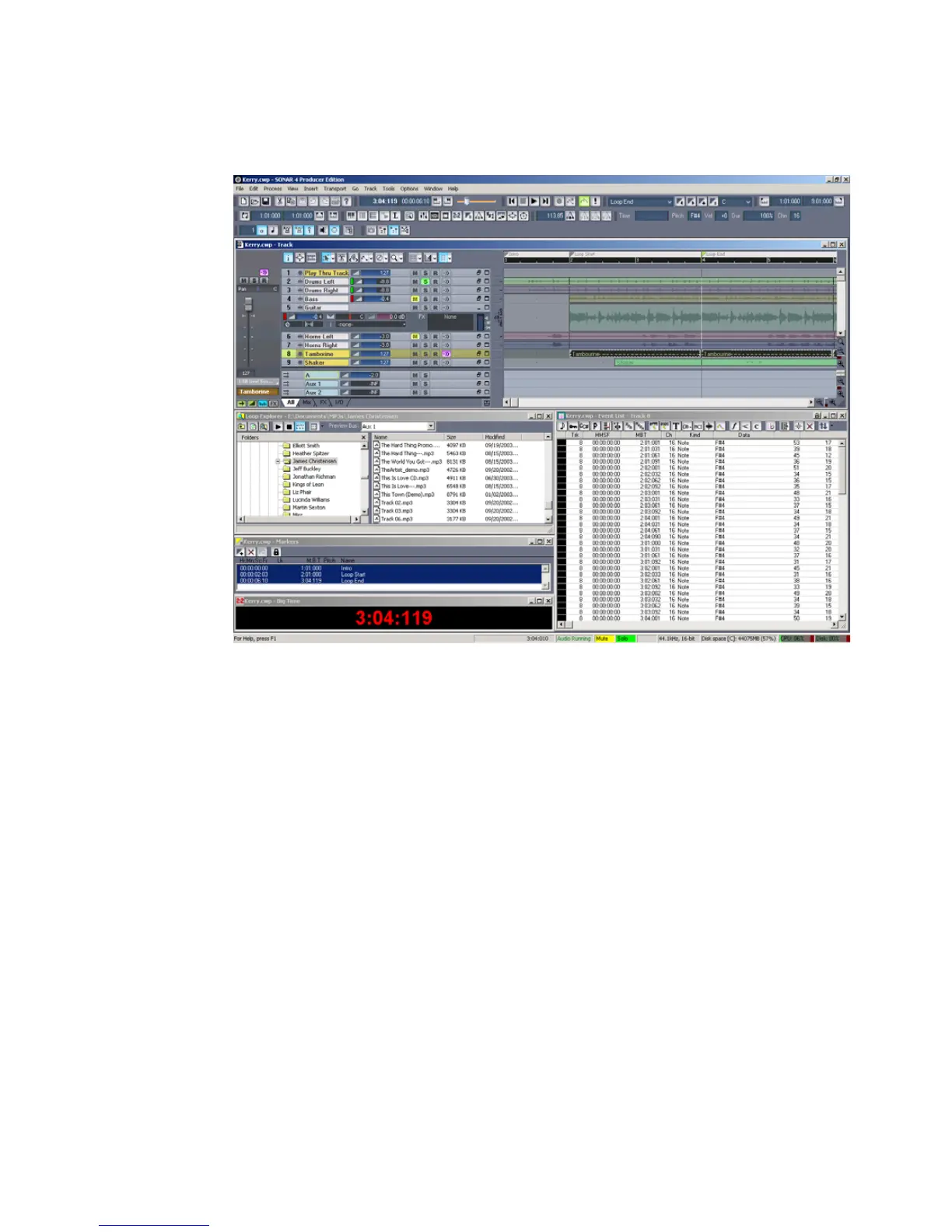
The layout of the views that are displayed for a project is stored automatically in
the project file when you save the project. By default, the layout of all the views is
restored when the file is opened. You can automatically arrange all open views so
that they are all visible by using the Window-Tile in Rows command.
In addition, you can save the current layout in a separate list—the global layout
list. Once you have saved the layout in this list, you can apply it to any open
project. The global layout list can contain as many layouts as you want. Layouts in
the list can be updated, renamed, and deleted.
Layouts are stored in a folder on your hard disk. To change the default folder for
layouts, choose Options-Global, click the Folders tab, and type the name of a
different folder in the Window Layouts field (or click the browse button that’s at
the right end of the Window Layouts field, and select a new folder).



 To Next Page