437
What the Meters Measure
The following table summarizes what each kind of meter measures:
Hiding and Showing Meters
The display and configuration of the meters in the Track view is independent of
the meters in the Console view, and vice versa. Buttons in the Track view and
Console view toolbars hide or show all the meters of each kind in each view. To
show or hide meters on individual tracks or buses, use the right-click popup menu
that’s available from the title bar of each track or bus.
Note: If you want to conserve the maximum amount of your CPU’s resources, turn
off all metering in both the Track and Console views.
To Show or Hide all Record Meters
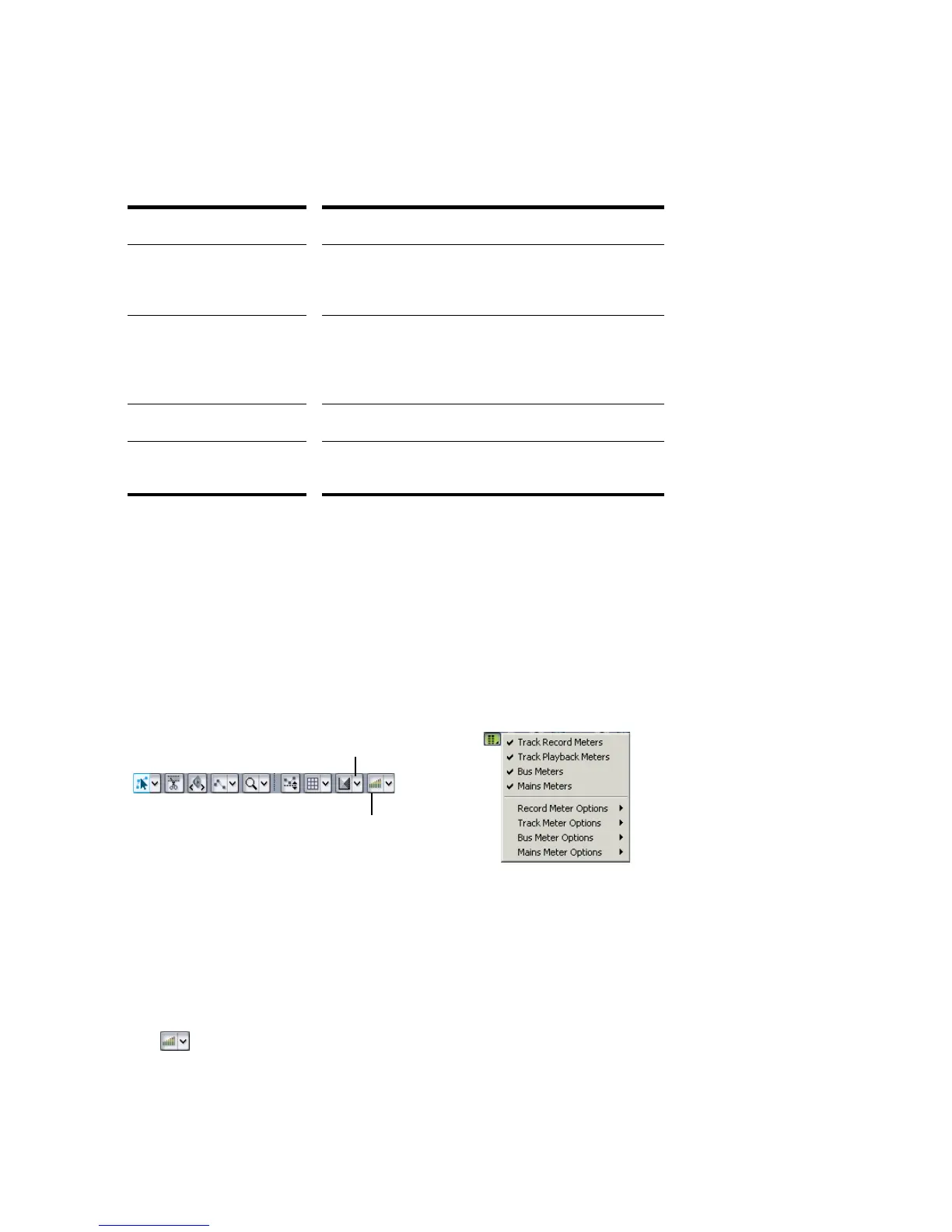
• In the Console view, click the Show Meters button. This button hides or shows
all the meters in the Console view.
• In the Track view, click the arrow to the right of the Show/Hide Meters button
and select Record Meters from the menu that appears.
Kind of meter... What it measures...
Record The level of the instrument listed as an input for the
track you are monitoring—the track must be armed to
enable the meter
Playback A playback meter measures the playback level of any
pre-existing data in the track you are monitoring,
either before or after the track faders, depending on
what display options you choose
Main outs The level of the signal output by each main out.
Buses The level of the output signal the bus is sending back
from the effects.
Track view toolbar
Console view Show Meters button and menu
Show/Hide All Meters
Meter Options menu



 To Next Page