424
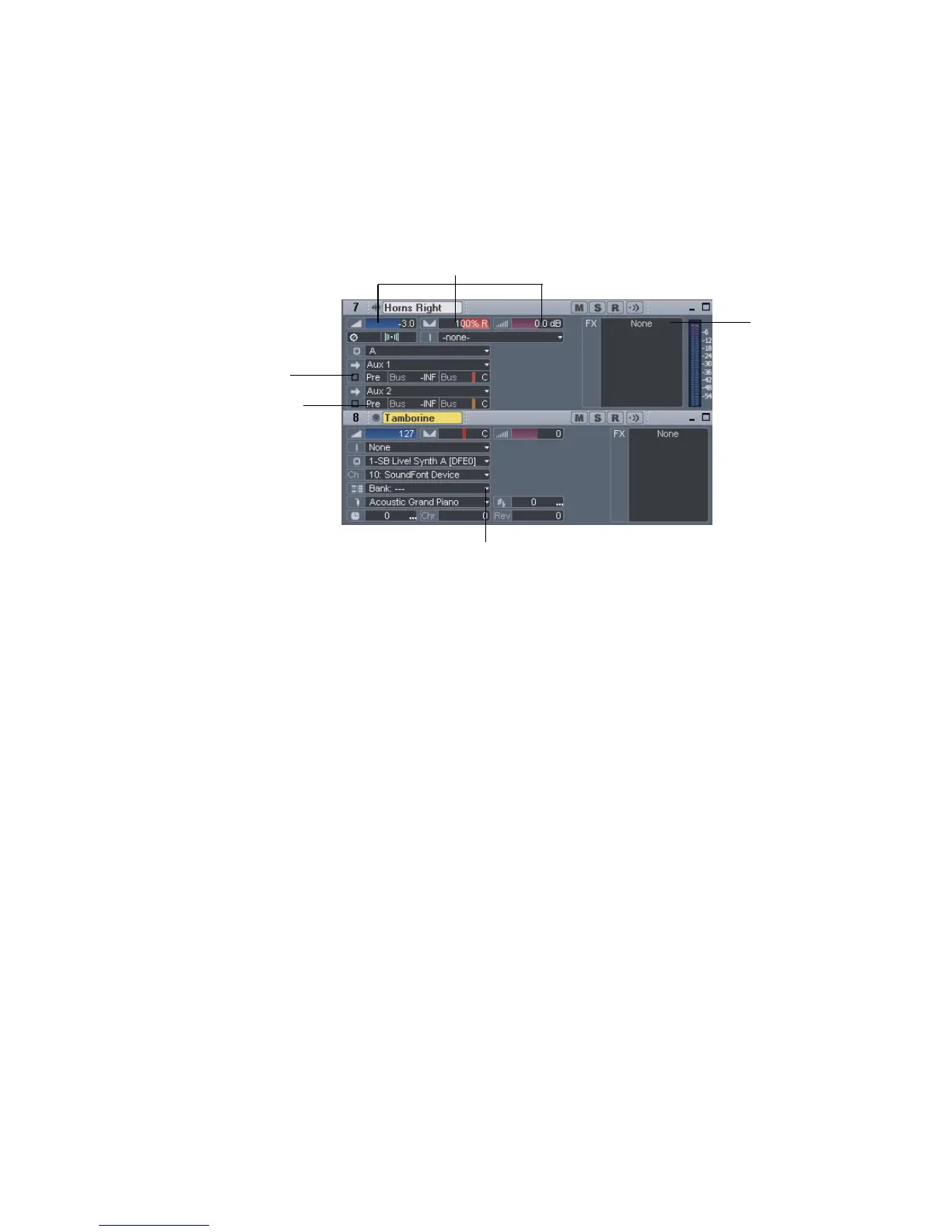
The Track view contains several different types of controls. Here’s how they are
used:
For information on using the controls in the Track view, see Chapter 3, Changing
Track Settings.
Volume, pan, bus send level and bus send pan also have snap-to positions; double-
click the control to return it to its snap-to value.
The controls and effects patch points all have tool tips associated with them. To see
a description of a particular control or effect, simply rest the cursor over the item
for a few seconds.
Configuring the Console and Track Views
The Console and Track view can be reconfigured in a variety of ways. You can:
• Choose the tracks that you want to see
• Adjust the display of audio meters and clip indicators
• Change the number of buses
• Set control snap-to positions
• Insert new tracks
• Name tracks and buses
Click and drag left or right to change values
Click to
enable or
disable
Click to toggle
from Pre to Post
Click the small white arrow to open a menu of options
Right-click and
select from a
menu of effects



 To Next Page