423
The controls and effects patch points all have tool tips associated with them. To see
a description of a particular control or effect, simply rest the cursor over the item
for a few seconds.
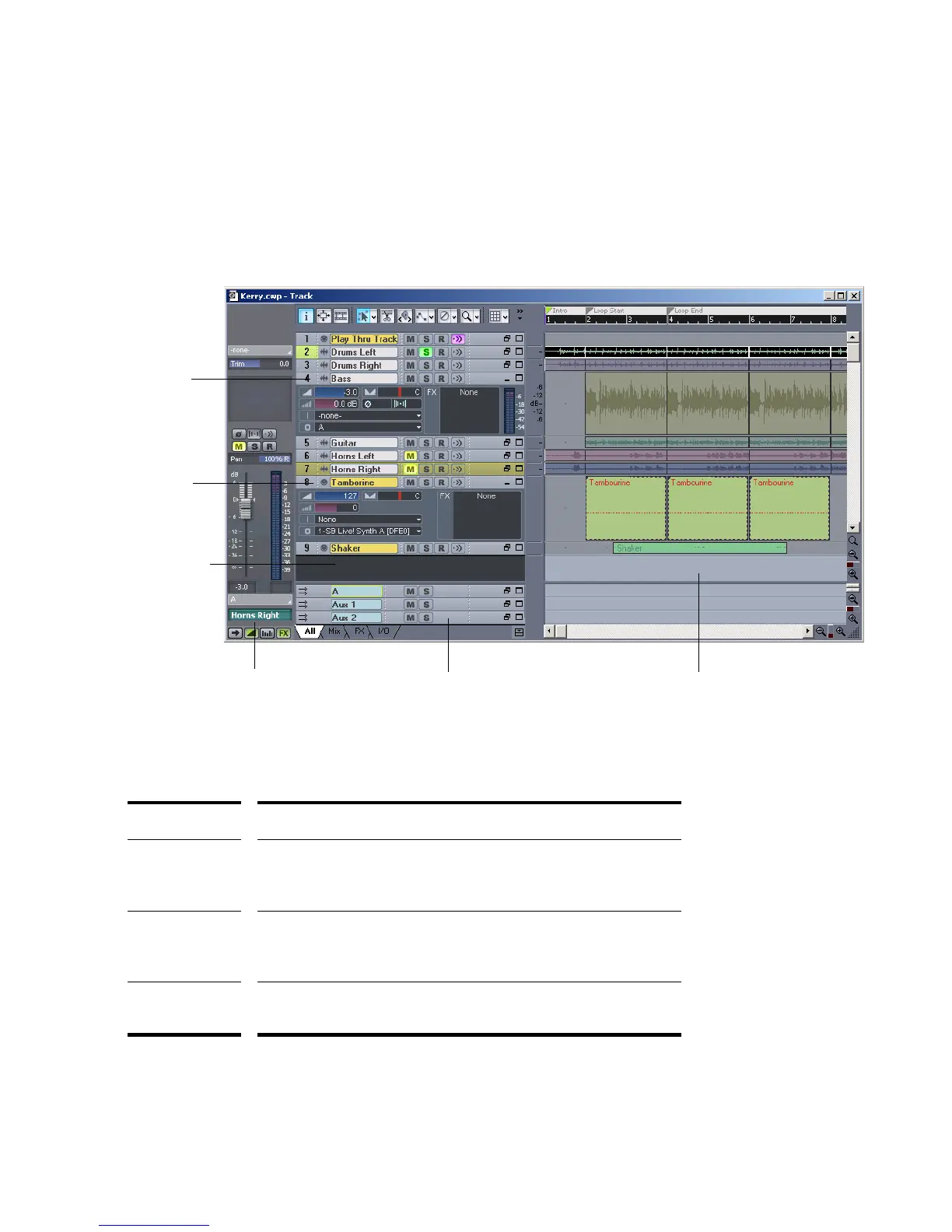
There are three types of modules in the Track view:
Track type... What you can do...
MIDI track Set the track’s output, channel, bank, and patch; set the input;
mute, solo, and arm the track; set channel volume, panning,
chorus, and reverb levels; add real-time effects.
Audio track Set the track’s output; set the input and monitor input levels; mute,
solo, and arm the track; set track volume and panning; add real-
time effects; send audio data to buses or main outs.
Bus Receive input from one or more audio tracks, add real-time effects,
and send the results to a main out or another bus.
Audio Track
MIDI Track
Track pane
Clips pane
Bus
Track/Bus Inspector
The Track View



 To Next Page