422
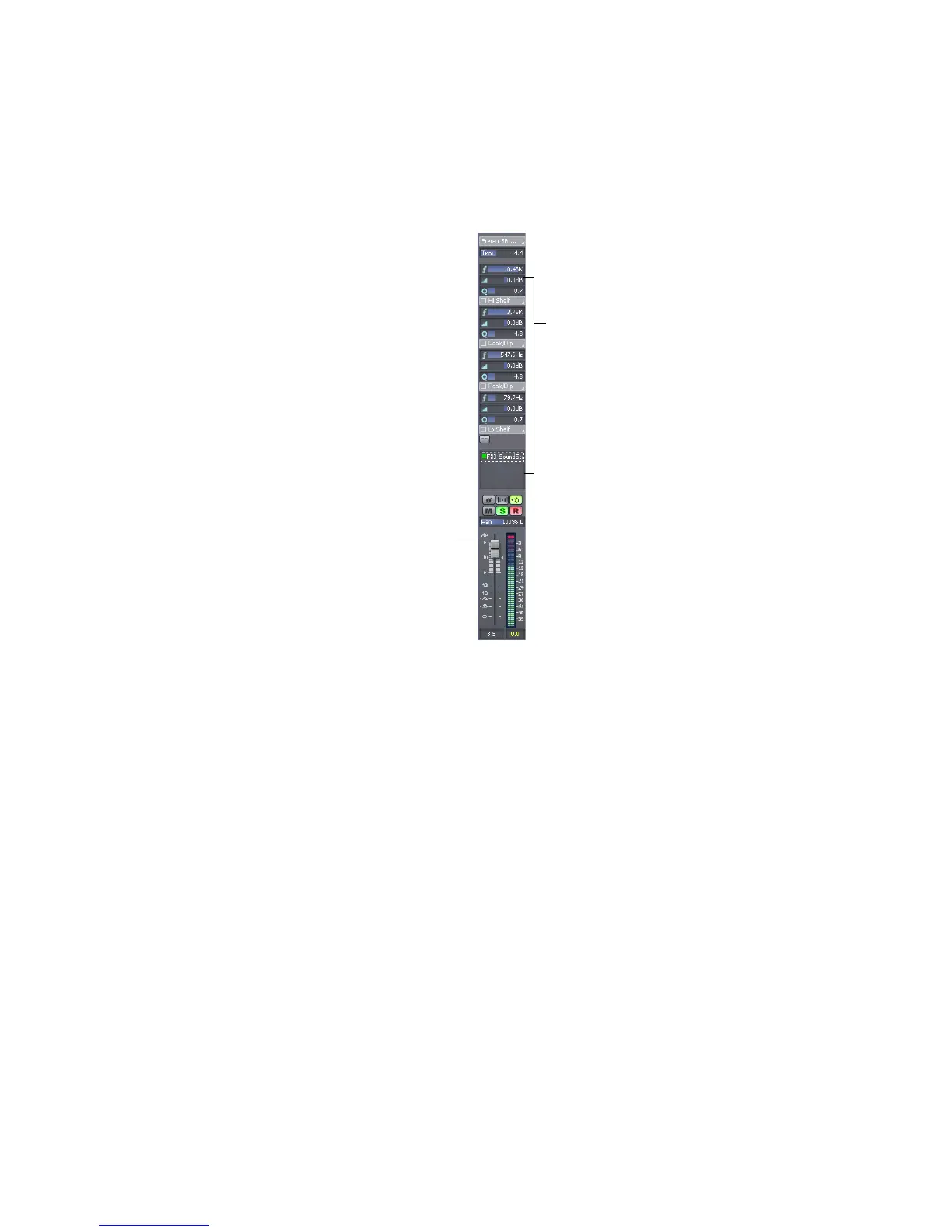
The Console view contains several different types of controls. Here’s how they are
used:
You can adjust Console view controls in the following ways:
• Click on the center of the knob and drag the mouse up or down to adjust the
knob
• Click and drag a fader up or down
• Double-click the center of the knob to return it to its snap-to position
Volume and pan faders also have snap-to positions; double-click a fader’s knob to
return the fader to its snap-to value.
Click a button to enable/disable it
Drag the
volume fader
up or down



 To Next Page