165
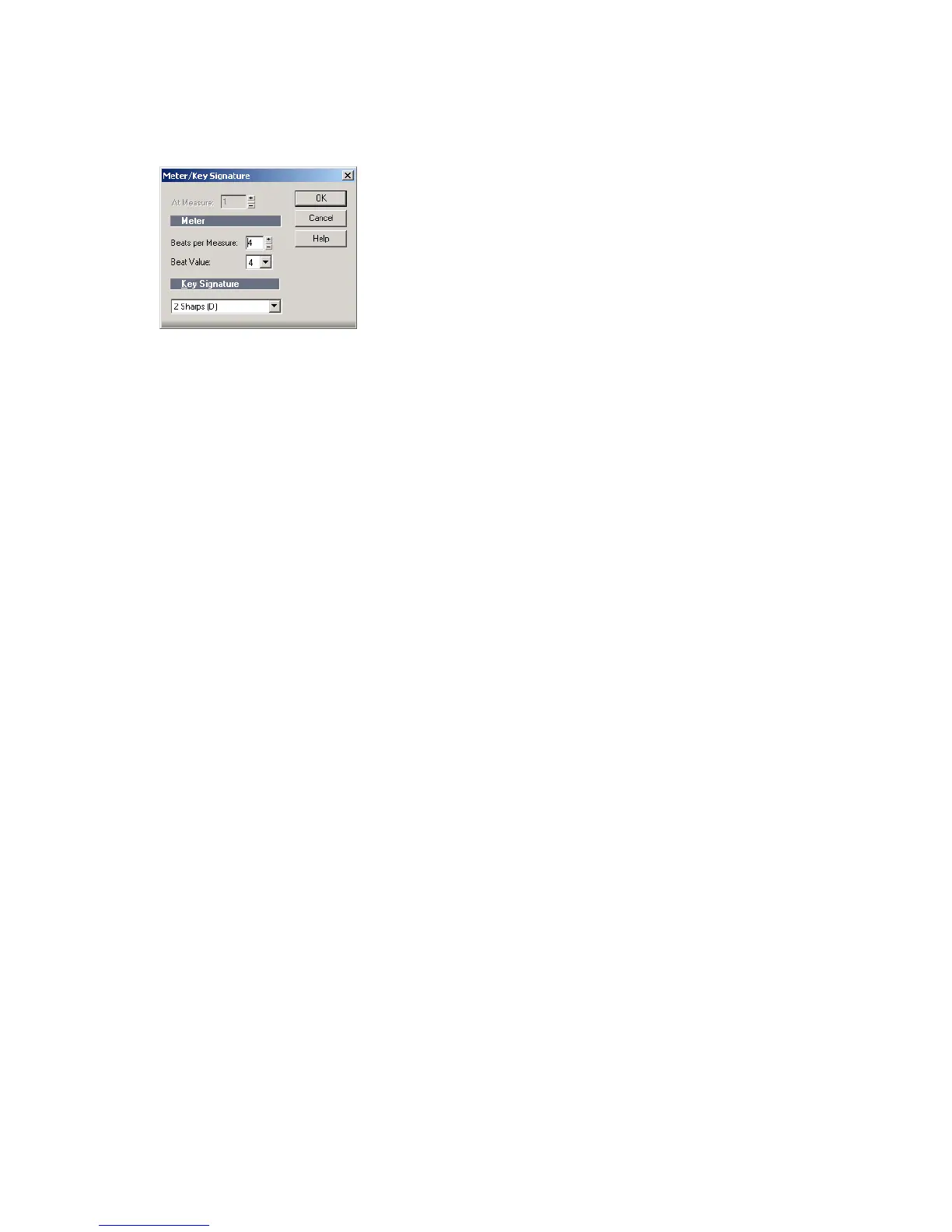
The Meter/Key Signature dialog appears.
6. Enter the top and bottom meter values in the Beats per Measure and Beat
Value fields.
7. Choose the key signature from the Key Signature list.
8. Click OK.
You can also set the meter and key signature in the Large Transport toolbar
display.
Setting the Metronome and Tempo Settings
The metronome counts off each beat in a measure, so you can hear the tempo of
your project. You can choose to have the metronome sound during recording,
during playback, or both. When you start recording, SONAR can play any number
of beats or measures of metronome clicks before recording begins. This can help
you “get in the groove” before you start performing. These beats or measures are
called the count-in.
When you create a new project, you should set the metronome to play during the
count-in and while recording. If you are adding material to an existing project, you
might only need the metronome for the count-in.
You can customize the metronome sound to use audio or any note on a MIDI
instrument. By default, SONAR uses a hi-hat cymbal sound from a General MIDI
drum kit for the MIDI metronome, but you can change this setting to anything you
like by changing the MIDI output, MIDI channel, and duration. You can also
choose the note and velocity (volume) to use for the first beat of each measure and
for all other beats. The metronome settings are stored separately with each
project, so you can use different settings for each one.



 To Next Page