257
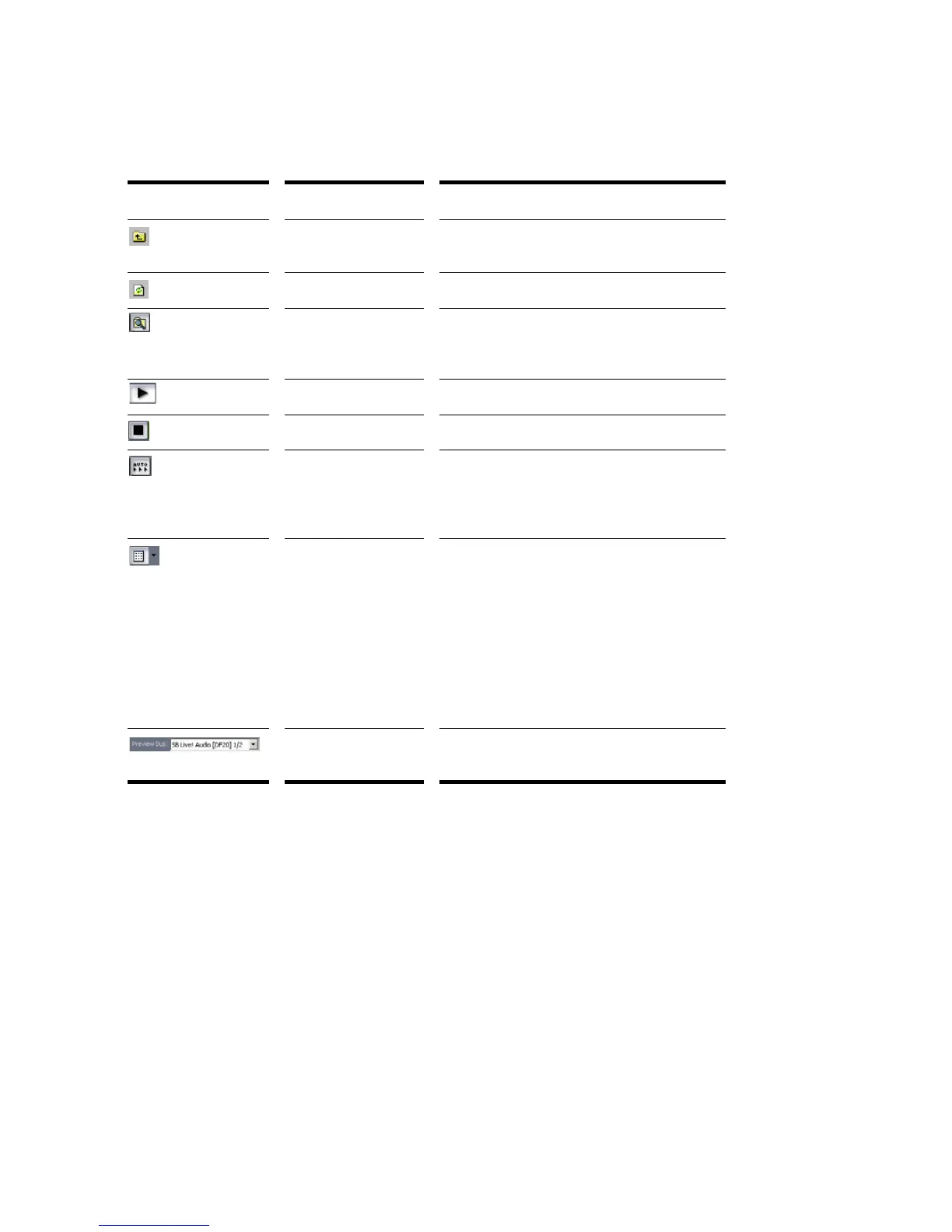
The Loop Explorer view toolbar has the following controls:
Folders Pane
The Folders pane shows all of the available files and folders in the selected drive.
Tool... Name... What It Does...
Move Up Opens the folder one level above the active
folder.
Refresh Refreshes the active folder.
Windows Explorer Opens Windows Explorer at the same
directory being viewed in the Loop Explorer
view.
Play Plays the selected media file.
Stop Stops the playback of the selected file.
Auto Preview Automatically preview files when you click on
them in the Loop Explorer view. If the
selected file is a Groove clip, it plays back in
the project tempo and key.
Views Allows you to change the way the files are
viewed in the list view:
• Large icons
• Small icons
•List
• Details—displays the file size, date and
when the file was created and last
modified
Preview Bus Select the main out through which you want
to listen to the loop.



 To Next Page