319
When the Event List view includes more than one track, events are mixed together
in chronological order. For example, if you select tracks 1 and 3 when you open the
Event List view, you see a single list of intermingled events from tracks 1 and 3.
You can have any number of Event List views, each containing any number of
tracks, open at the same time. You can change the tracks shown in the Event List
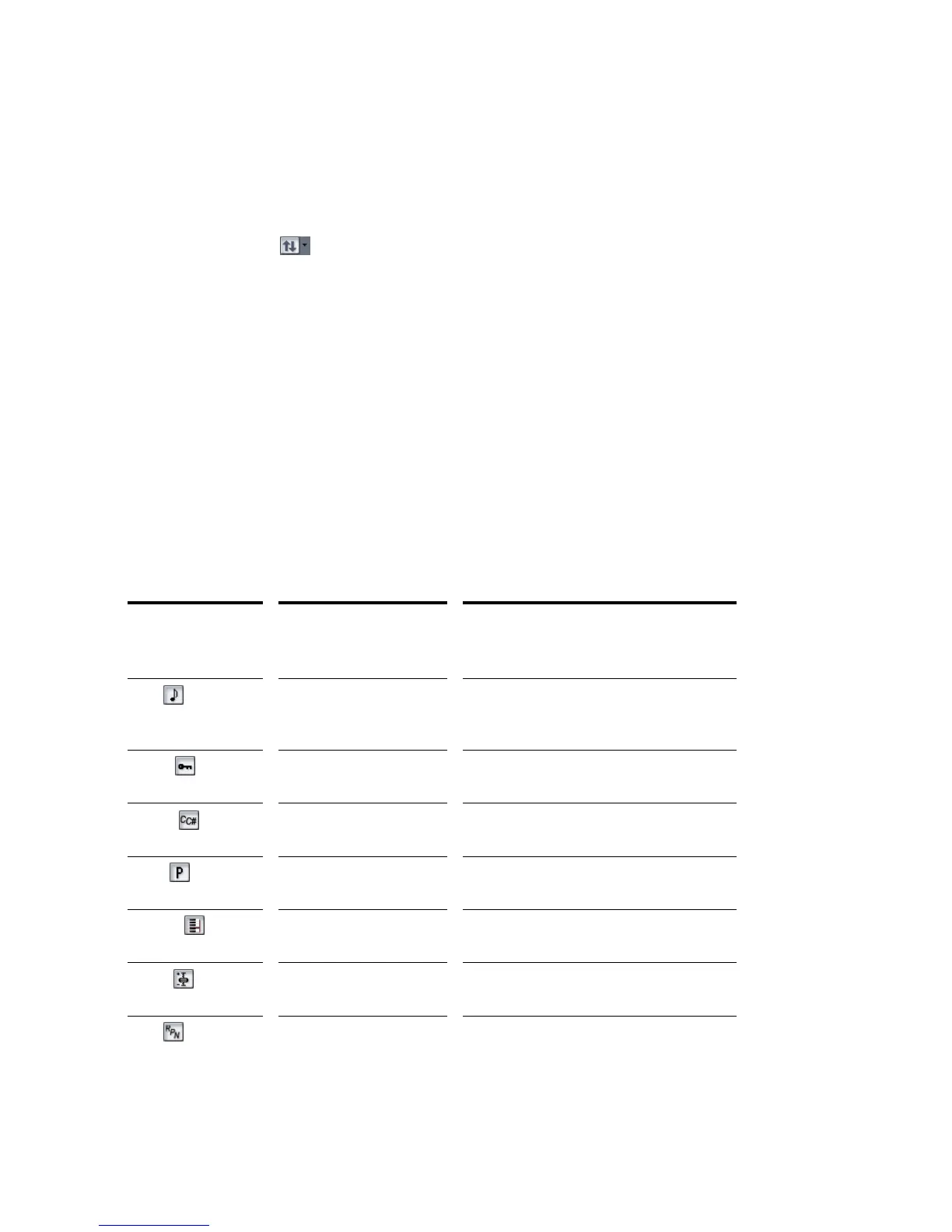
view by clicking the button and choosing the tracks you want.
Event List Buttons and Overview
Each line of the Event List view shows a single event along with all of its
parameters. There are many different types of events. All share the following
parameters:
• The time of the event, displayed in SMPTE (hours:minutes:seconds:frames)
format
• The time of the event, displayed in MBT (measures:beats:ticks) format
• The event type, or kind of event
The remaining parameters vary by event type. You can hide or show each kind of
event by clicking its button in the Event List toolbar or by checking its checkbox in
the Event Manager dialog box. Here is a summary listing of the parameters that
apply to each type of event.
Short name
and display
button...
Type of event... Parameters...
Note MIDI note Pitch (MIDI key number), velocity (0-127),
duration (beats:ticks or simply ticks), MIDI
channel (1-16)
KeyAft MIDI key aftertouch Pitch (MIDI key number), pressure amount
(0-127), MIDI channel (1-16)
Control MIDI controller change Controller number (0-127), controller value
(0-127), MIDI channel (1-16)
Patch MIDI patch change Bank select method, bank number, number
or name of the patch, MIDI channel (1-16)
ChanAft MIDI channel aftertouch Pressure amount (0-127), MIDI channel (1-
16)
Wheel MIDI pitch wheel position Wheel position (-8192 to 8191, where the
center is 0)
RPN Registered Parameter
Number
Parameter number (0-16383), parameter
value (0-16383), MIDI channel (1-16)



 To Next Page